You're evaluating PAM solutions. The vendor demos look the same. Every sales deck promises "enterprise-grade security." So how do you actually tell them apart?
After years of talking to teams evaluating PAM — from startups to Fortune 500 — here's the checklist we wish every buyer had before their first vendor call.
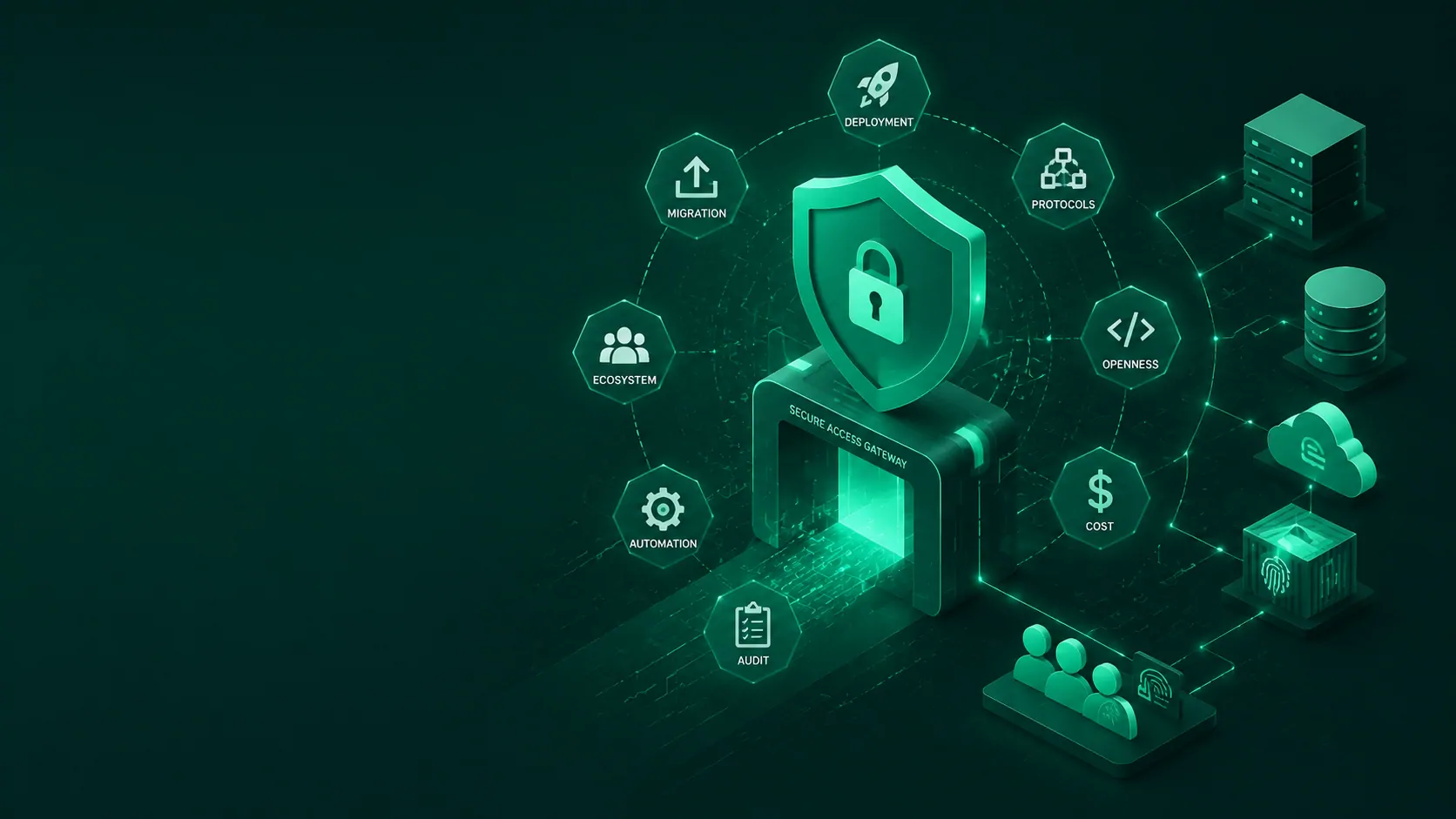
The 8-point PAM evaluation checklist:
1. Deployment time — not "how fast the installer runs," but how fast you go from zero to production.
- Can you deploy and configure it in a day, or does it take weeks of professional services?
- Does the vendor require on-site consultants, or can your team own the rollout?
Ask: "Show me a deployment timeline for an environment with 500 Linux servers, 200 Windows hosts, 20 databases."
If the answer includes "kick-off meeting," "architecture workshop," and "staging environment build-out" as separate phases — that's a 6-to-12-week project dressed as a product.
2. Protocol coverage — what you actually have, not what you wish you had.
- SSH and RDP are table stakes. What about databases — MySQL, PostgreSQL, Oracle, SQL Server, MongoDB, Redis? Web apps? Remote apps?
- Does the vendor cover your stack today, or do they expect you to standardize on their supported list?
Ask: "Can I connect to a ClickHouse instance and a PostgreSQL database through the same platform?"
Most PAM vendors built for SSH + RDP and bolted on everything else. If your stack is heterogeneous — and whose isn't? — coverage gaps become operational gaps.
3. Openness — not just "open source," but auditability and portability.
- Can you read the code that secures your infrastructure?
- Can you inspect the session recording and encryption implementation?
- If the vendor disappears tomorrow, can your team still operate the platform?
Ask: "Give me read access to your core access engine and session recording module."
Closed-source PAM means you're taking the vendor's word that their encryption works, their audit logs are complete, and there are no backdoors. For the tool that holds keys to your entire infrastructure, that's not a risk assessment — it's a leap of faith.
That said, openness isn't binary. Some platforms publish their core security engine as open source while keeping enterprise add-ons — like SSO connectors, advanced reporting, or HA modules — proprietary. The questions to ask are: are the security-critical components (access gateway, session recording, audit logging) open and auditable? And can your team continue operating the platform if the vendor relationship changes?
4. Total cost of ownership — licensing, deployment, maintenance, and the hidden line items.
- Per-asset pricing? Per-user pricing? Per-session pricing? All three models scale differently.
- Professional services fees. Training costs. Infrastructure overhead.
Ask: "What's my 3-year TCO for 2,000 assets and 200 users — with HA, SSO, and audit storage?"
Legacy PAM vendors often quote a per-asset license that looks reasonable. Then you add HA, add DR, add SSO module, add audit storage, add API access tier — and the "reasonable" number triples. Open source changes the math: a Community Edition can run at zero license cost for smaller deployments, and even the paid Enterprise tiers typically cost a fraction of what legacy vendors charge for comparable functionality.
5. Session recording and audit — the quality that auditors actually accept.
- Is it full session replay (video) or just command logs (text)?
- Can you search across sessions? Export evidence in a format auditors recognize?
- Can you integrate with your existing SIEM (Splunk, Elastic, etc.)?
Ask: "Show me a session recording from a production RDP session and the raw audit log."
Screenshot-based "recording" and grep-only search don't survive a real audit. You need full video replay, command-level filtering, and structured log export.
6. Automation and API — can your CI/CD pipeline use it?
- Does the platform have a REST API, or is everything GUI-bound?
- Can you request credentials programmatically, revoke them automatically, and log every call?
Ask: "Show me how to provision access for a new server, grant a user time-bound permissions, and retrieve the session audit log — all via API, without clicking through the GUI."
If the answer is "we have an API roadmap" — it's not API-first. And if your PAM can't be automated, your developers will work around it. They always do.
7. Community and ecosystem — who else uses it, and what happens when you get stuck?
- Is there an active open-source community, or are you dependent on a support contract?
- Can your team look at GitHub issues, discussions, and release notes to understand what's coming and what the community is asking for?
Ask: "How many active community members — users filing issues, answering questions, sharing deployment experiences — engage with the project monthly?"
A closed ecosystem means the vendor controls your upgrade path, your feature requests, and your security patches. An open community means the roadmap is public, issues are tracked transparently, other users have likely solved the problems you'll encounter, and you're not alone when something breaks.
8. Migration path — can you actually get there from here?
- How easy is it to start small — to trial the platform with a subset of your infrastructure before committing?
- Can you run in parallel with your existing solution during evaluation, or do you need a hard switch?
Ask: "Can I deploy your platform alongside my current PAM, migrate 10 servers first, validate for a week, then expand incrementally — without disrupting existing access workflows?"
If the vendor insists on a big-bang cutover with no parallel-run option, they're prioritizing their onboarding metrics over your operational safety. A platform that respects your risk profile lets you phase the adoption — start with non-critical systems, validate, then expand.
How most teams score — a rough field observation
| Dimension | Legacy PAM vendors (CyberArk, BeyondTrust) | Open-source PAM (JumpServer) |
|---|---|---|
| Deployment time | 6–12 weeks | 30 minutes (Docker Compose) |
| Protocol coverage | SSH + RDP + some DBs | 14+ protocols (SSH, RDP, 9 database types, web apps, remote apps) |
| Openness | Closed source | Core engine GPL-3.0 open source; Enterprise X-Pack features closed-source |
| TCO (3yr, 2K assets) | 200K–500K+ | Community Edition: $0 (up to 5K assets); Enterprise Edition: significantly lower than legacy PAM |
| Session recording | Varies (some text-only) | Full video replay, command filtering, SIEM export |
| API / automation | GUI-first, API often extra cost | Full REST API in Community Edition |
| Community | Vendor-controlled | 30K+ GitHub stars, 500K+ deployments, active issue tracker and community discussions |
| Migration path | N/A (you're usually on it) | Parallel deployment supported; phased, incremental adoption approach |
Every team weights these differently. A CISO at a bank cares most about audit (#5) and migration (#8). A platform engineer at a startup cares most about automation (#6) and deployment speed (#1). An IT director at a mid-market company cares most about TCO (#4) and protocol coverage (#2).
There's no single "best" PAM. There's the PAM that matches your team's actual constraints — budget, timeline, skill set, and compliance requirements.
Our advice: run the checklist before the demo.
Take these 8 questions, send them to your shortlist, and require written answers. The ones who answer with specifics and evidence will surface themselves. The ones who dodge or defer? That's also a signal.
JumpServer Community Edition (GPL-3.0, free for up to 5,000 assets) ships with 14+ protocols, full session recording, REST API, and audit logging — everything in the checklist above. Enterprise X-Pack adds SSO, multi-tenancy, HA, and advanced policy automation for organizations running at scale.