
Connecting to Web Assets in JumpServer V5: Built-in Browser, No Windows Host Required
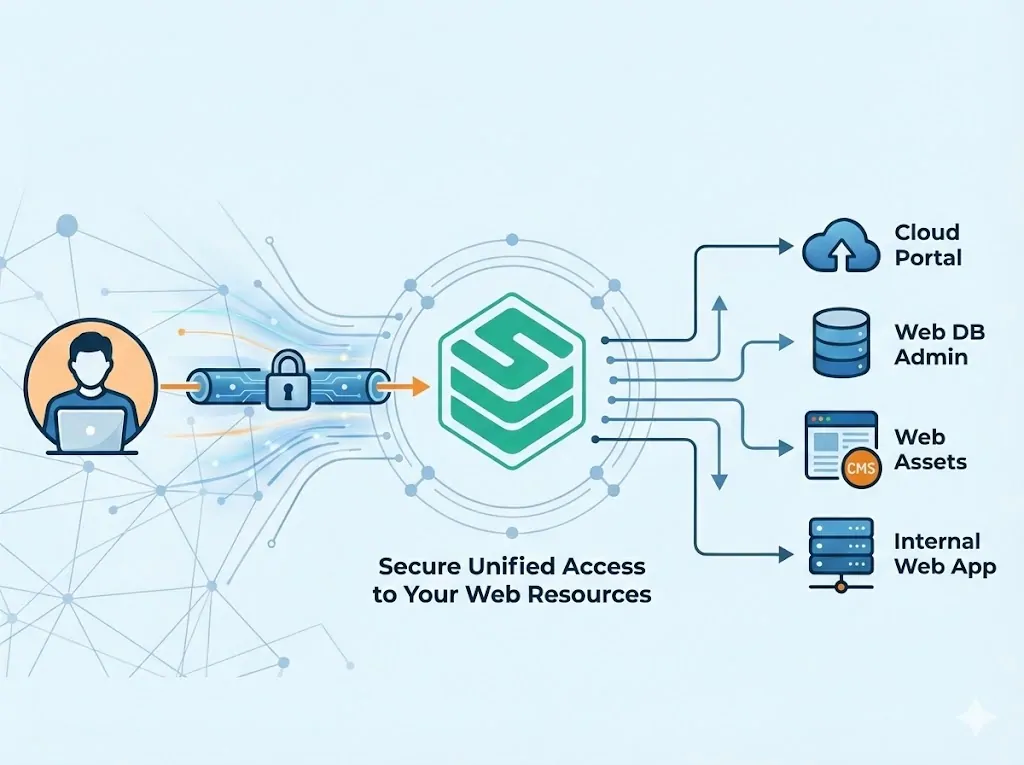
JumpServer V5 adds a built-in browser to its native client, so operators open web dashboards and admin consoles directly, with no Windows relay host to stand up.
Hands-on JumpServer tutorials for setup, integration, and day-to-day privileged access workflows.
16 articles
JumpServer V5 adds a built-in browser to its native client, so operators open web dashboards and admin consoles directly, with no Windows relay host to stand up.
A step-by-step guide to managing AWS IAM accounts and opening the AWS Management Console through JumpServer, with automated account discovery, password rotation, and verification on a custom AWS Console platform.
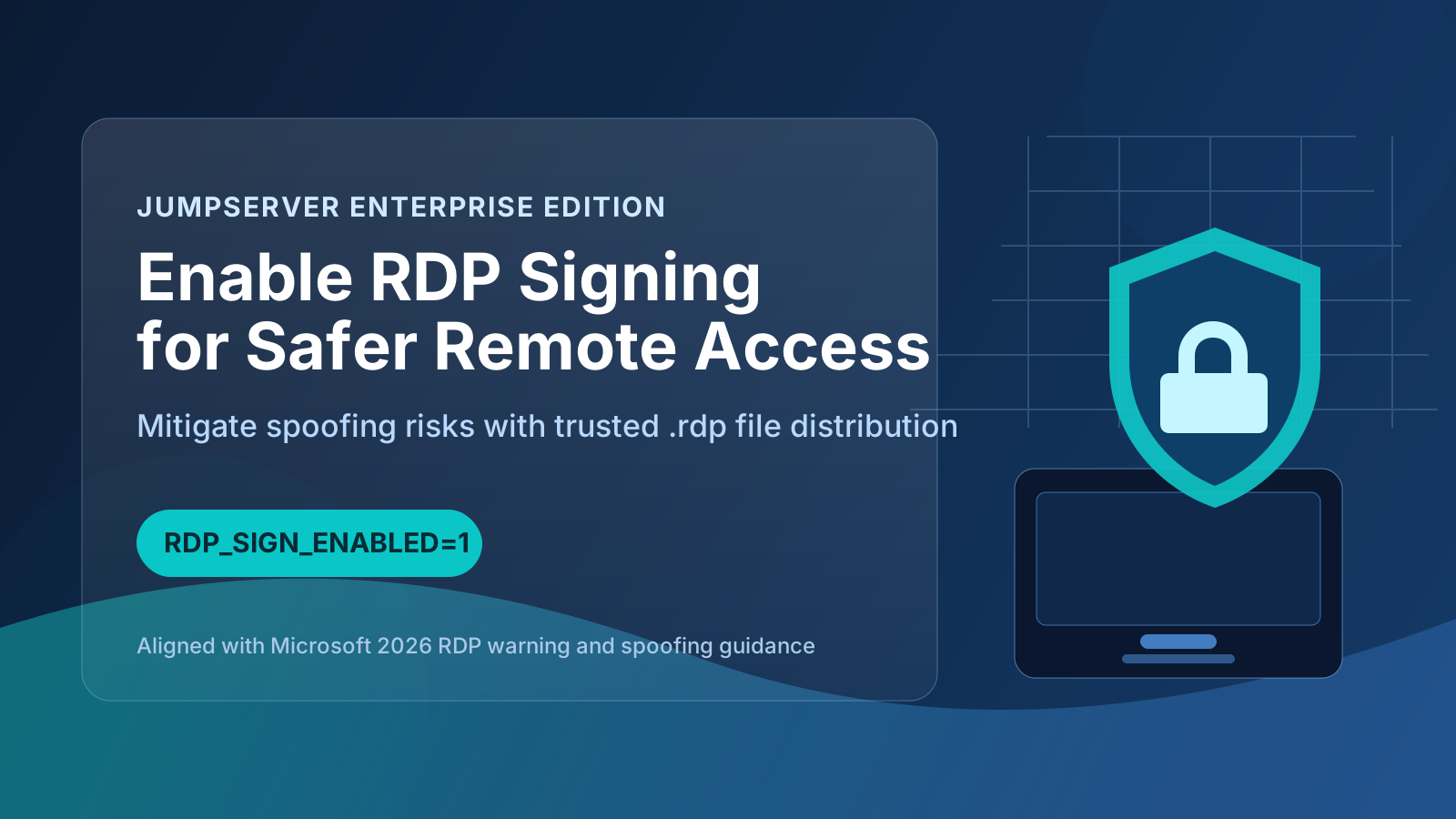
Enable RDP signing in JumpServer EE using RDP_SIGN_ENABLED=1 to improve RDP file integrity, reduce spoofing risk, and align remote access hardening with Microsoft security guidance.
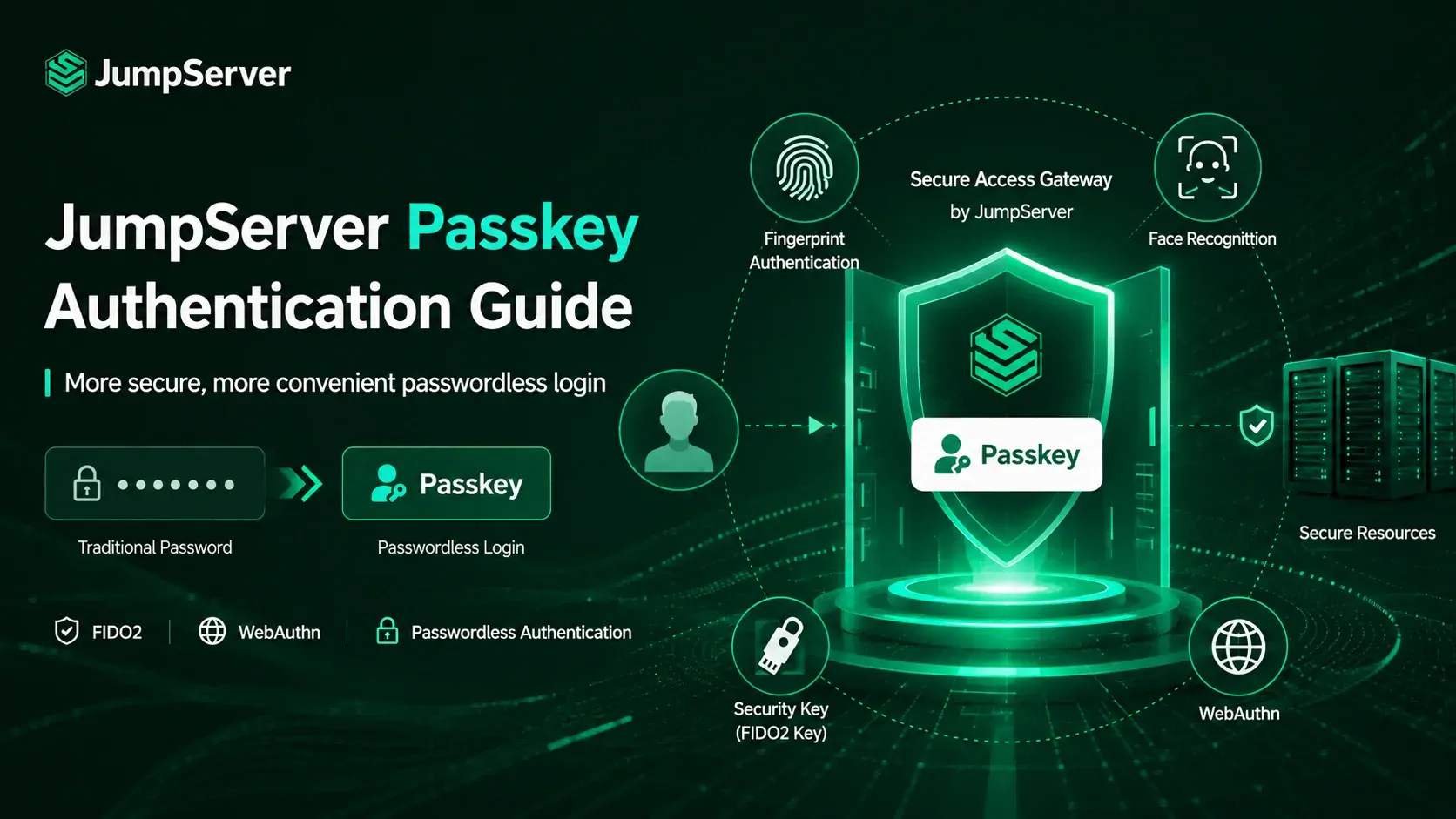
Step-by-step guide to enabling FIDO2 Passkey authentication in JumpServer — configure admin settings, register user passkeys, and sign in without passwords using WebAuthn and biometric verification.
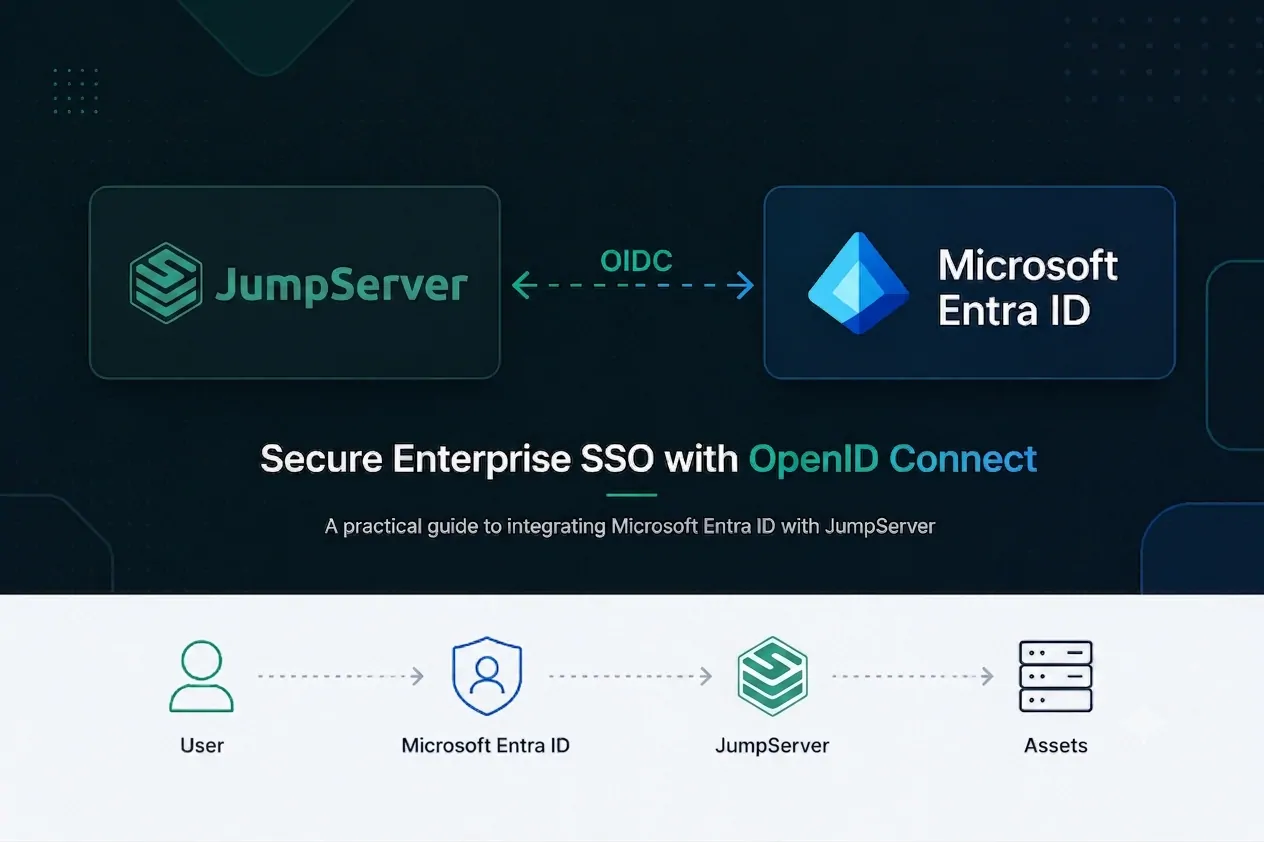
Step-by-step guide to integrating JumpServer with Microsoft Azure Entra ID (Azure AD) using OpenID Connect (OIDC) for enterprise single sign-on.
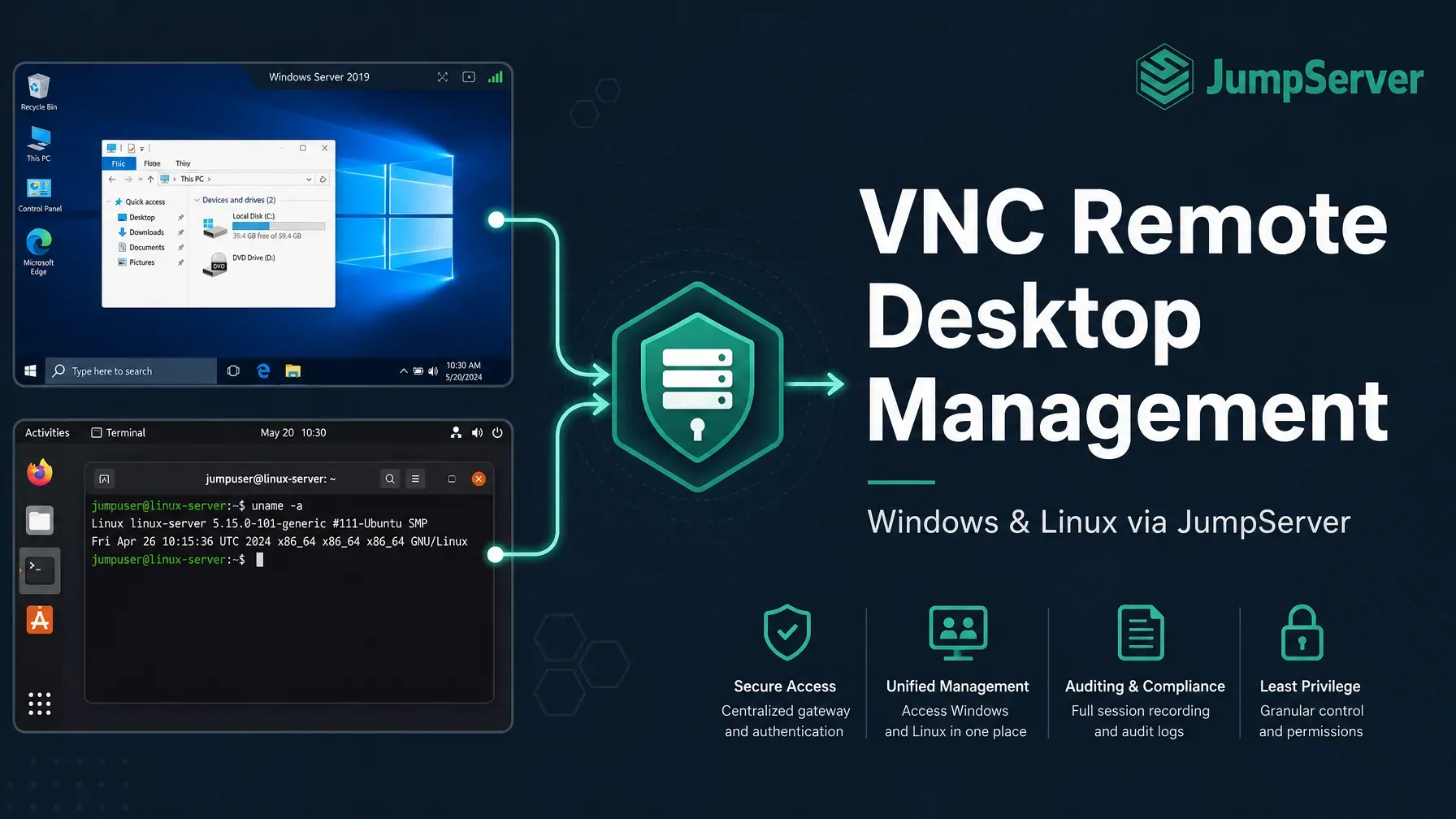
A step-by-step guide to managing VNC remote desktop access for Windows and Linux assets using JumpServer, the open-source PAM platform. Covers TightVNC setup on Windows, TigerVNC configuration on Linux (CentOS), and centralized access governance.
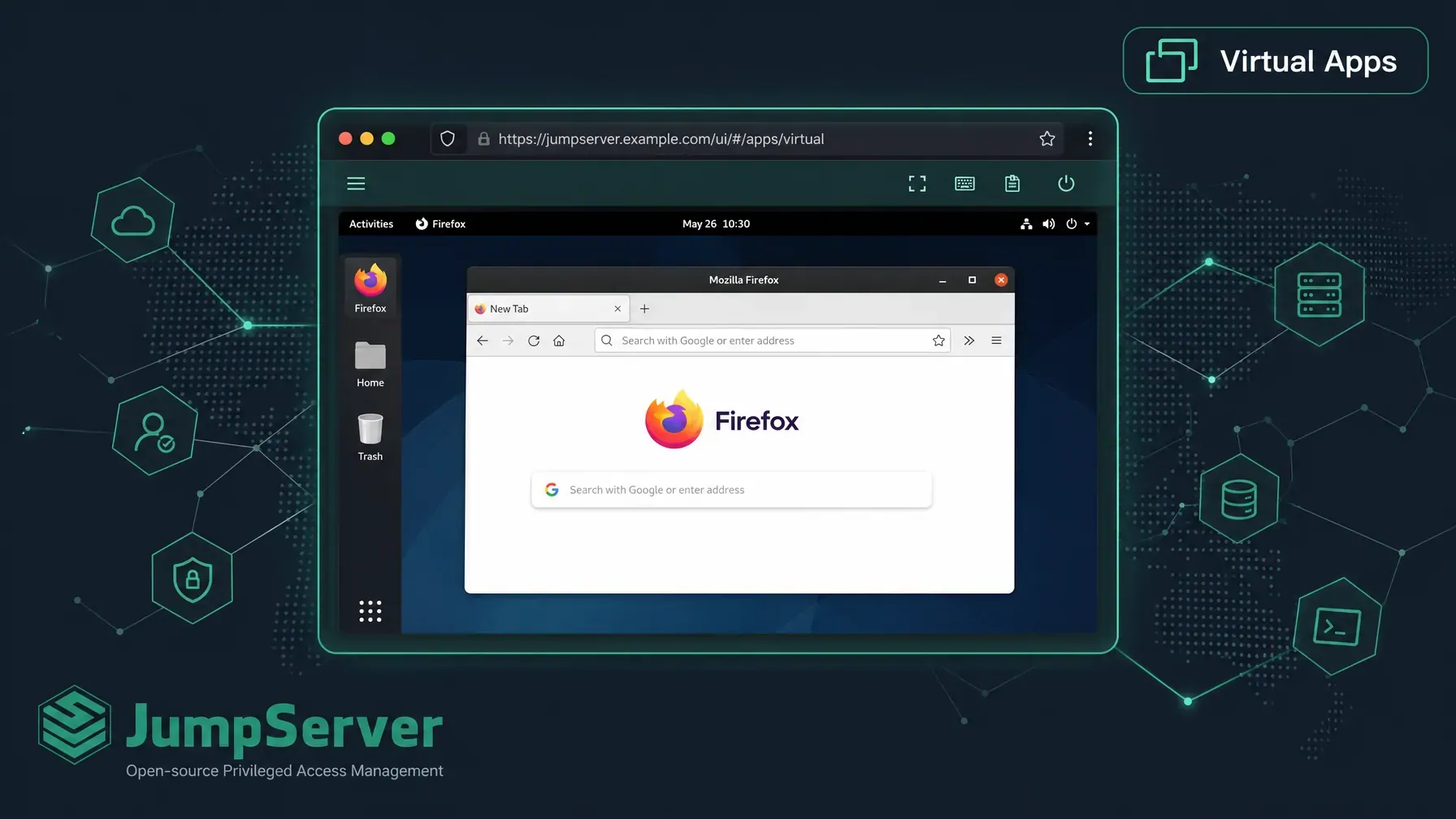
Learn how to configure JumpServer Virtual Applications step-by-step using either Integrated or External Deployment modes, and give your users browser-based access to privileged desktop apps through the Web Terminal.
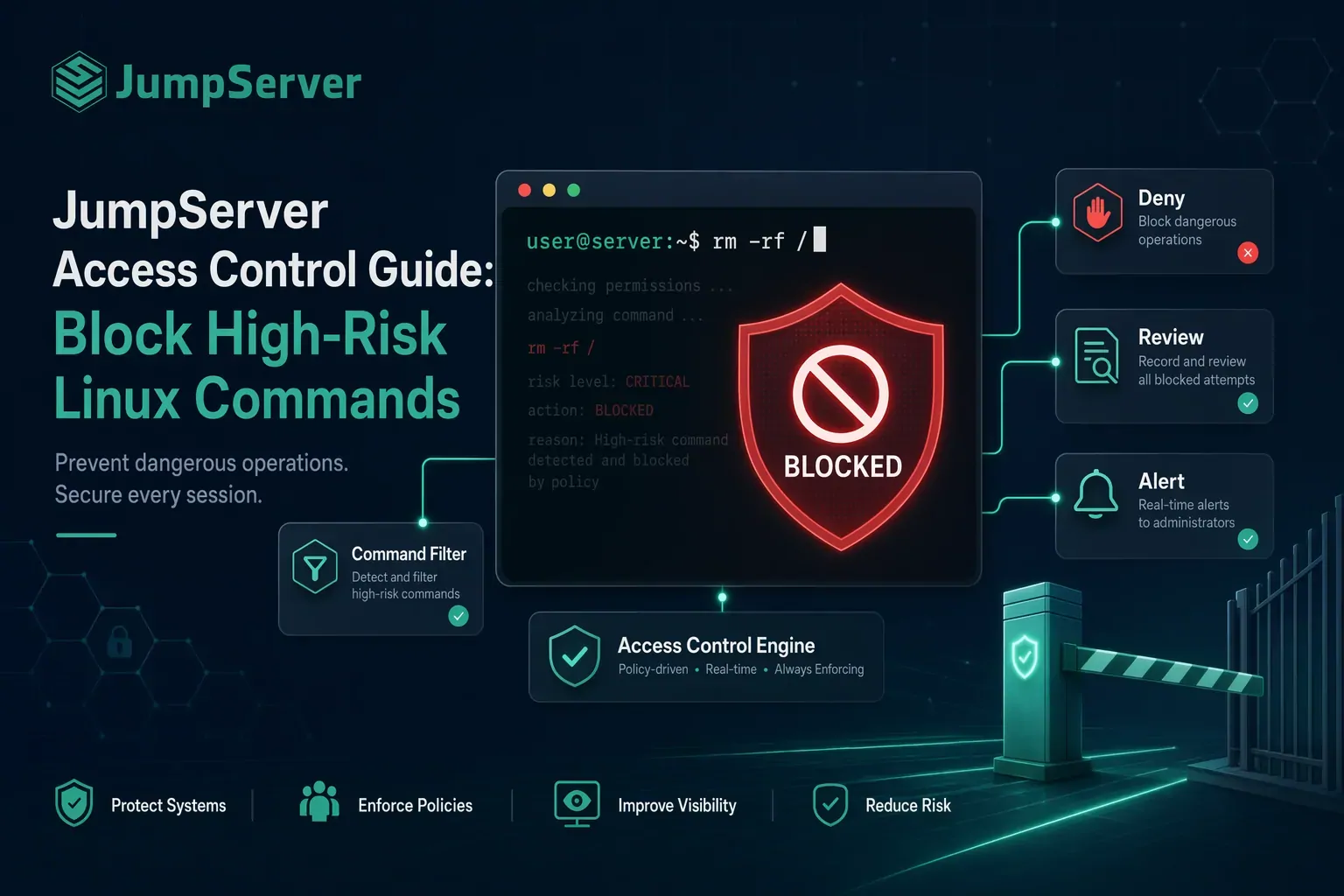
A practical guide to blocking high-risk commands in JumpServer with command filters, priority rules, and 226 ready-to-use regex patterns for Linux, Windows, database, and network device assets.
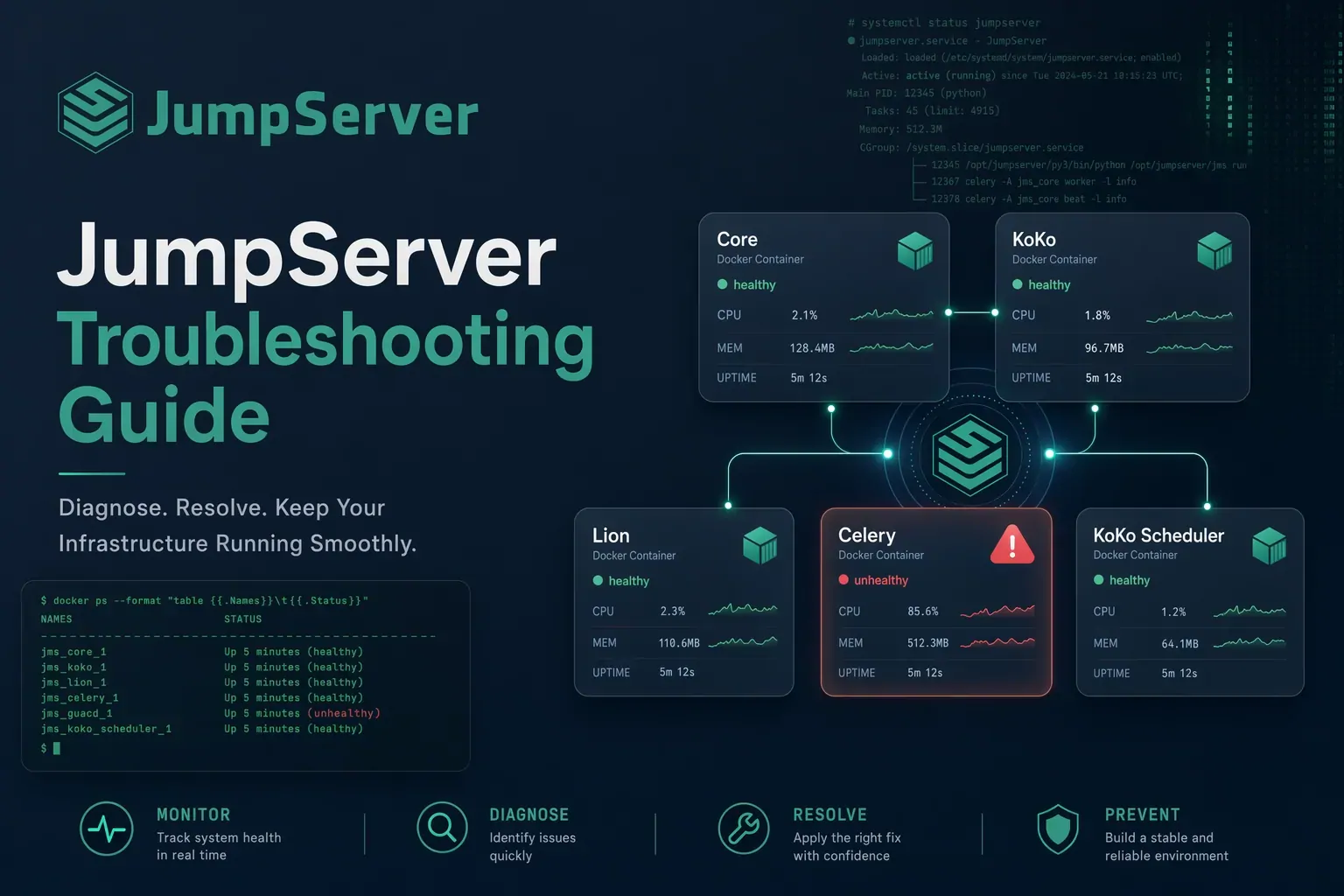
A practical JumpServer troubleshooting guide covering Core startup failures, web page errors, login issues (password reset, account lockout, MFA reset, LDAP), and privileged user connection problems.