

Create group
About group
In JumpServer, a group is a collection of users who share common characteristics or roles. Groups help administrators efficiently manage permissions, access control, and resource allocation by organizing users into logical units.
Create group
1
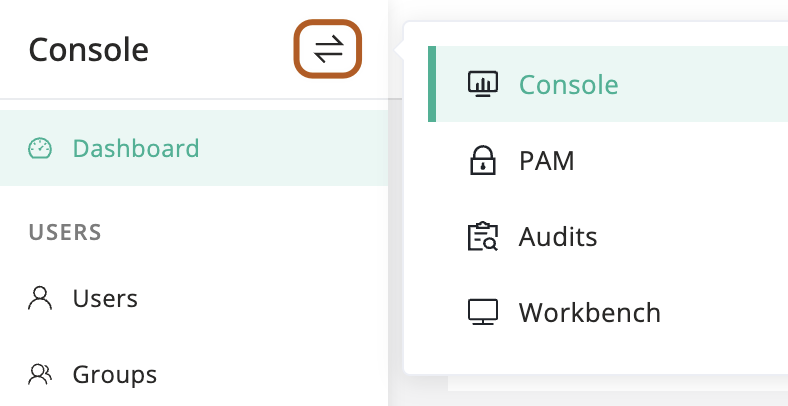
At the top-left of the page, select , then click Console.
2
In the left menu, under the USERS section, click Groups.
3
Click + Create.
4
In the Name field, type group name.
5
In the Users field, select users to be added to the group.
6
In the Description field, type a description for the group.
7
Click Submit.