

Reset user MFA
When a user cannot log in due to a lost MFA, the administrator can reset MFA for the user.
1
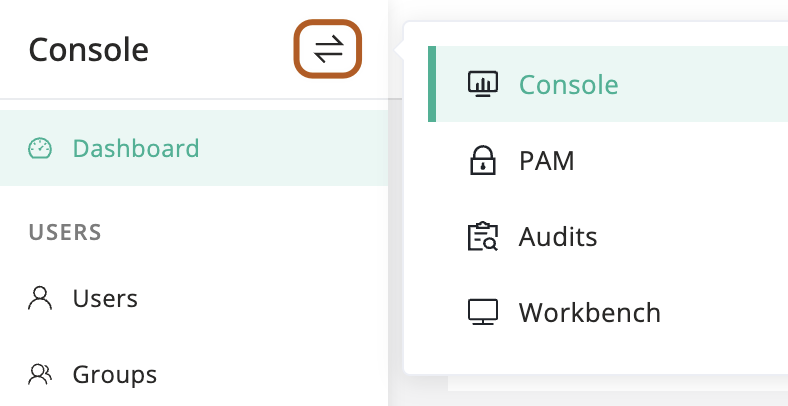
At the top-left of the page, select , then click Console.
2
In the left menu, click Users.
3
In the user table, click the name of the user you want to reset.
4
On the user details page, click Basic tab.
5
In the Quick update card, find the "Reset mfa" section and click Reset.