

Edit user
The edit user feature is used to modify user information, manage permissions, and control account status, helping administrators easily maintain users and manage system access.
Edit a user
1
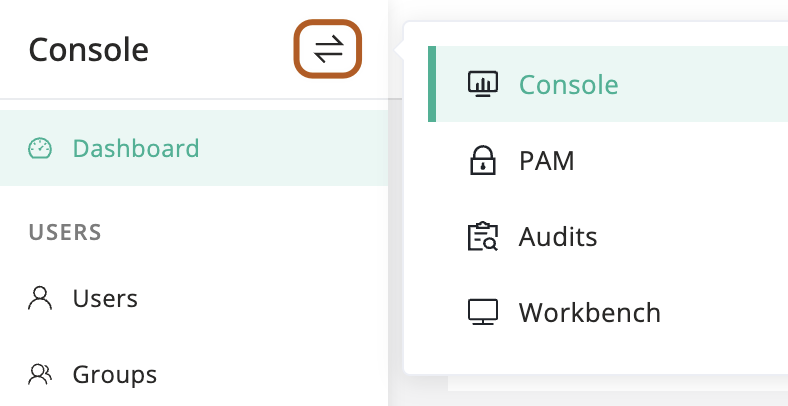
At the top-left of the page, select , then click Console.
2
In the left menu, under the USERS section, click Users.
3
In the user table, find the user that you want to edit.
4
In the Actions column, click Edit.
5
Modify user information. About user parameters, see User parameters reference.
6
Click Submit.
Bulk edit users
1
At the top-left of the page, select , then click Console.
2
In the left menu, click Users.
3
In the user table, check the users you want to edit.
4
Above the table, select Actions button, then click Edit selected.