

Enable or disable users
For security, users who haven’t logged in for a long time are disabled. For more information about the configuration guide, see Auto disable threshold (day).
Enable or disable a user
1
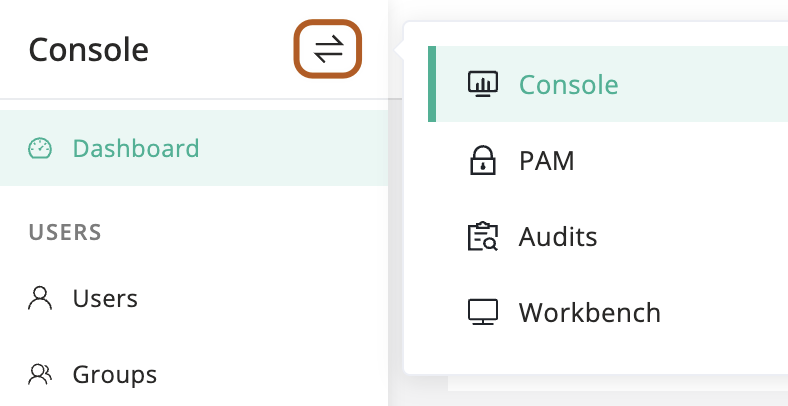
At the top-left of the page, select , then click Console.
2
In the left menu, click Users.
3
In the user table, click the name of the user you want to enable or disable.
4
On the user details page, click Basic tab.
5
In the Quick update card, turn on/off the "Active" toggle to enable or disable the user.
Bulk enable or disable users
1
At the top-left of the page, select , then click Console.
2
In the left menu, click Users.
3
In the user table, check the users you want to enable or disable.
4
Above the table, select Actions button, then click Activate selected or Disable selected.