

Reset user SSH Key
Reset user SSH Key does not directly reset the key. It only sends an email to the user with instructions on how to set up their SSH Key.
1
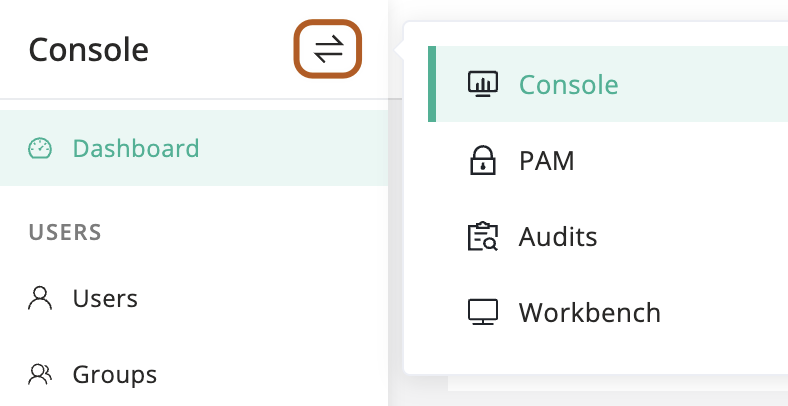
At the top-left of the page, select , then click Console.
2
In the left menu, click Users.
3
In the user table, click the name of the user you want to reset.
4
On the user details page, click Basic tab.
5
In the Quick update card, find the "Reset ssh key" section and click Send.
6
Confirm the information and click OK.
7
A reset SSH key email will be sent to the user by the system.
8
In the email, the user clicks the Click here set link to open the SSH key page.
9
The user can add or delete SSH keys.