

View users in the group
You can view all users belonging to a specific group in JumpServer. This helps administrators manage group memberships and ensure that users have the appropriate access and permissions based on their group affiliations.
1
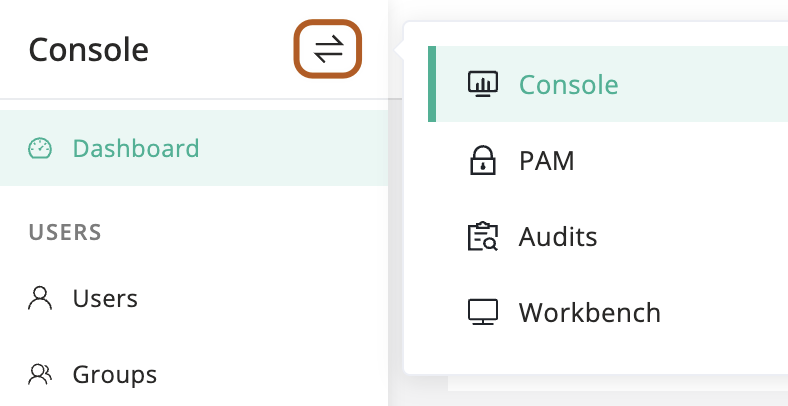
At the top-left of the page, select , then click Console.
2
In the left menu, under the USERS section, click Groups.
3
In the group table, click the name of the group whose users you want to view.
4
On the group details page, click the Users tab to see the list of users in the group.