

View user related resources
View assets authorized to the user
At the top-left of the page, select , then click Console.
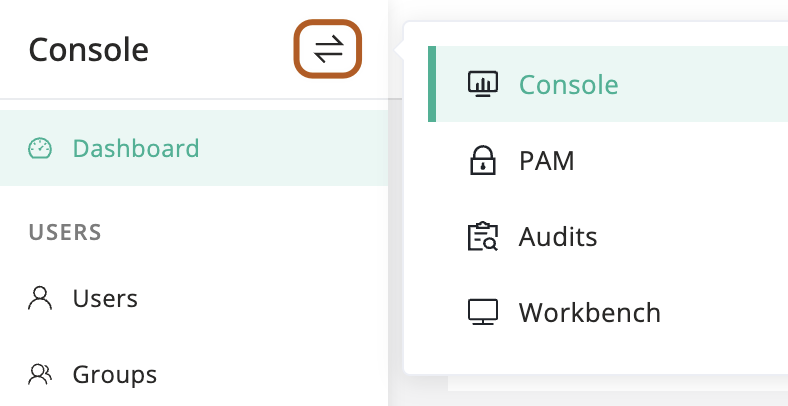
In the left menu, click Users.
In the user table, click the name of the user you want to view.
On the user details page, click Authorized assets tab.
View the user's authorizations
At the top-left of the page, select , then click Console.
In the left menu, click Users.
In the user table, click the name of the user you want to view.
On the user details page, click Authorization rules tab.
View the user’s asset sessions
At the top-left of the page, select , then click Console.
In the left menu, click Users.
In the user table, click the name of the user you want to view.
On the user details page, click Asset sessions tab.
View the user’s activity logs
At the top-left of the page, select , then click Console.
In the left menu, click Users.
In the user table, click the name of the user you want to view.
On the user details page, click Activities tab.