

Import license
Enterprise Edition
Enterprise license management
Requires JumpServer Enterprise Edition. Activate JumpServer Enterprise Edition to unlock advanced PAM capabilities, X-Pack enhancements, and commercial support.
This topic describes how to import the license for the enterprise edition of JumpServer.
1
In the right area of the top navigation bar, click .

2
Navigate to the System settings > License.
3
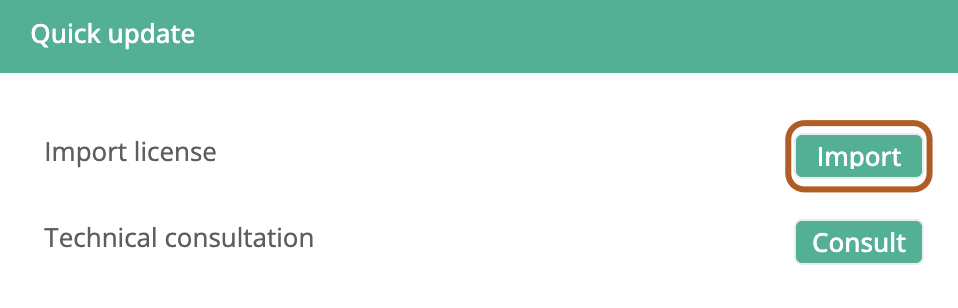
In the "Quick update" section on the right side of the page, locate the "Import license" option and click the "Import" button.
4
In the "Import license" dialog box, click the "Choose file" button to select the license file.
5
Click Confirm.