

Integrations
JumpServer integrates with external systems through a small set of supported surfaces: the REST API for automation, notification channels for outbound messages, Syslog for log collection, and PAM integration applications for controlled account access.
Integration surfaces
REST API
The REST API is the primary integration surface. Use it when an external system must read or change records on demand:
- Base path:
/api/v1/ - Documentation:
/api/docs/and/api/swagger.json - Authentication: session, access key, private token, or OAuth2
- Pagination:
limitandoffset
See REST API for authentication and endpoint groups.
Notification channels
JumpServer sends account, authorization, security, and monitoring messages through email and SMS, and lets users subscribe to in-site or email alerts.
- Open System Settings > Notifications.
- Configure Email for transactional messages.
- Configure Message (SMS) when SMS verification or password recovery is required.
- Configure Subscription to select message types and recipients.
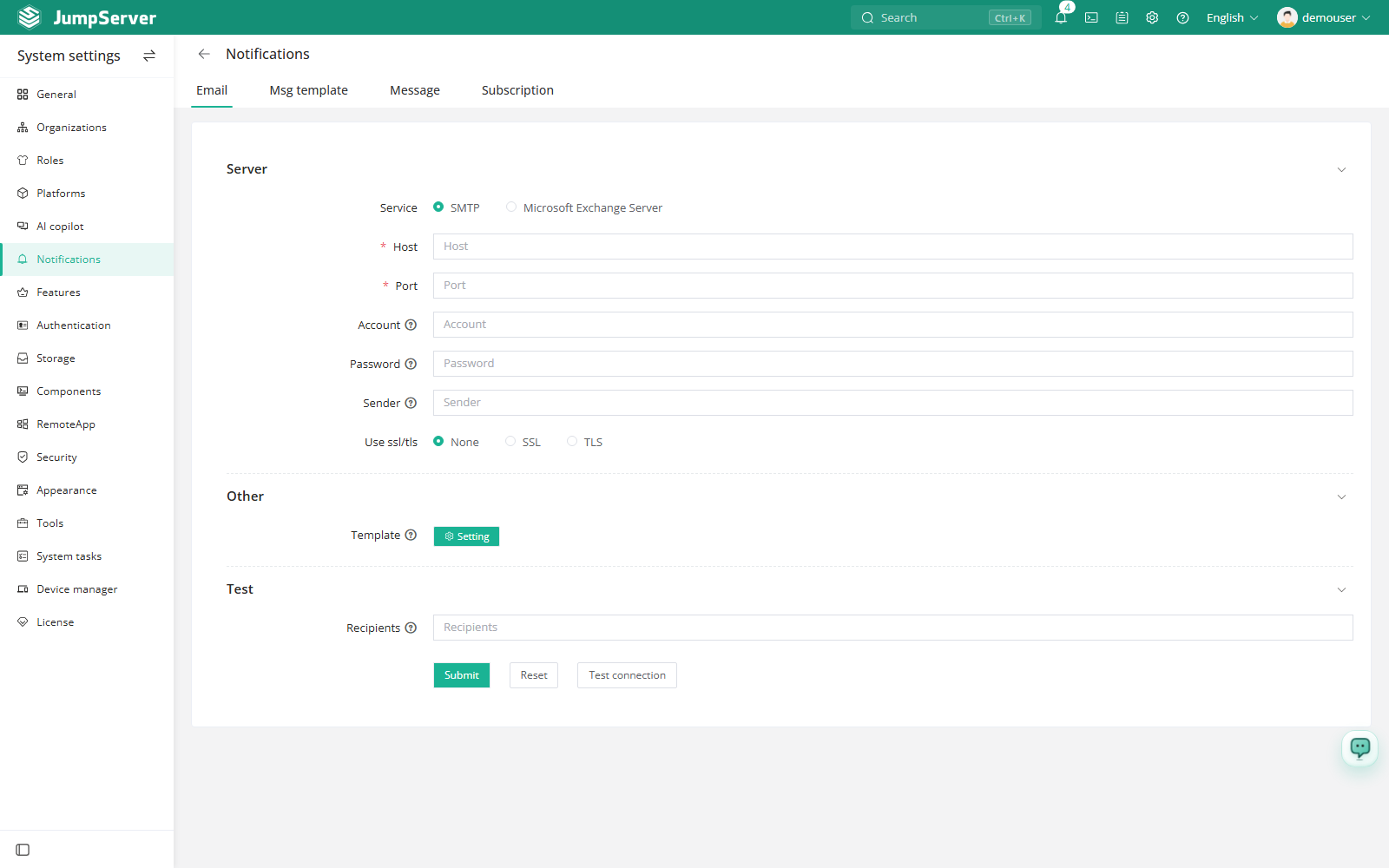
See System Settings > Notifications for the full configuration reference.
Syslog
Application logs can be sent to an external Syslog server through the deployment configuration:
SYSLOG_ADDR— Syslog server addressSYSLOG_FACILITY— Syslog facilitySYSLOG_SOCKTYPE— socket type
These values belong to the deployment configuration and require a service restart. See Configuration and Command-Line Tools.
PAM integration applications
PAM integration applications expose account credentials to external systems through a controlled API, without giving those systems direct access to the credential store.
- Open PAM > Integration > Applications.
- Create an application and select the accounts it may access.
- Distribute the application credentials to the consuming system.
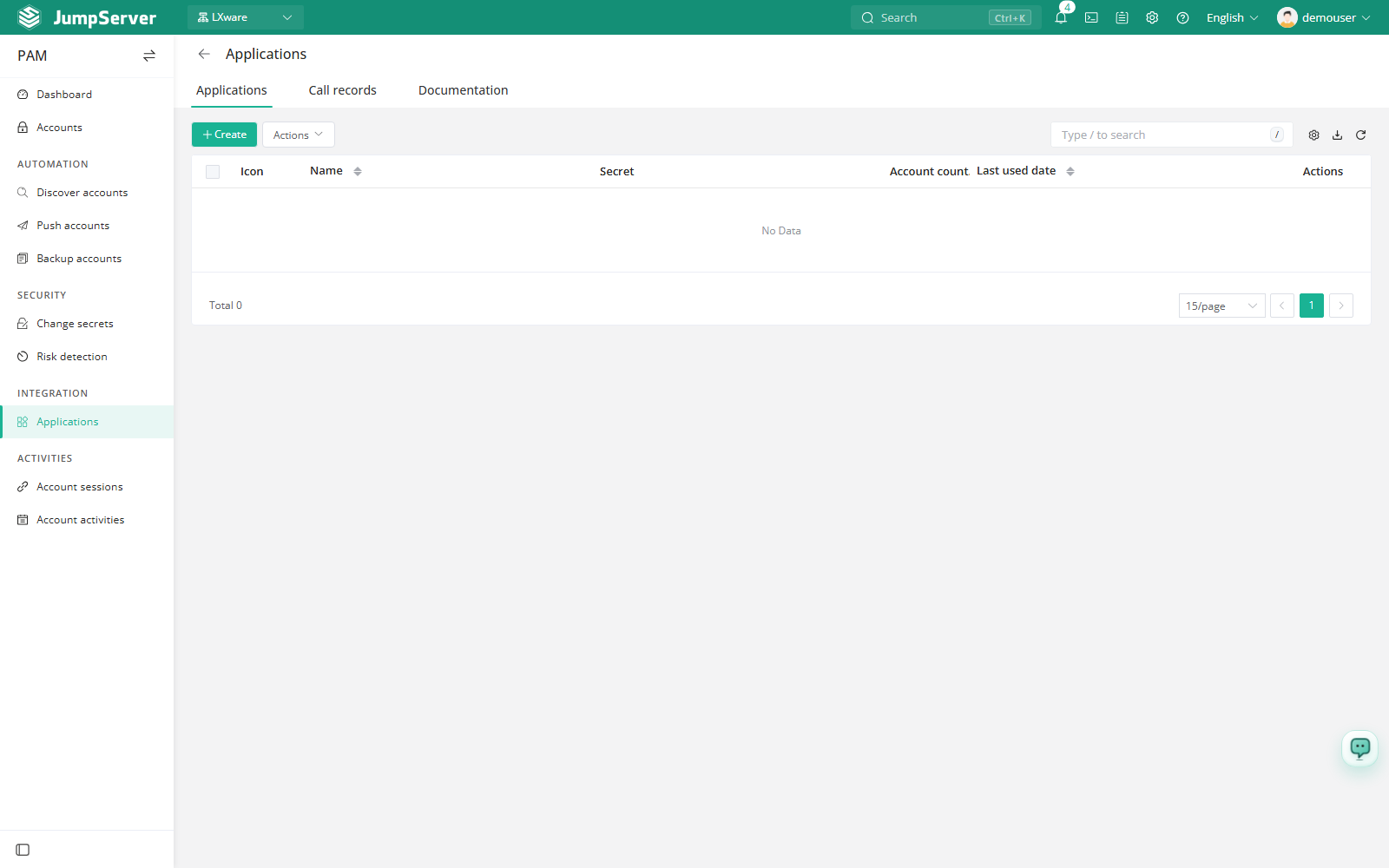
See PAM > Applications for the application workflow.
Authentication providers
For inbound identity integration, configure LDAP, CAS, OIDC, SAML2, OAuth2, or a supported social provider under System Settings > Authentication. See Authentication.
Notes
- Use HTTPS for every external integration and store credentials outside source control.
- Prefer a dedicated service account with the minimum required permissions for API and PAM integrations.