

Clipboard
Clipboard controls whether users can copy from or paste into a connected asset, and it can cap the amount of text and the size of files moved through the clipboard. Rules match users, assets, and accounts, so restrictions can be narrower than the asset authorization itself.
Open the page from Console > ACLs > Clipboard.
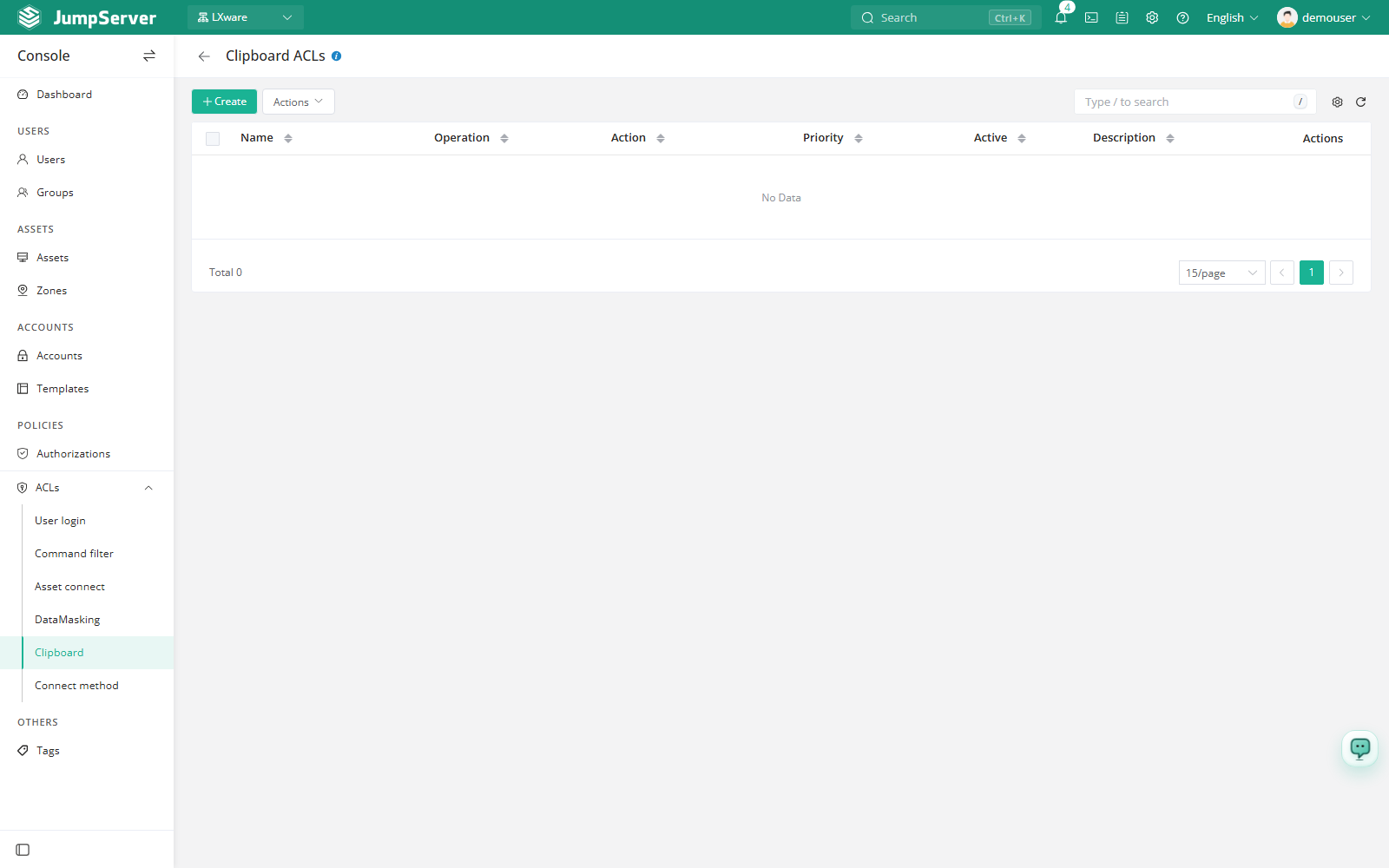
Overview
The page title is Clipboard Control. Each rule selects the clipboard operations to manage (copy, paste), optional limits, and the action applied when the rule matches. Rules are scoped to the current organization and are evaluated by priority, where a lower number is matched earlier.
Before you begin
- Sign in with an account that can manage ACLs.
- Decide whether the rule should restrict copying, pasting, or both.
- If you plan to enforce limits, confirm the expected size units with the asset owners: text limits are measured in characters and file limits in MB.
Create a clipboard control
Click Create.
In the Create clipboard control drawer, fill in the fields below.
Click Submit.
Field reference
Example configurations
With Action: Reject, the selected operations are blocked for every matched connection. Leave the limits at 0 only when unlimited clipboard usage is acceptable, and test a reject rule on a small user group before enabling it broadly.