

Installation
Install JumpServer Client from the download page on your JumpServer server so the client version matches the server version.
Download the client
- Open
https://<jumpserver-host>/core/download/in a browser. - Confirm the client version shown at the top of the page.
- Download the package for your platform:
- Windows Intel/AMD x64:
.exe - macOS Apple silicon:
.dmg - Linux, macOS Intel, and other builds: use Go to GitHub on the same page.
- Windows Intel/AMD x64:
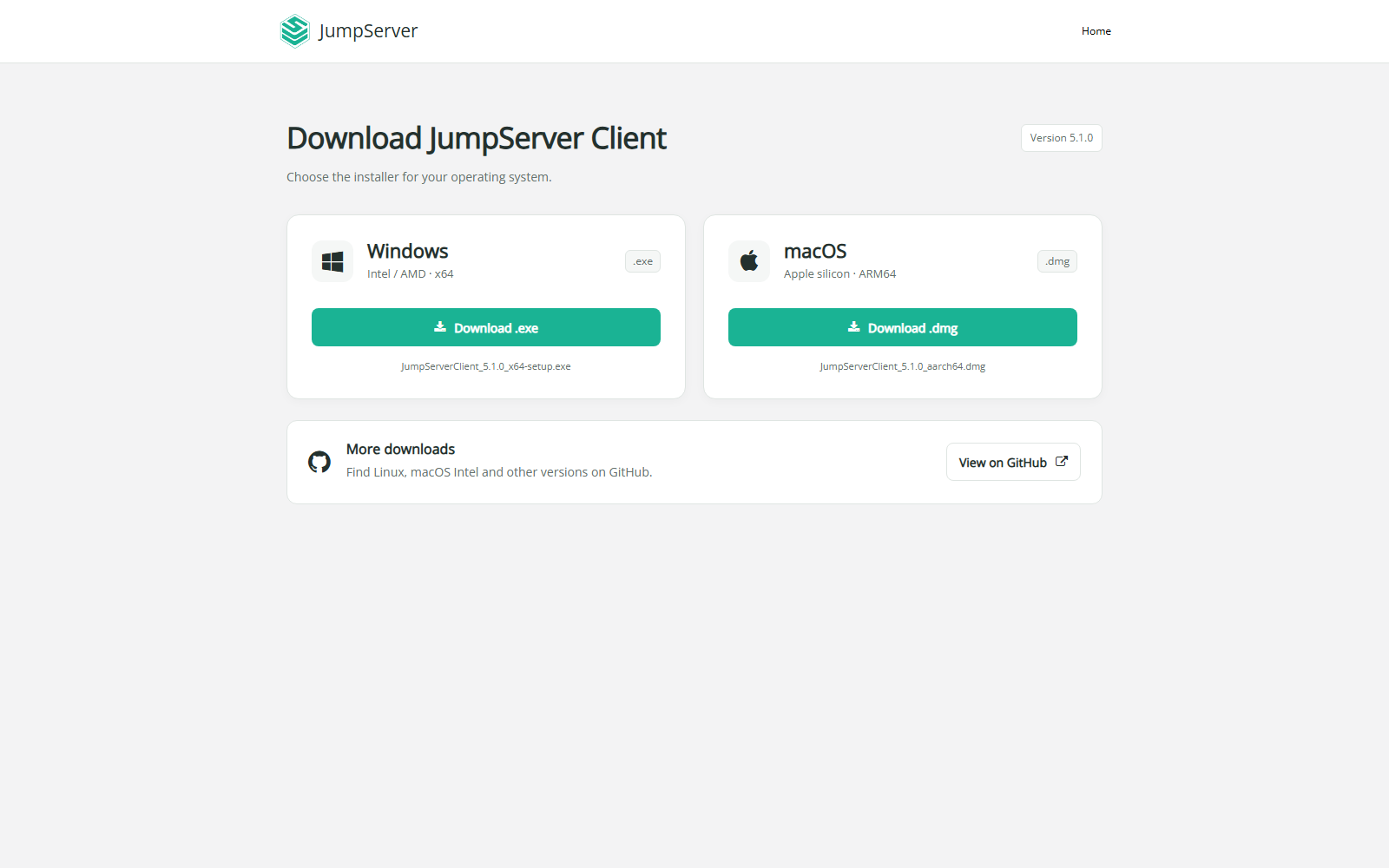
The download page is served by the JumpServer instance, so it always points to a client version intended for that server.
Install the client
- Run the downloaded installer.
- Follow the installer prompts and finish the installation.
- Start JumpServer Client.
- Sign in with your JumpServer account and select the organization if prompted.
After installation
- Add or confirm the local application paths if you plan to use database or application connections. See Connection Settings.
- Open Asset Connection to make your first connection.
- If the client cannot connect, verify the server URL, network access, and your asset authorization.
Note
Keep the client and server versions aligned. If your organization requires a specific version, download it from the server download page or the official GitHub releases page rather than an arbitrary mirror.