

Dashboards
JumpServer has three operational dashboards, one for each major working area. They share the same organization scope and update as sessions, assets, and automation tasks run. Use the area switcher at the top of the page to move between Console, PAM, and Audits.
Console dashboard
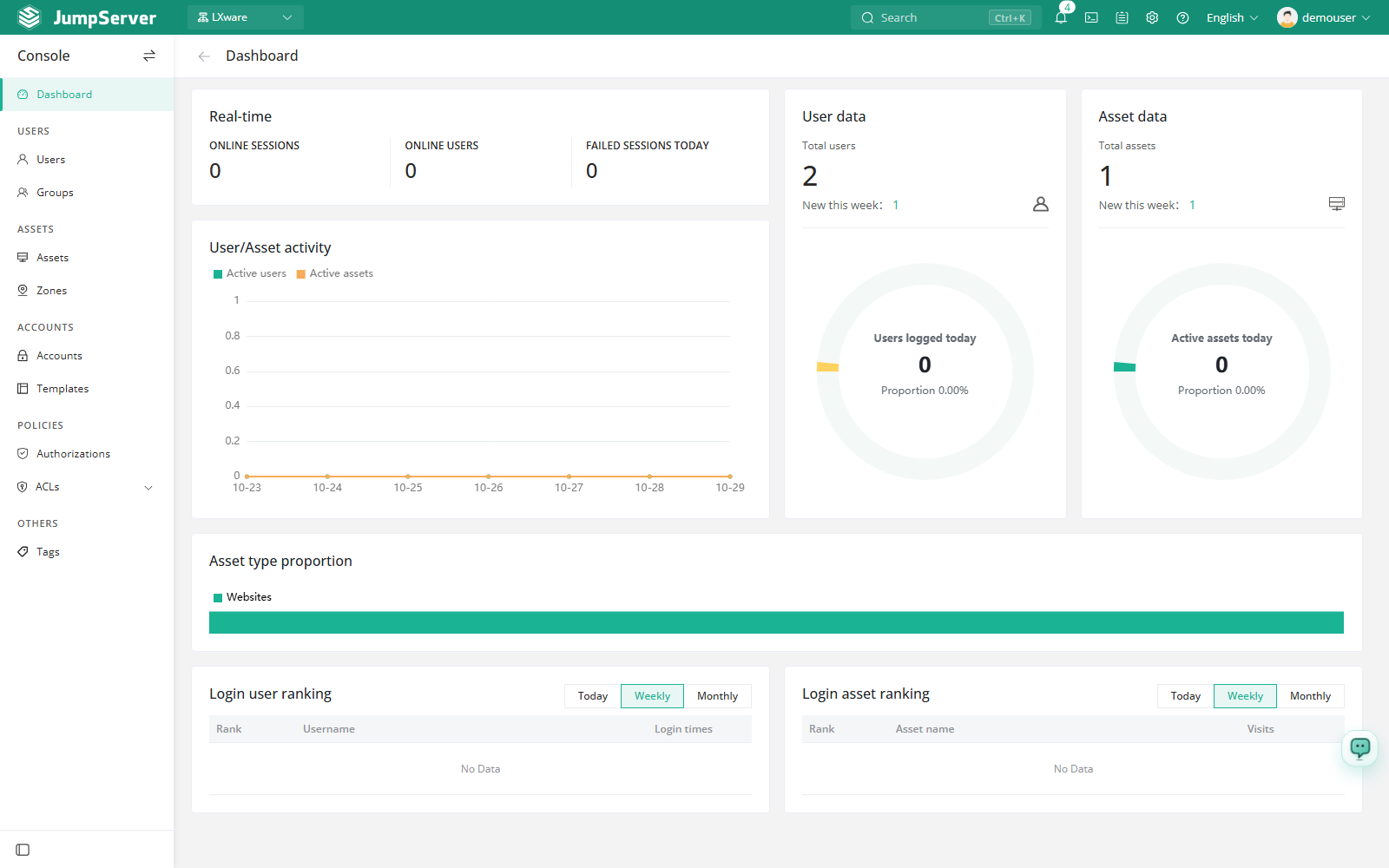
The Console dashboard summarizes the current organization: active sessions, users, assets, login activity, asset-type distribution, and the top login users and assets.
- Switch the workspace to Console.
- Select Dashboard in the left sidebar.
- Review the real-time counters, user and asset totals, and the ranking tables. The numbers are environment-specific and change as users connect.
PAM dashboard
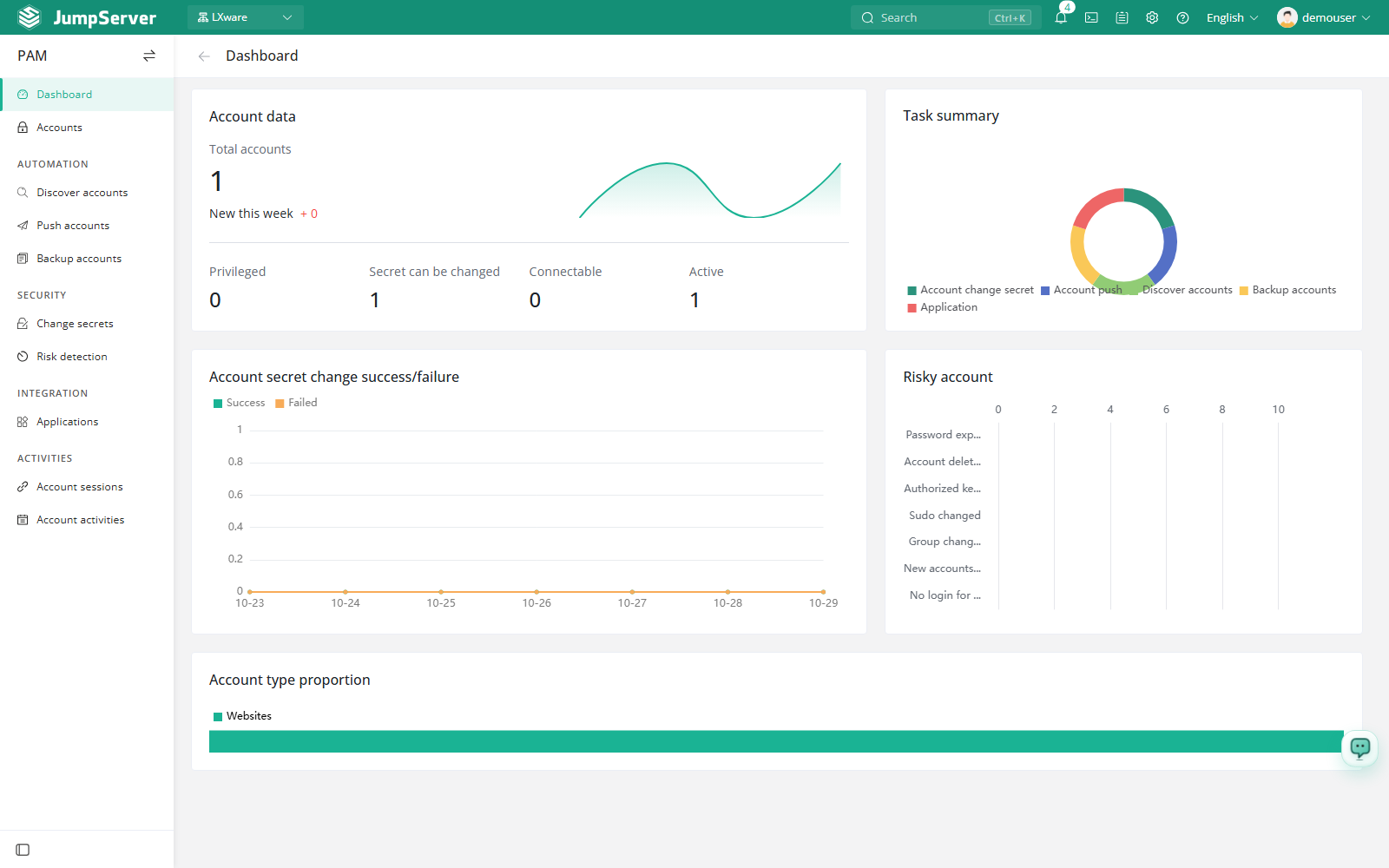
The PAM dashboard focuses on the managed account inventory and account automation: total and privileged accounts, accounts that support connection or secret rotation, automation task totals, change-secret success and failure trends, risk accounts, and account-type distribution.
- Switch the workspace to PAM.
- Select Dashboard in the left sidebar.
Audits dashboard
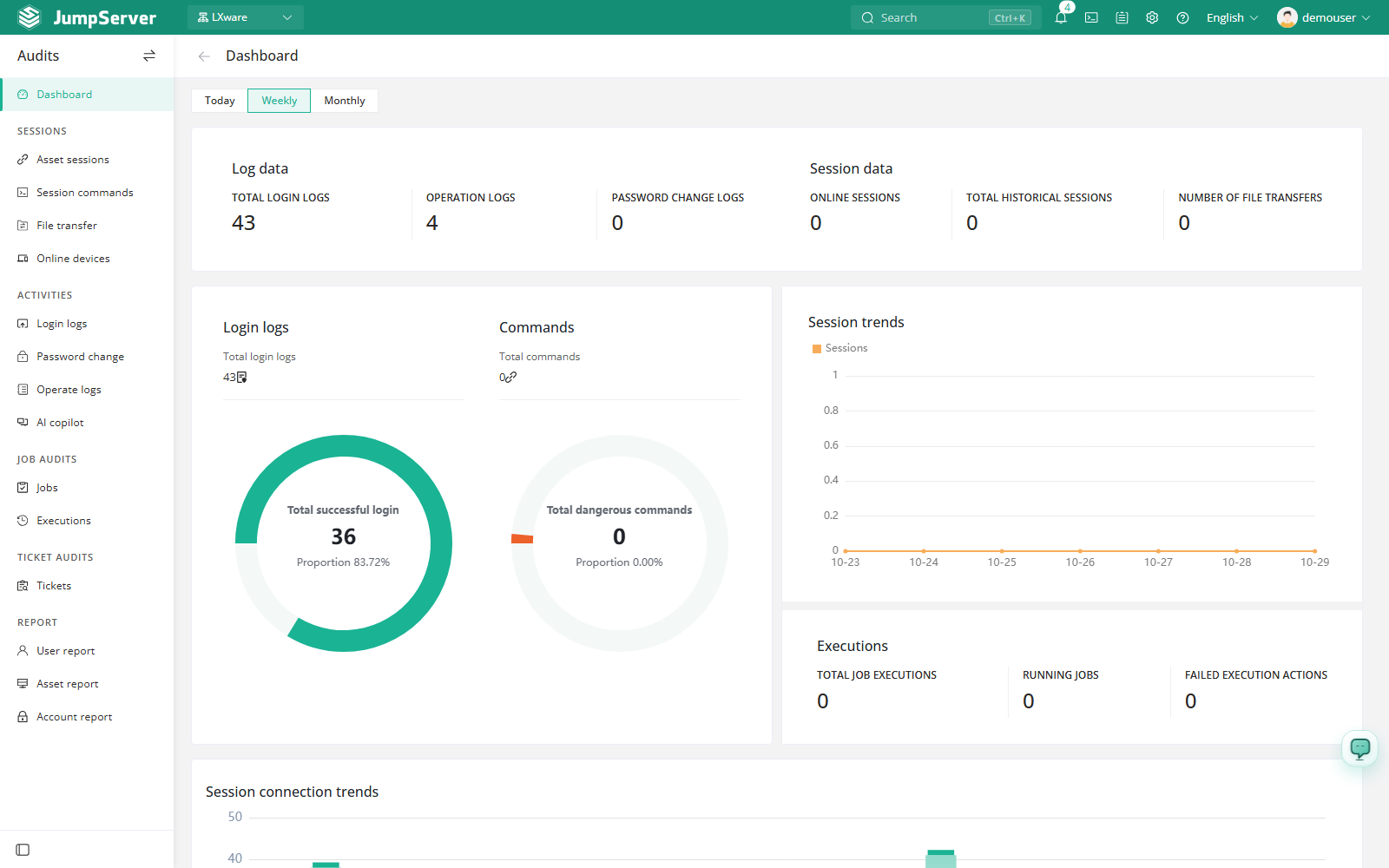
The Audits dashboard is the evidence-oriented view. It summarizes login, operation, and password-change log volume; online and historical sessions; file transfers; command records; job logs; and session connection trends.
- Switch the workspace to Audits.
- Select Dashboard in the left sidebar.
- Use Today, Last 7 days, or Last 30 days to change the time range.
Notes
- Dashboards only show data from the organization selected in the top navigation.
- Counters are operational summaries. Use the corresponding list pages in Console, PAM, or Audits when you need record-level detail.
- Dashboard access depends on the permissions of your role in the current organization.