

Job Audits
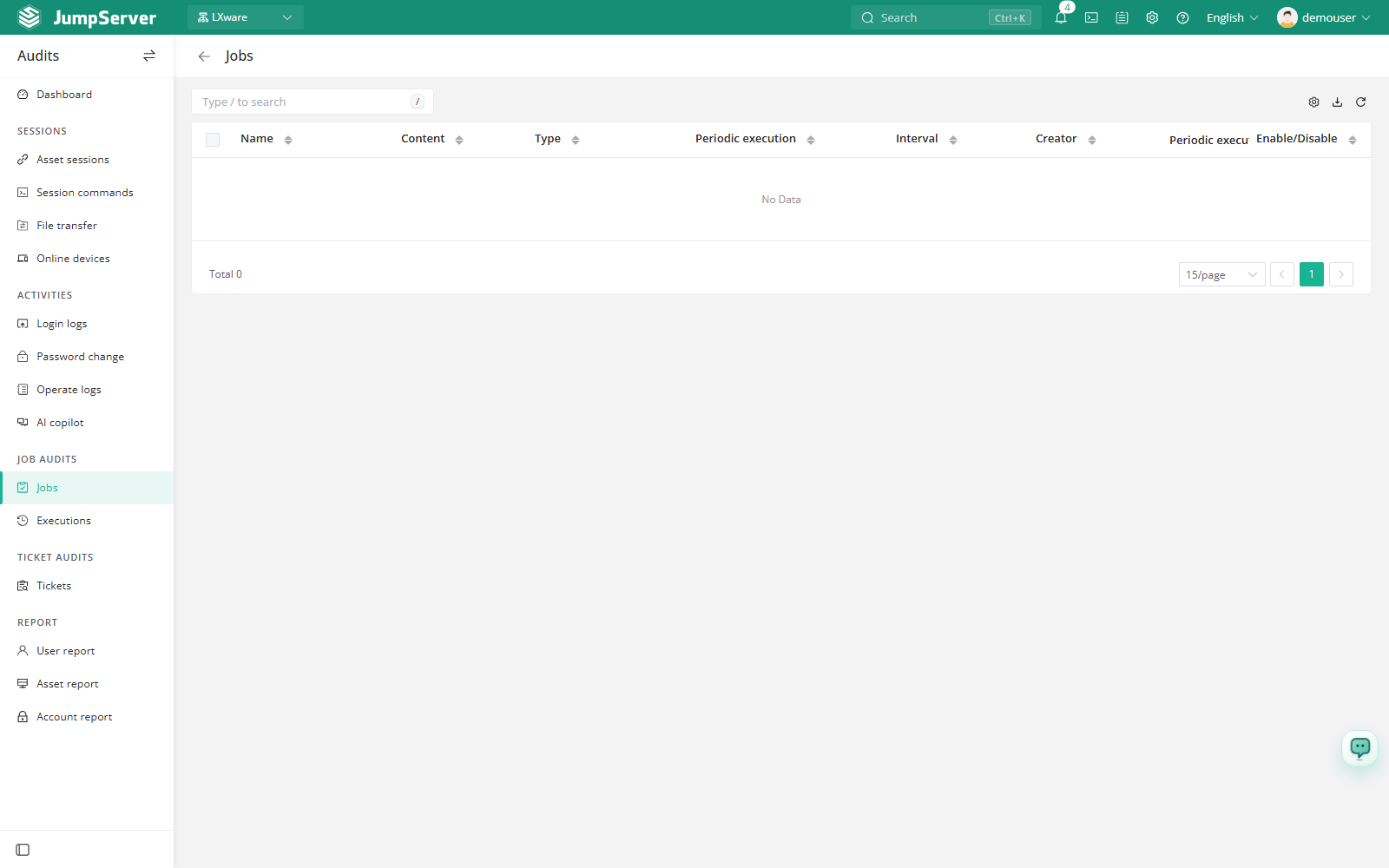
Job Audits gives auditors a read-only inventory of the jobs that users created in the Workbench Job Center. Use it to confirm which periodic and one-time jobs exist, who created them, and whether periodic execution is enabled.
Open the page from Audits > Job Audits > Job Audits.
Overview
The list shows name, arguments, type, execution cycle, interval, creator, periodic execution, and enable/disable state. Audit users cannot create or edit jobs here; job design and manual execution stay in the Workbench.
The Enable / Disable switch toggles periodic execution for a job. Saving the switch updates the underlying periodic task, so treat it as a configuration change even though the page belongs to Audits.
Prerequisites
- Sign in with an account that has the
audits.view_joblogpermission, such as a system administrator or auditor. - The Job Center feature must be enabled in Features.
- Jobs must exist in the Workbench Jobs or Adhoc pages.
Review jobs
Use the search box to find a job by name, creator, or arguments.
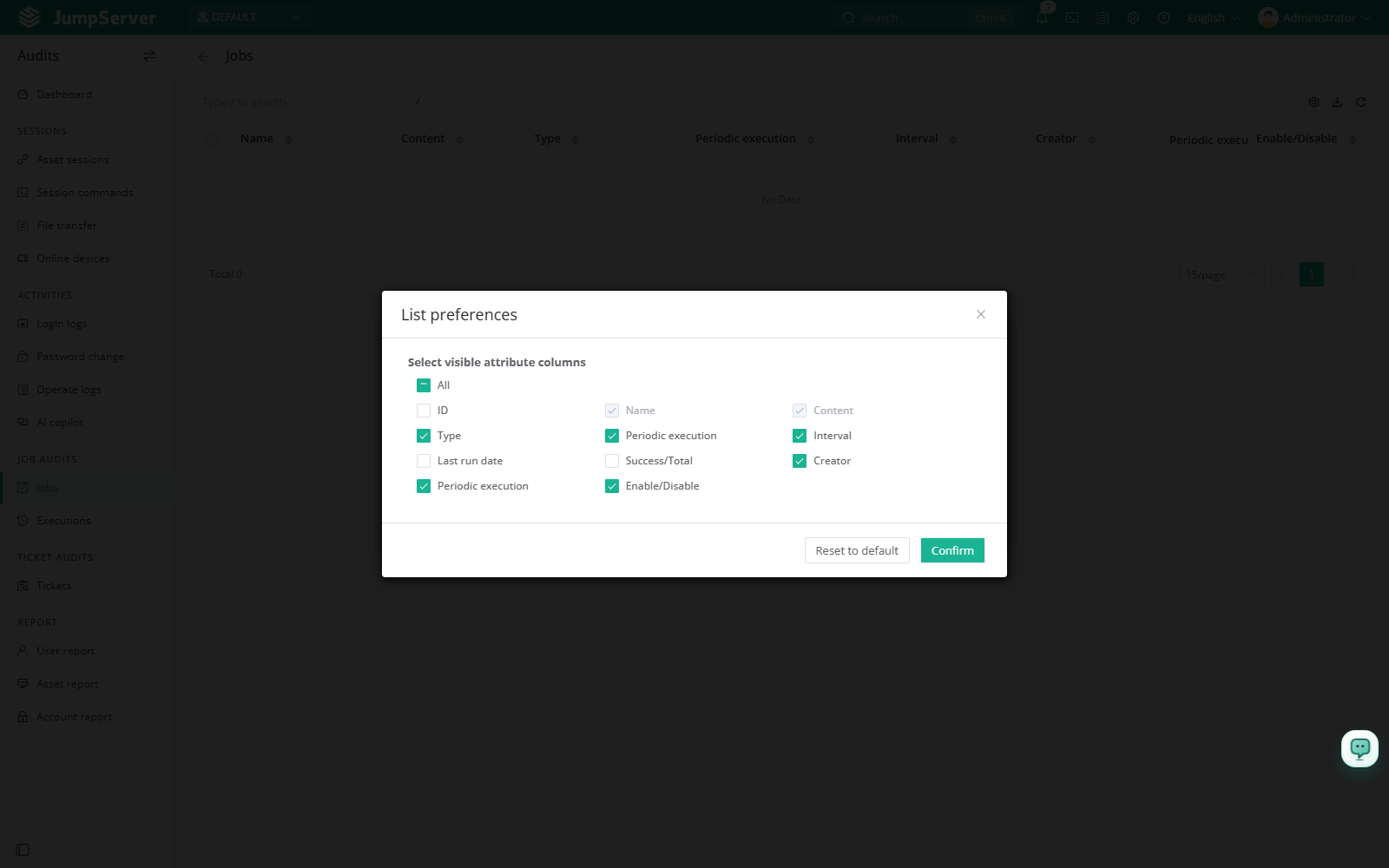
Open the column settings icon and add optional columns such as Last run date and Success/Total.
Check Periodic execution and Execution cycle to understand when the job runs.
Use the Enable / Disable switch only when periodic execution must be changed.
Customize columns and export
Open List preferences, select the columns to display, and click Confirm. Extra columns include ID, last run date, and the success/total execution summary. Restore defaults resets the list.
Click Export, choose CSV or Excel, select Export all, Export selected, or Export search results, and click Confirm.
Field reference
Notes
Disabling periodic execution stops future scheduled runs for the job. Confirm with the job owner before changing the switch, and record the change in your audit notes.