

Appearance
Custom themes and logo replacement require JumpServer Enterprise Edition. Community Edition uses the default branding.
Appearance changes the visual identity of this JumpServer deployment. The settings are instance-wide: title, theme, logos, the login illustration, and footer content are the same for every organization and every user.
Overview
Every field on this page is optional. Empty fields keep the built-in value, and the Restore button returns the entire page to the default appearance.
Customize the appearance
In the right area of the top navigation bar, click .

In the left menu, click Appearance.
Update the basic, logo, image, and footer settings described below.
Click Submit.
Reload the page to confirm the new title, logos, and login image.
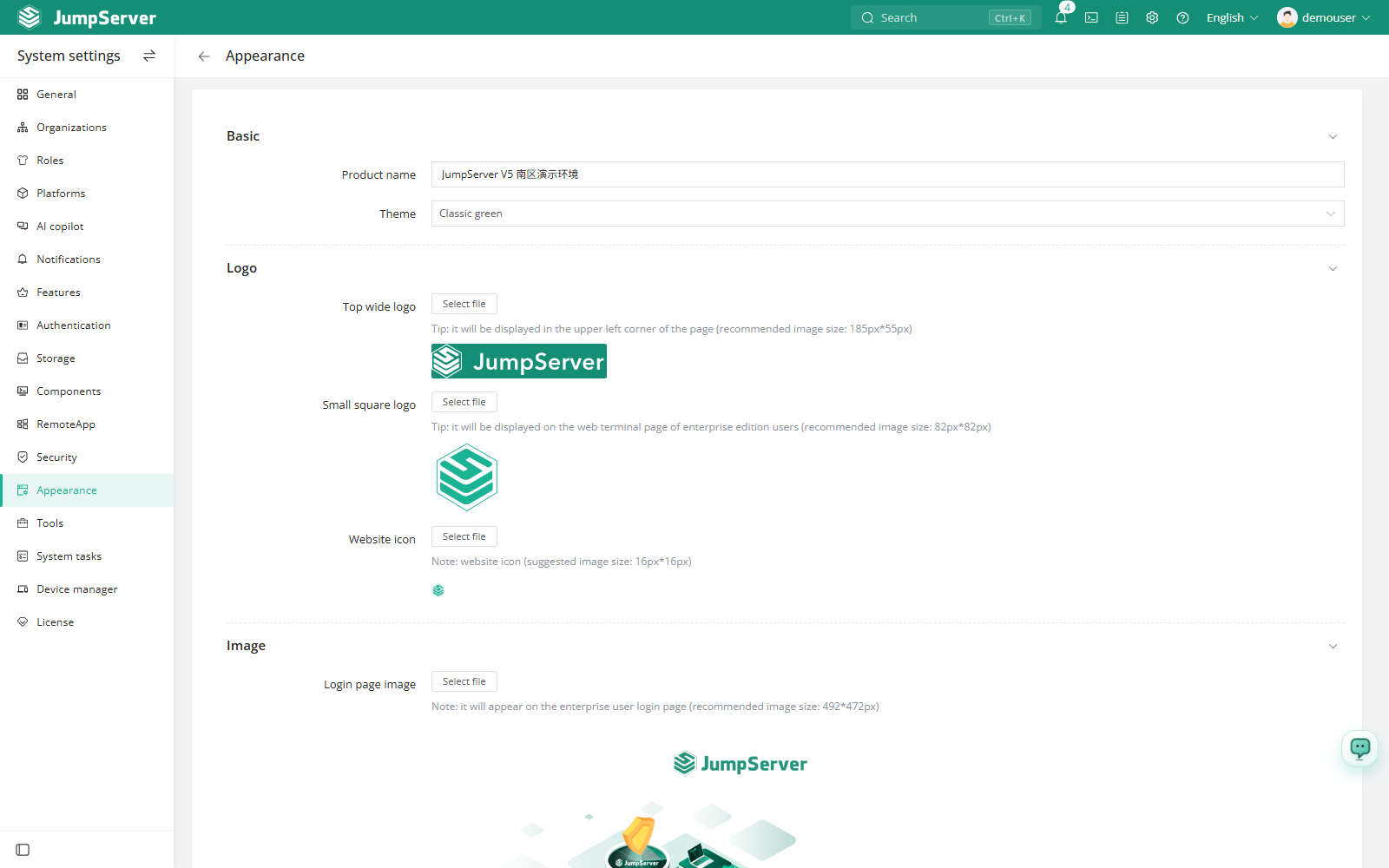
Field reference
Uploads accept JPG and PNG files. Images are stored by JumpServer and served from the same origin as the console, so no restart is required after saving.
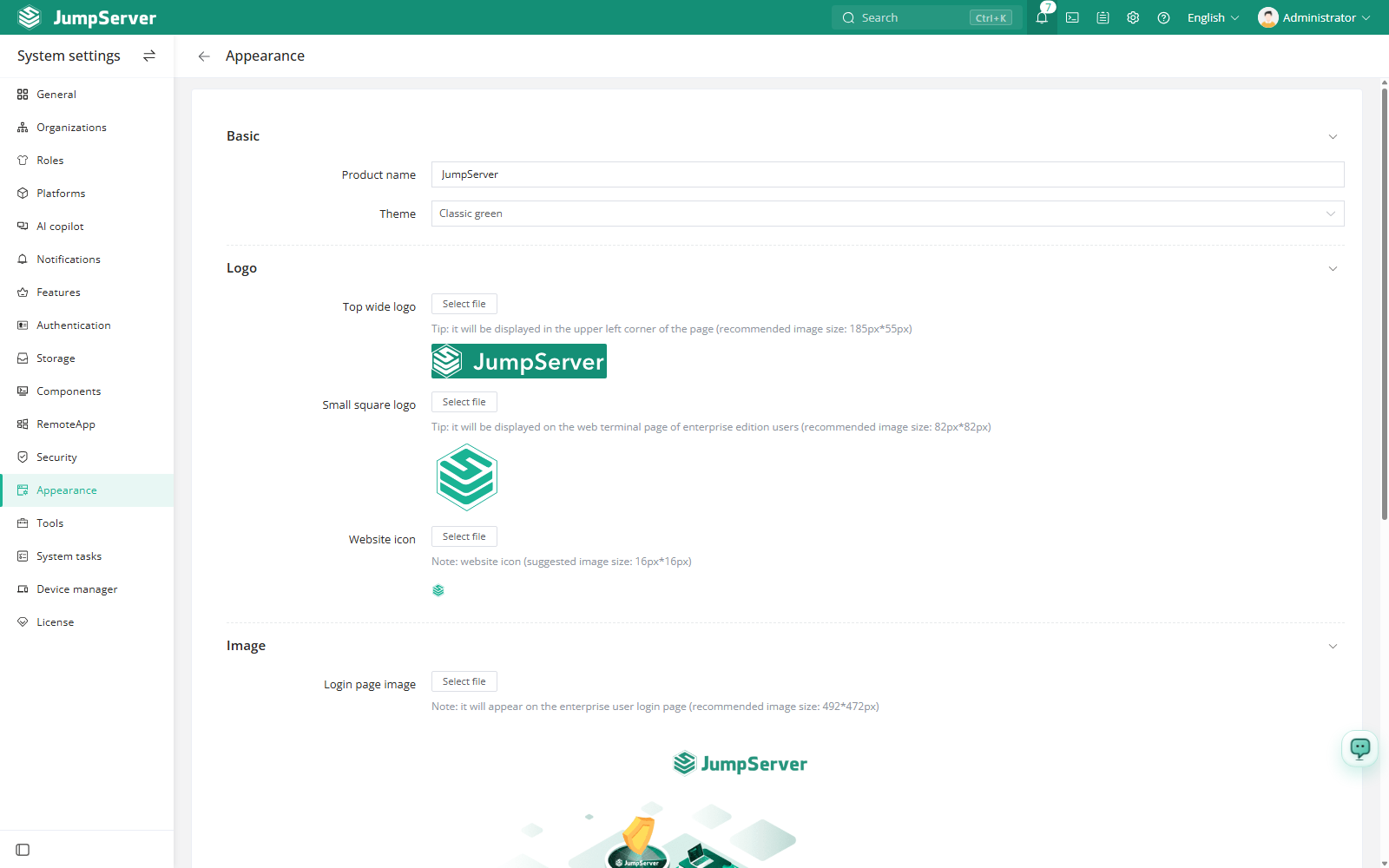
Restore defaults
Open the Appearance page.
Click Restore at the bottom of the page.
Confirm the prompt. The default title, theme, logos, login image, and footer are restored immediately.
The theme choice affects the whole console. Individual display preferences, such as language and layout, are stored per user and are configured from Preferences.