

Global Search
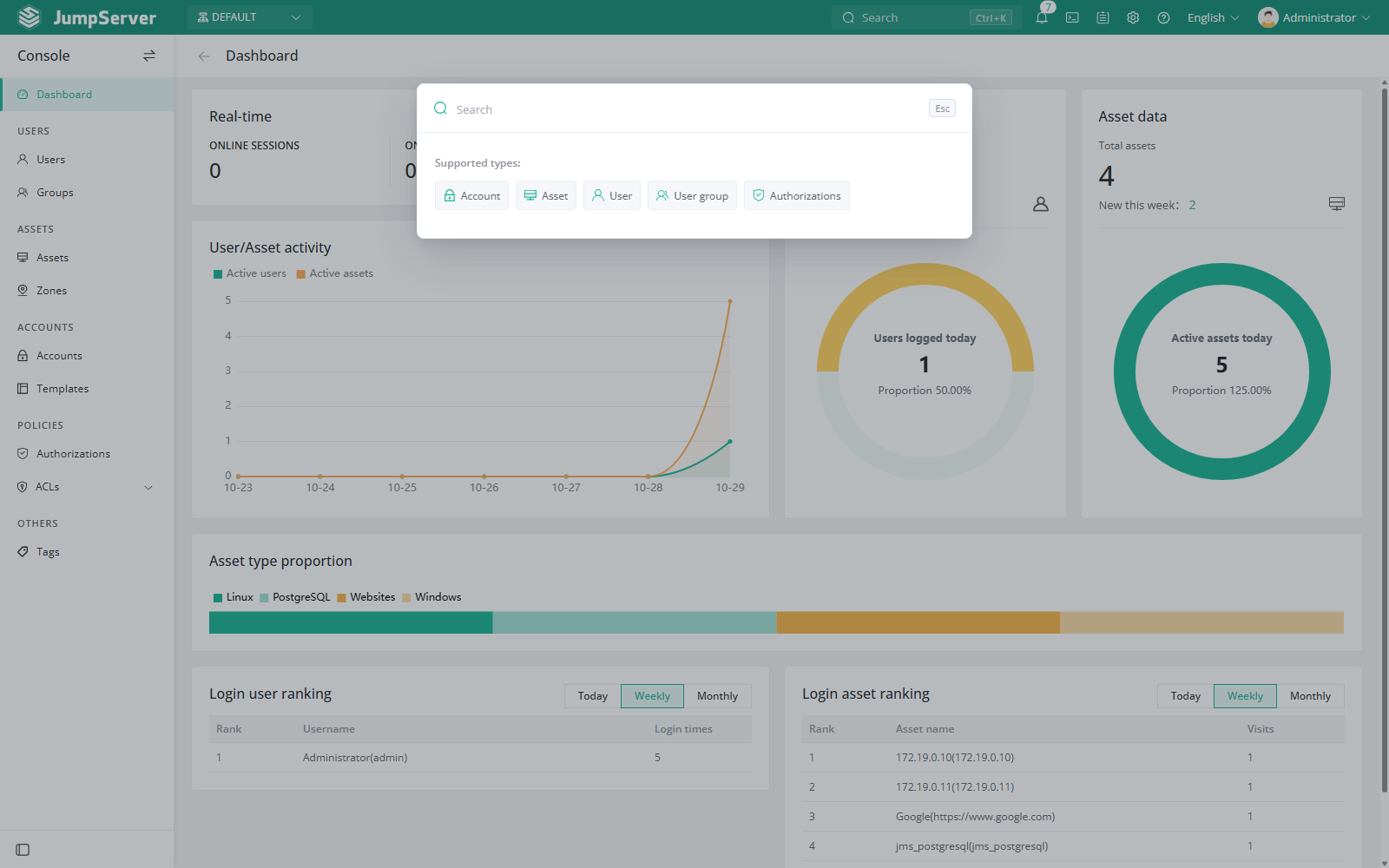
Global search is a cross-module lookup in the top navigation. It searches resources you are allowed to see without requiring you to open each module and filter its list manually.
Search from the top navigation
- Select the Search box in the top navigation, or press
Ctrl+K. - Type a name, address, username, or other identifying text.
- Results are grouped by resource type. Select a result to open its detail page or the relevant list.
Supported resource types include:
Search results are limited to records visible in the current organization and to resources your role can view. Search does not change permissions or data; it only helps you navigate.
Notes
- Close the search panel by clicking outside it or pressing
Esc. - If a resource exists but does not appear, check the active organization and your permissions first.
- Search is a navigation aid. Use the module list pages when you need bulk operations, filters, or column configuration.