

Account Activities
Account Activities is the audit trail for operations performed on accounts managed in PAM. It answers questions such as who created an account, who viewed or updated a secret, and when an account was removed.
The page reads from JumpServer's operation logs and keeps only entries whose resource is an account, so it is a narrower view than the global operation log.
Overview
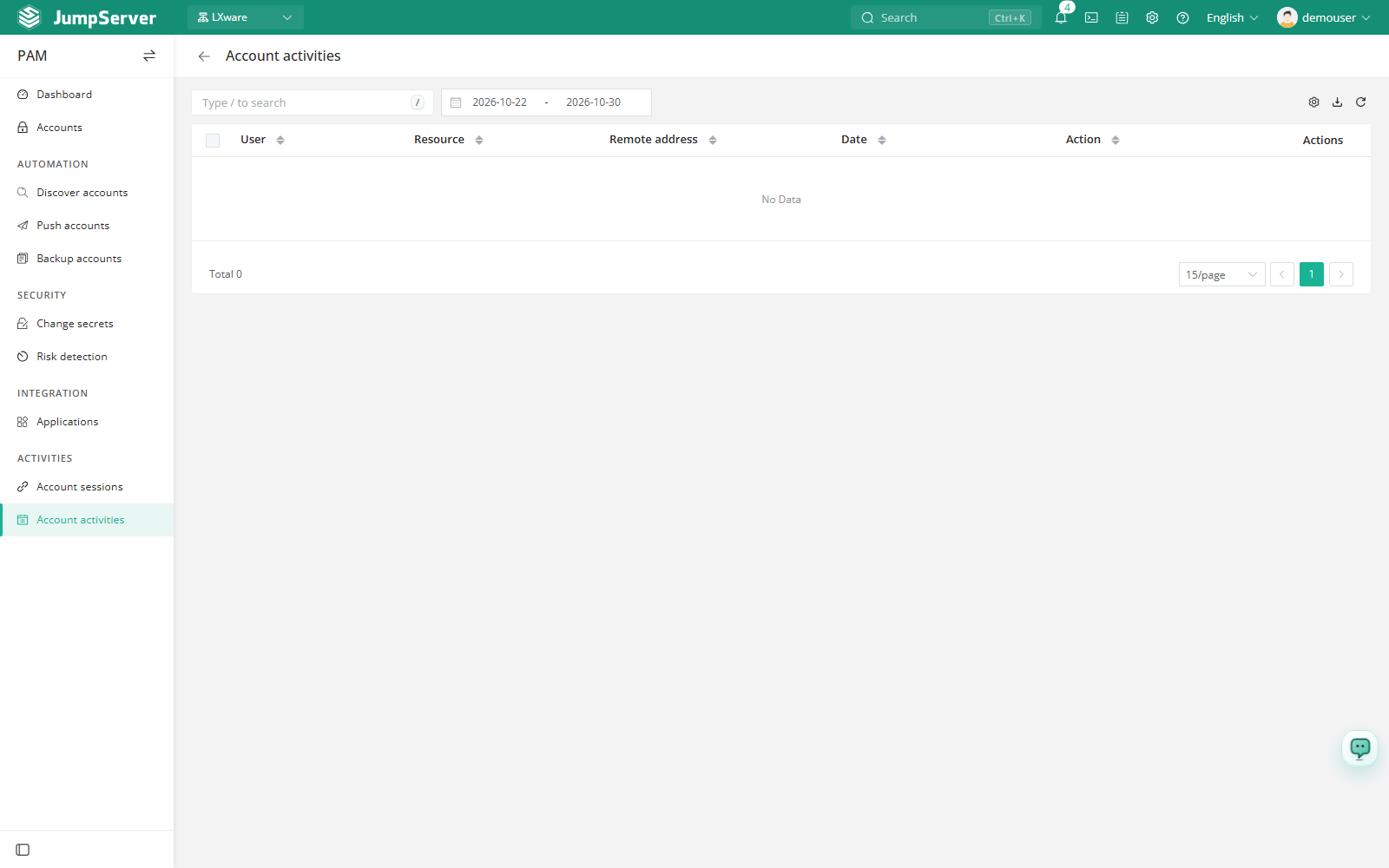
Go to PAM > Activities > Account Activities. The list is read-only and contains the columns User, Action, Resource, Remote address, Date, and Actions.
Filter and inspect
Use the date picker to narrow the list to the window you are investigating, then combine it with the search box and any available filters. The toolbar also provides column settings, export, and refresh.
- Locate the entry you need by user, resource, or date.
- Open View in the Actions column.
- Review the change detail, which shows the fields that were modified together with their before and after values.
This is a quick way to establish when an account was modified and by whom, especially when the change did not come from a scheduled automation task.
Account activities are audit records and cannot be edited from this page. If an expected entry is missing, check the current organization, your audit permissions, and the log retention settings of the environment.
Relationship to other audit pages
- Use Operate Logs when you need the full operation log across all resource types, including assets, users, and authorizations.
- Use Account Sessions when you need to see actual privileged connections rather than account management changes.
- Use Password Change Logs for user password events, which are separate from asset account secret changes.