

Preferences
Preferences are personal overrides that apply only to your account. Open Profile > Preferences. The available tabs are General and Web Terminal.
General preferences
The General tab controls:
To set or change the export password, enter the new password and confirmation, then select Submit. Select Reset to discard changes.
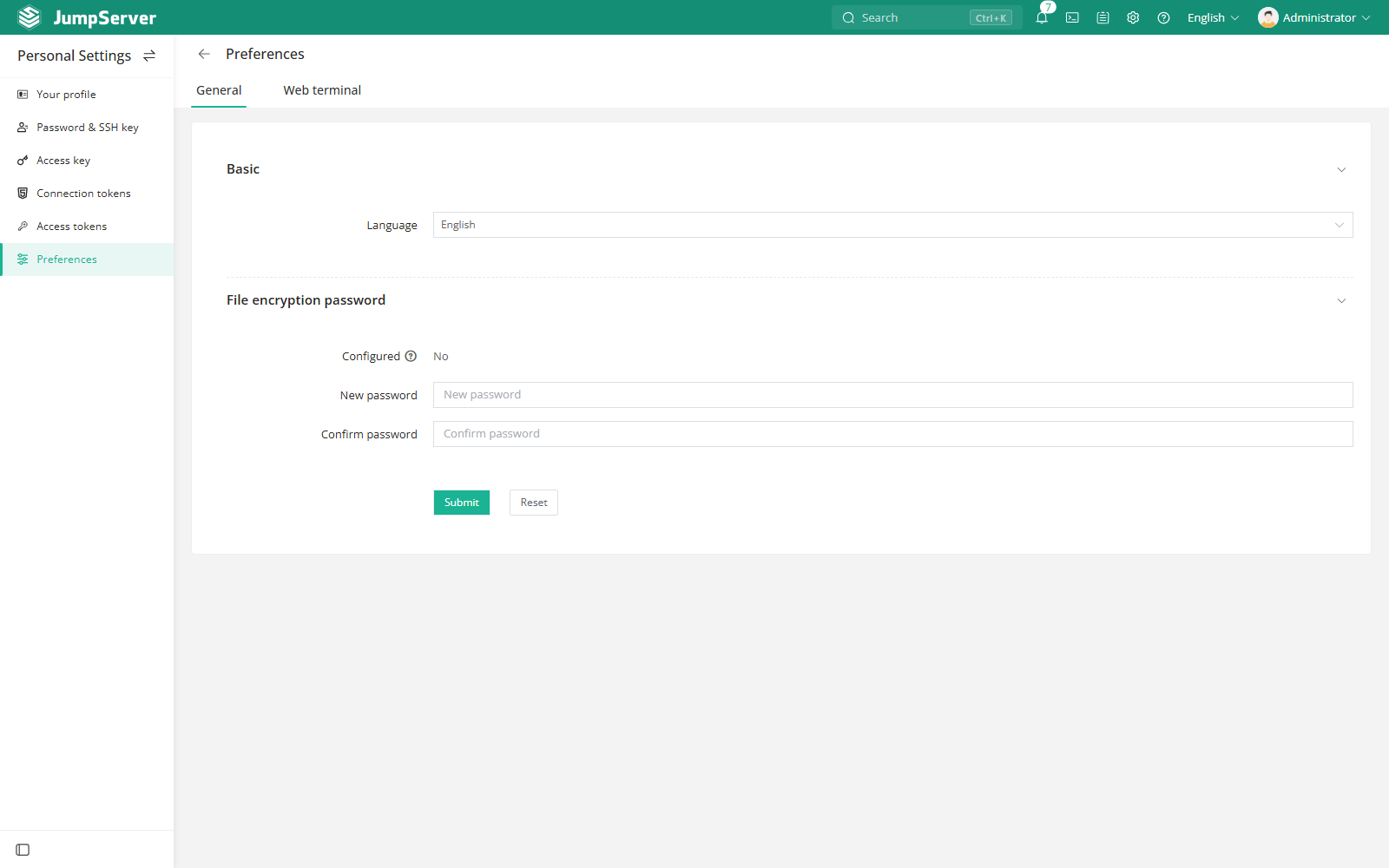
Changing the language affects only your interface. It does not change data, permissions, or what other users see.
Web terminal preferences
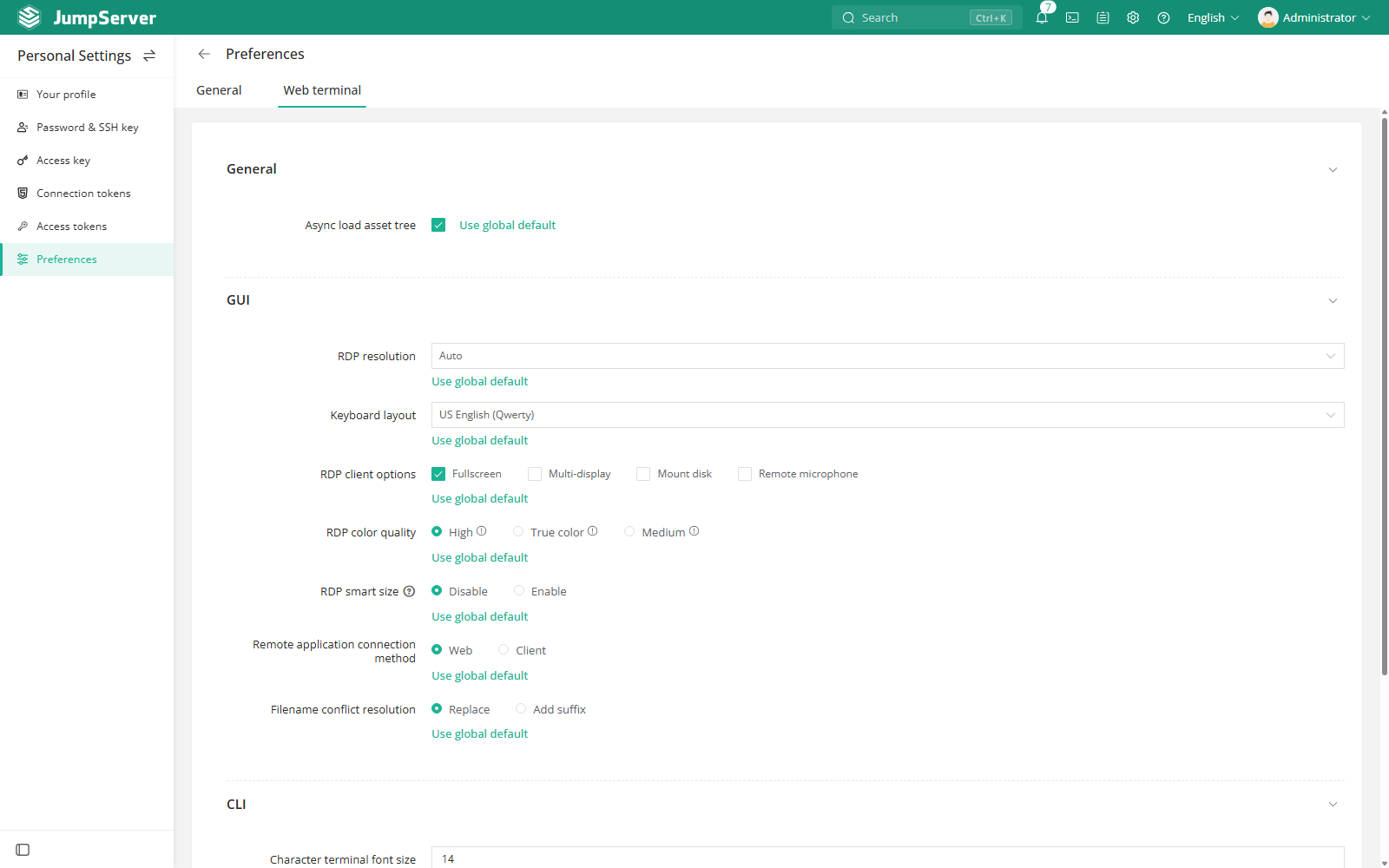
The Web Terminal tab overrides global defaults for your account. Options include themes, default connection method, RDP resolution, keyboard layout, display mode, and other terminal behavior.
Select Use global default next to an option to clear your override. The available settings depend on the global policy configured by an administrator.
Notes
- Export files are protected by the configured password; keep it safe.
- Clear a Web terminal override if a global policy change should apply to you.
- Organization switching reloads the interface but does not reset these preferences.