

Storage
Storage tells JumpServer where to keep session evidence. Recordings and replay files belong in object storage, and command records belong in command storage. Keeping this data outside the local disk makes it possible to centralize, retain, and scale audit evidence.
Overview
The page has two tabs:
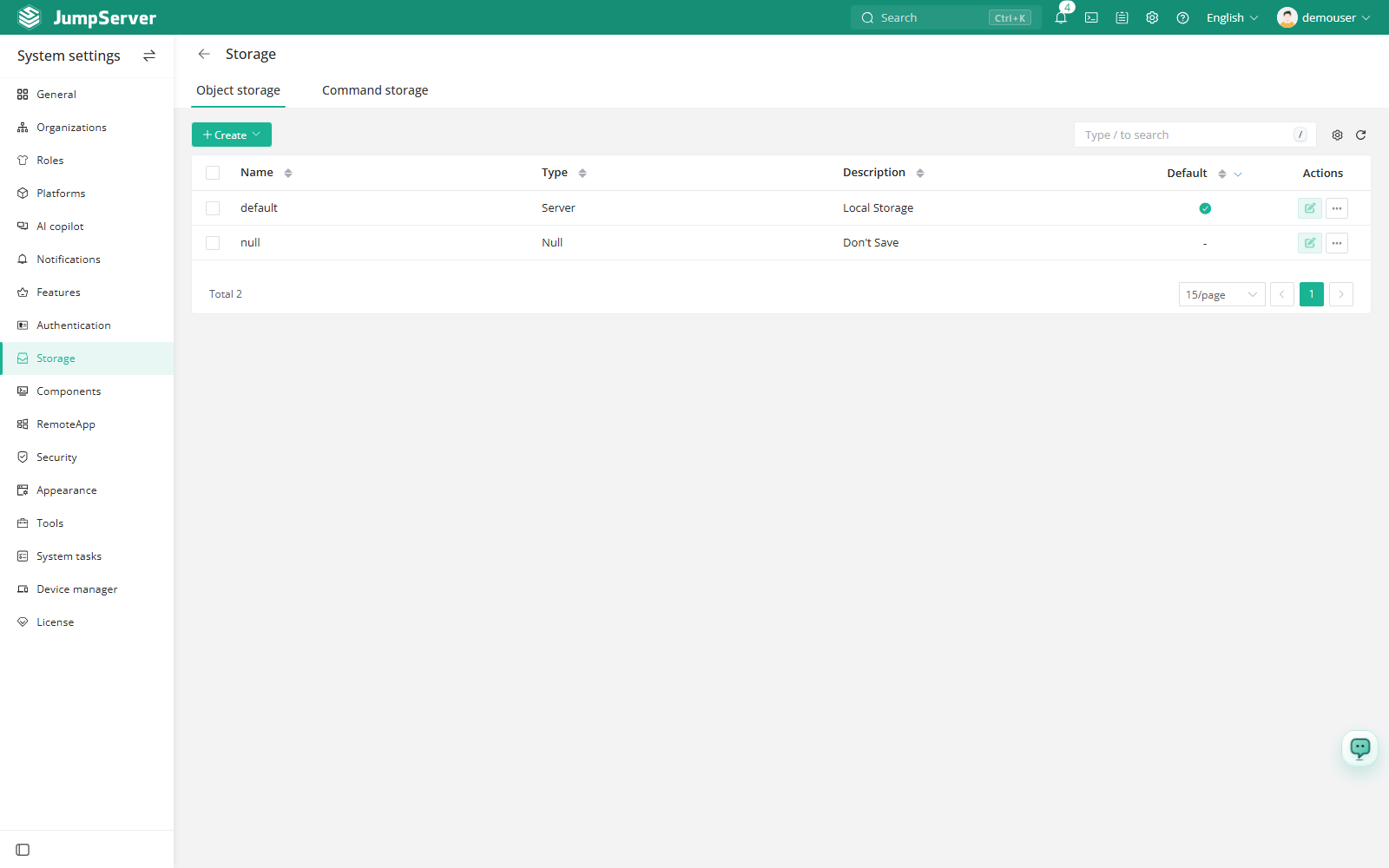
The table on each tab lists the configured storages with their name, type, description, default marker, and actions. A default entry is preselected for components that register later.
Create storage
In the right area of the top navigation bar, click .

In the left menu, click Storage.
Open Object storage or Command storage.
Click Create and select the storage type.
Enter the connection details for that type and, if appropriate, mark the entry as default.
Click Submit.
Supported types
Object storage:
Command storage:
Manage storage entries
- Set as default: use the more actions menu on an entry. Newly registered components pick up the default automatically; components that are already registered keep their current storage until you change them on the Components page.
- Test: validates the connection and credentials without connecting a component.
- Edit: change connection details or the description.
- Delete: remove the entry. A storage that is still in use by a component should be replaced before deletion.
Notes
The default storage is applied to newly registered components only. SFTP object storage requires an Enterprise license, and it can be used for backups but not as the default recording storage.
Session recordings and command logs that are written to external storage are not removed by the retention settings in System Tasks; plan retention for the external system separately.