

Platforms
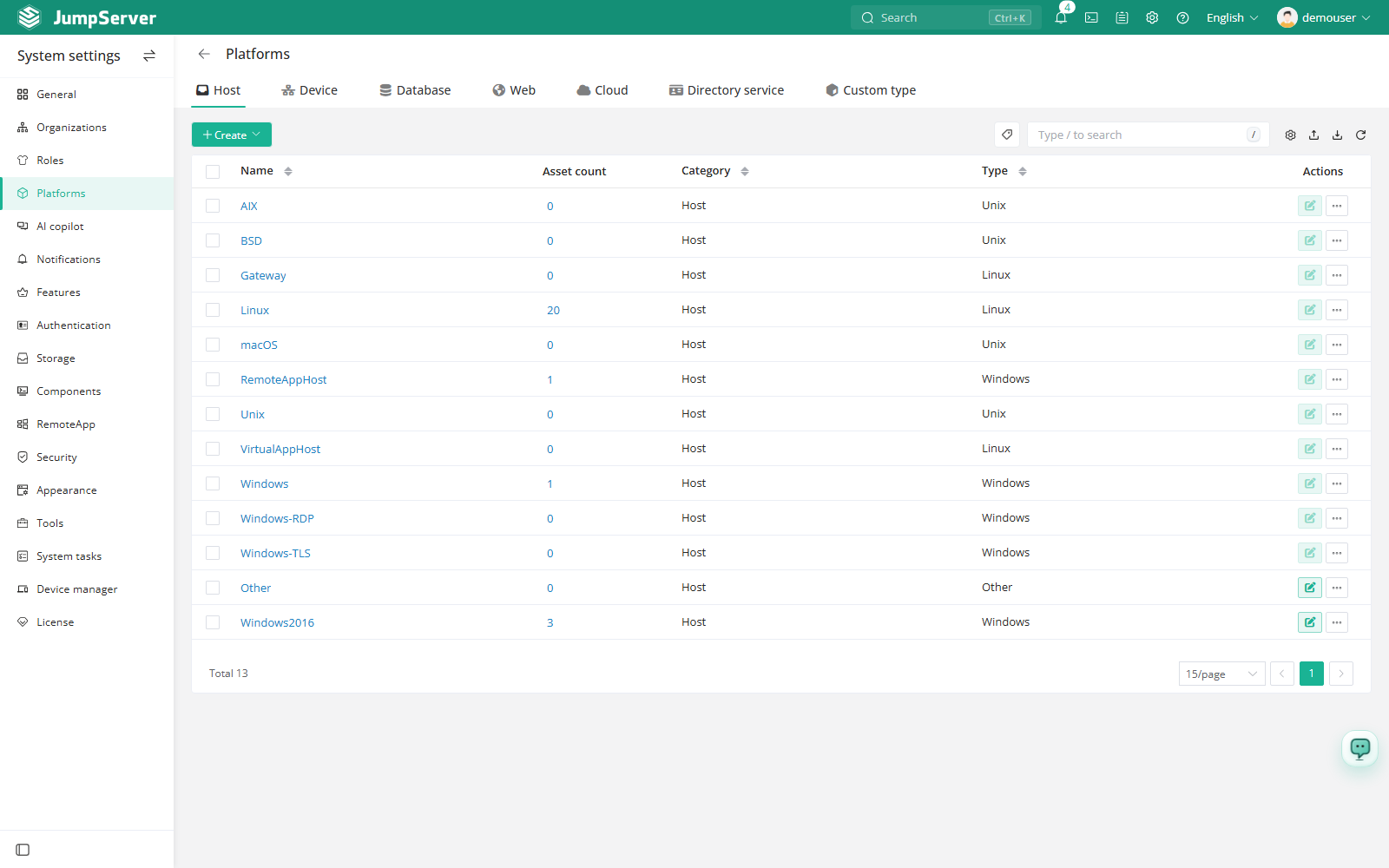
A platform describes the system type of an asset: how JumpServer connects to it, which protocol and port to use, how characters are encoded, and which automation methods are valid. Platforms are selectable when an asset is created, so the platform list is the catalog of asset types available in the console.
Overview
JumpServer ships with built-in platforms for Linux, Windows, network devices, databases, and web applications. Built-in platforms cover the most common connection and automation behavior and are ready to use.
Create a custom platform when you need a variant of a system type, for example a Linux platform with a different default port, a GBK encoding, account switching enabled, or a restricted set of protocols. A custom platform is based on an existing platform, so it inherits behavior you do not have to redefine.
Create a platform
In the right area of the top navigation bar, click .

Type a Name and select the base platform in the Type field. The type determines the available protocols and automation methods.
Set the encoding, domain support, and protocols described in the field reference.
Click Submit. The new platform is now selectable when an asset is created.
Field reference
Protocol and automation settings
The protocol section determines how users connect. Add a protocol only when the target system and the corresponding client component support it.
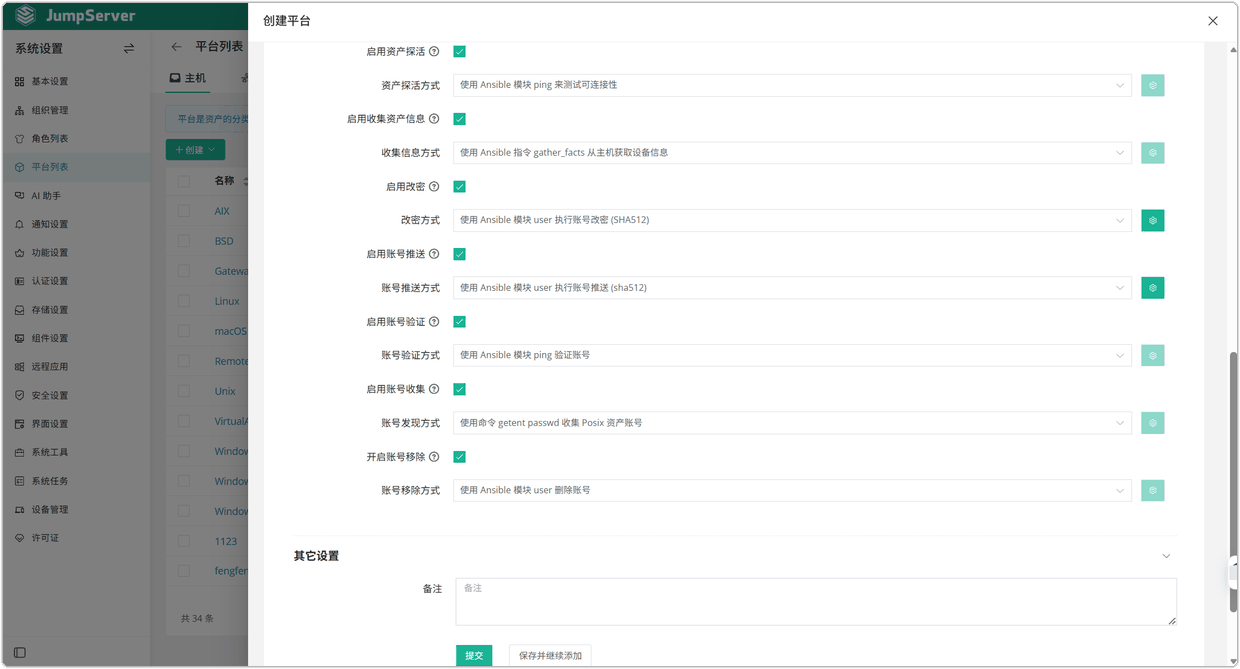
The automation section is used by PAM automation tasks. When enabled, the platform defines the default method for each capability:
Custom SFTP root path
SFTP sessions start in /tmp by default. To use another directory:
Add the SFTP protocol while creating or editing the platform.
Set the SFTP root path and submit the platform.
Protocol and automation settings become defaults for assets created on the platform. Changing a platform later does not rewrite the per-asset settings that were already saved.