

Passkeys
A passkey is a phishing-resistant credential stored on a device or security key. It can replace a one-time code for the second factor when the administrator has enabled Passkey authentication for the platform and your account.
Prerequisites
- The administrator has enabled Passkey in the authentication settings.
- Your account is allowed to use Passkey as an MFA method.
- You have a device or security key that supports WebAuthn.
Register a passkey
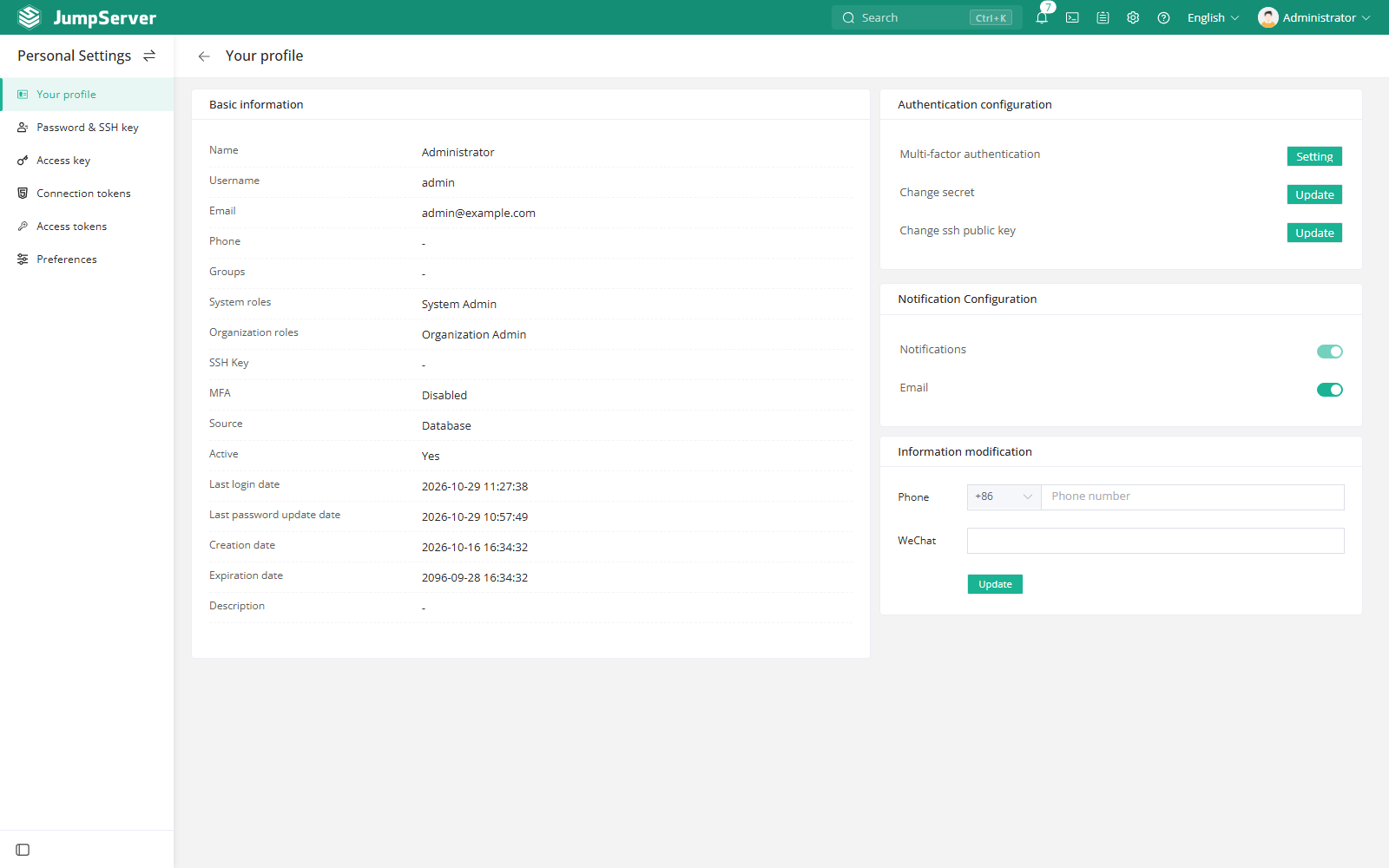
- Open Profile > Authentication and select Set up for MFA.
- Find the Passkey row and select Enable.
- Complete the browser or operating-system prompt to create the passkey.
- Confirm the registration; the MFA state becomes enabled.
The exact prompt depends on the device: it may be a platform biometric, a PIN, or a security key touch.
Sign in with a passkey
At the MFA step, choose Passkey and complete the device prompt. No six-digit code is required.
Notes
- A passkey is bound to the device or key that created it. Register another passkey before losing access to the original device.
- Removing a passkey requires completing MFA again.
- If Passkey is not listed, ask an administrator to enable it in the authentication settings and in your allowed MFA types.