

Import license
This topic describes how to import a license for JumpServer Enterprise Edition. Community Edition deployments cannot import a license.
JumpServer Enterprise Edition
Custom RBAC, multi-tenant organizations, enterprise SSO, and SLA-backed support. 14-day free trial, no credit card required.
1
In the right area of the top navigation bar, click .

2
Navigate to the System settings > License.
3
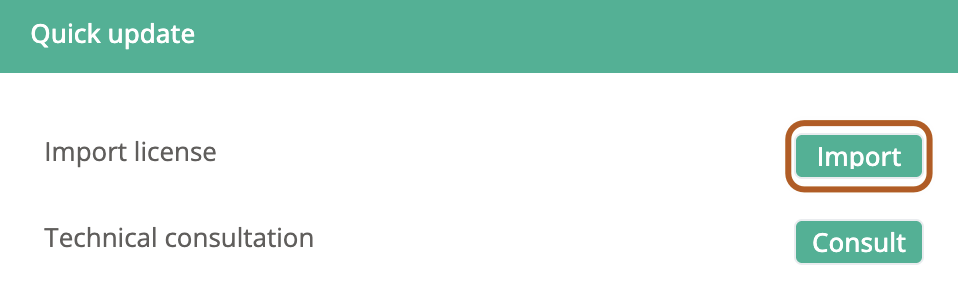
In the "Quick update" section on the right side of the page, locate the "Import license" option and click the "Import" button.
4
In the "Import license" dialog box, click the "Choose file" button to select the license file.
5
Click Confirm.