

Templates
Templates keeps the scripts and Playbooks that Adhoc commands and jobs reuse. Write the content once and reference it from many jobs: when the template changes, the jobs that use it pick up the new version, so the same command does not have to be maintained in several places. This is the recommended way to standardize routine checks and configuration scripts.
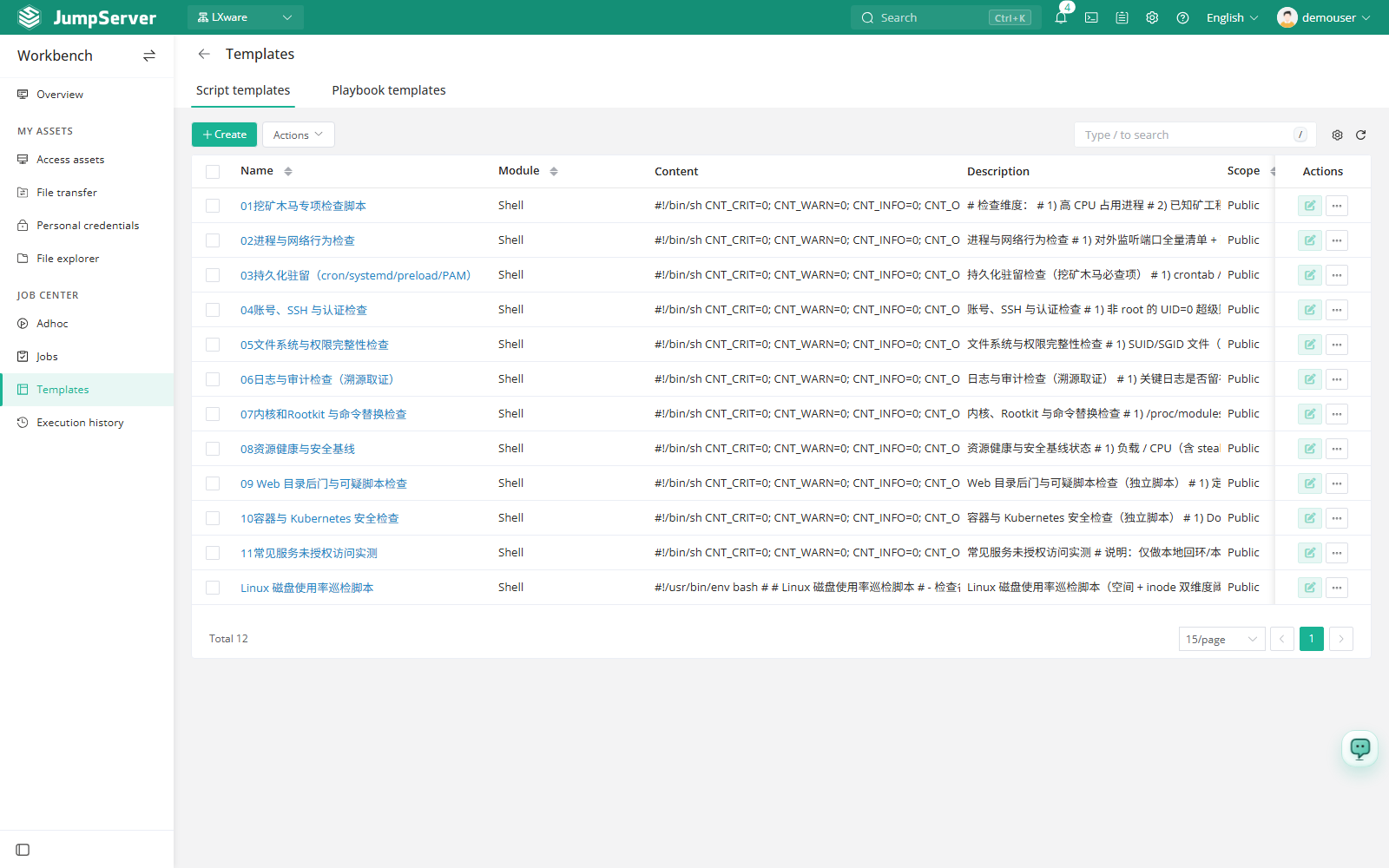
The page has two tabs: Script for command templates and Playbook for Playbook templates.
Prerequisites
- The Job Center feature is enabled in Feature Settings.
- Your role grants the permissions for the template type you want to manage.
Create a script template
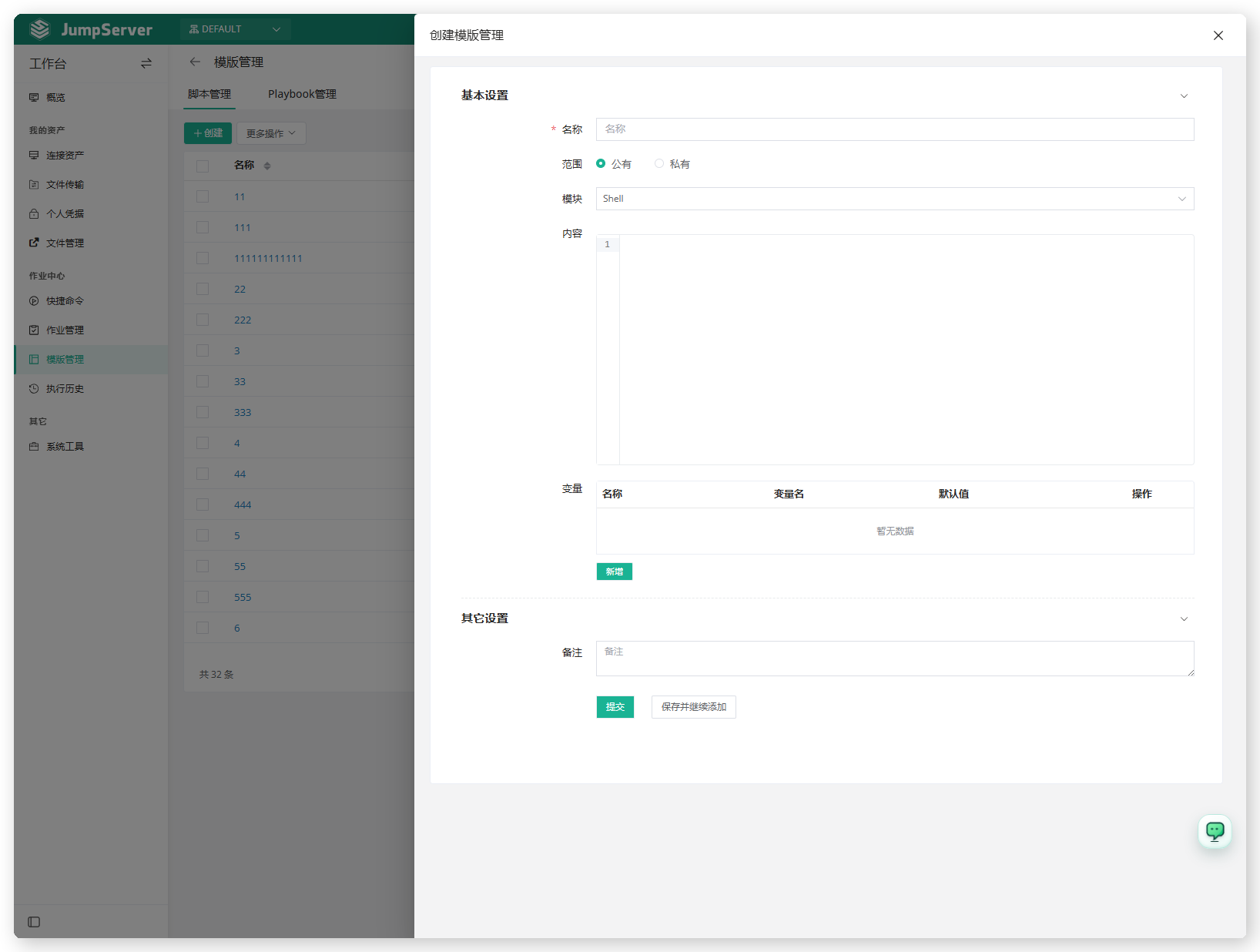
Open the Script tab and click Create.
Enter a name and choose the scope. A public template is available to everyone; a private template is visible only to its creator.
Choose the module, for example Shell, and write the script in the content editor.
Add any variables the script uses, with a default value for each.
Optionally add a comment, then click Submit. Use Save and continue to create several templates in a row.
Create a Playbook template
Open the Playbook tab and click Create.
Enter a name, choose the scope, and upload a ZIP archive of the Playbook.
Make sure the archive contains a main.yml entry file at its root. Directories
such as roles/, vars/, and optional files such as set_env.yml are allowed
next to it.
After upload, the Playbook can be selected when creating a Playbook job in Jobs.
Template parameters
Column reference
Script templates can be loaded from Open command on the Adhoc page and from the Template field of a script job. Variables are requested each time the command runs.
Editing a public template affects every job and Adhoc command that references it. Check existing usage before changing a shared template, and prefer cloning it into a private template when you need a variant.