

Tokens
Tokens are short-lived credentials used to connect native clients to assets or to access protected resources. They are distinct from API access keys and from your login password.
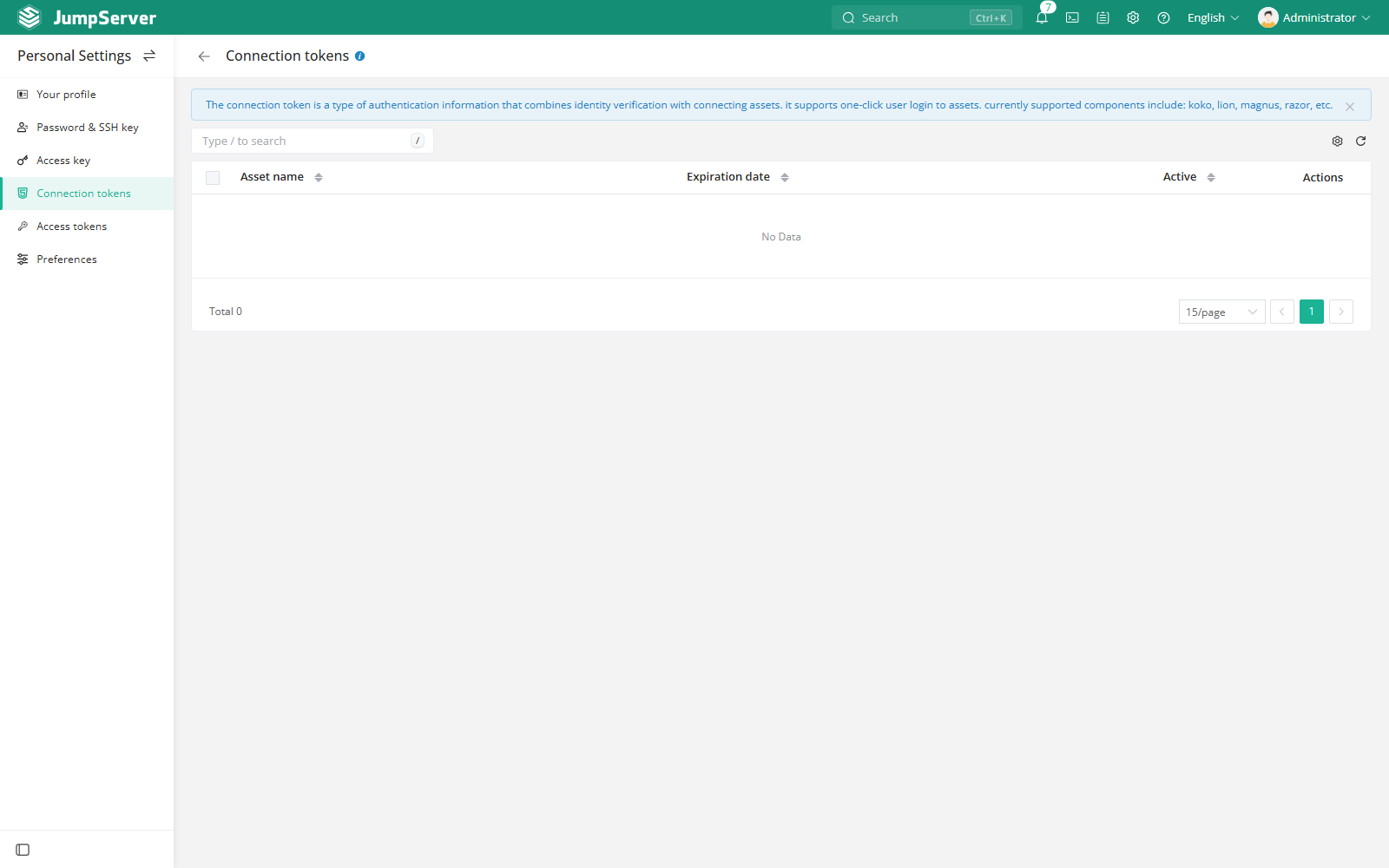
Connection tokens
Open Profile > Connection Tokens to view tokens issued for client connections and to expire tokens you no longer need.
Connection tokens are created when you choose a native client method in the Web terminal, for example:
- SSH client for a character-protocol asset.
- RDP client for a Windows asset.
- Database client for a database asset.
- An API call that explicitly creates a connection token.
The token binds your identity to the connection; the native client uses it instead of asking for the asset password again.
Access tokens
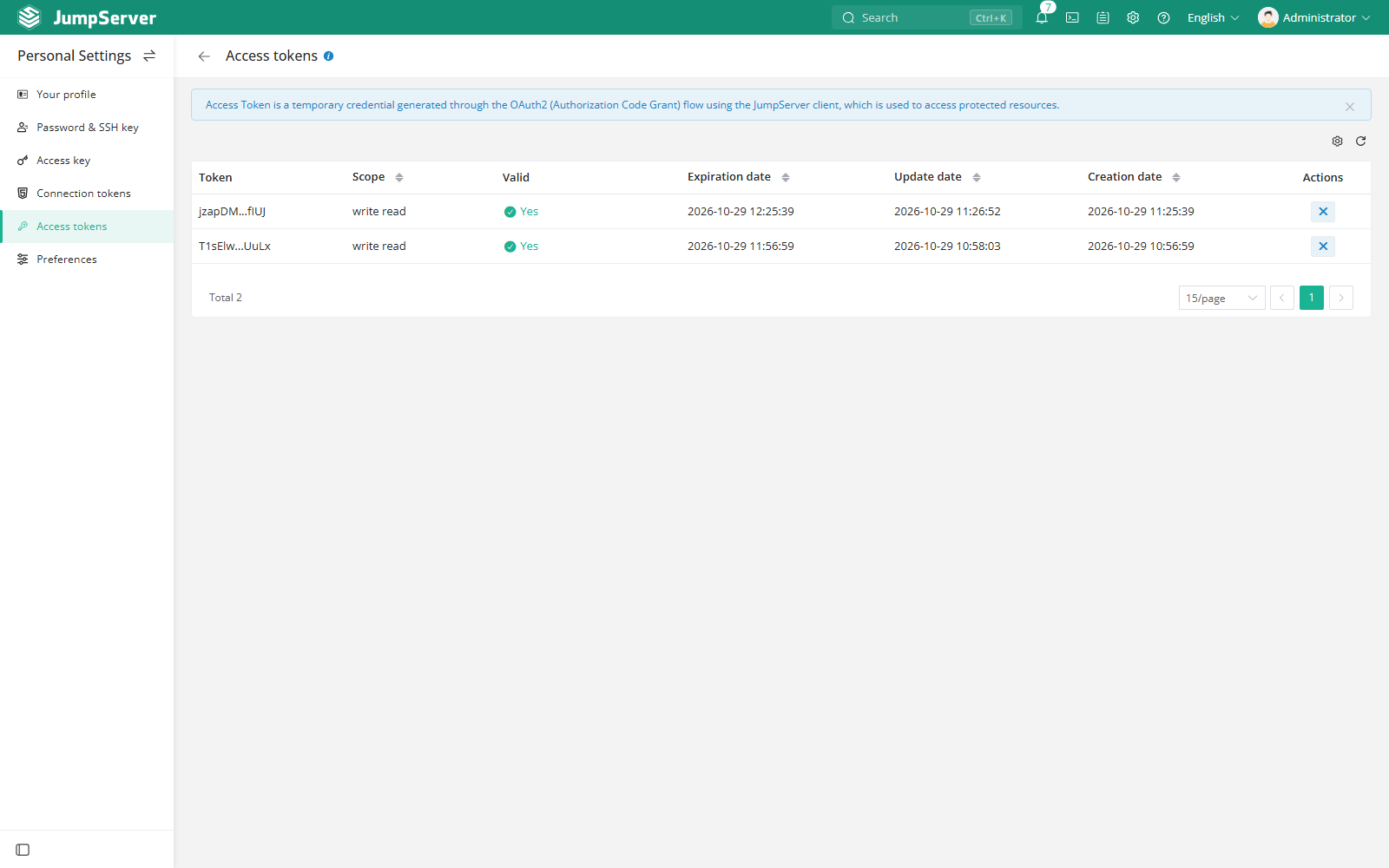
Users with administrator roles may also see Access tokens in Profile. These are temporary credentials issued through the JumpServer client OAuth2 flow and can be revoked when they are no longer needed.
Security notes
- Treat tokens as credentials. Do not paste them into chat, tickets, or docs.
- Expire or delete tokens that are no longer in use.
- If a token is exposed, revoke it and investigate the related sessions in Audits.
- For temporary tokens and passkeys, see the corresponding authentication settings.