

Basic Settings
Basic Settings holds the instance-wide values that tell JumpServer how to address itself and which extra links to expose in the navigation bar. Configure it once after deployment and review it whenever the external URL of the platform changes.
Overview
The site URL is not inferred from the browser request that happens to reach the server. It is stored as a setting and reused wherever JumpServer must build a link that a person will open outside the console, such as password setup emails, authorization reminders, and alert notifications. If the value is wrong, those links point to the wrong host and users cannot complete the action.
Navigation entries extend the help menu in the top navigation bar so that users can reach your own documentation or support portal without leaving the product.
Configure basic settings
In the right area of the top navigation bar, click .

In the left menu, click Basic Settings.
In the Basic section, type the externally reachable address of this
deployment in the Site URL field, for example
https://jumpserver.example.com.
In the Navigation section, set the document and support links that users should see.
Click Submit.
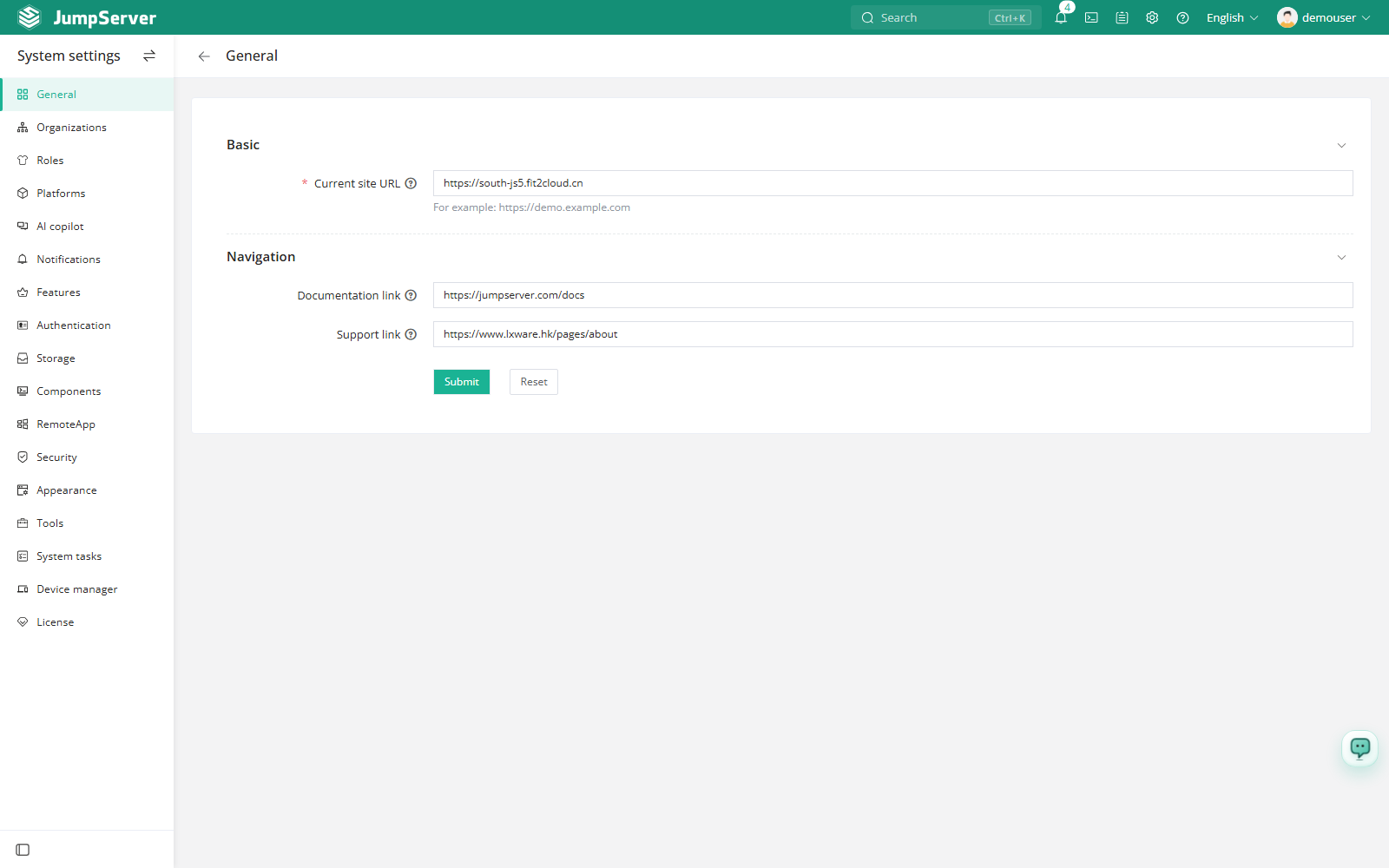
Field reference
Use the external URL that users actually open, not the internal IP address of the Core container. Behind a reverse proxy, the value must include the proxy host name and any path prefix that is part of the public address.
Notes
- The Site URL is required for features that send links by email. Confirm it before you configure the email service on the Notifications page.
- The navigation links are display-only entries. They are opened in a new browser tab and do not affect authentication or authorization.
- Basic Settings is global. It is visible to system administrators and is not scoped to an organization.