

Account Templates
An account template stores a reusable set of asset account information: username, secret type, secret policy, and related options. When many assets share the same credential, create the template once and use it from Accounts or when creating an authorization, rather than filling in the same fields for every asset.
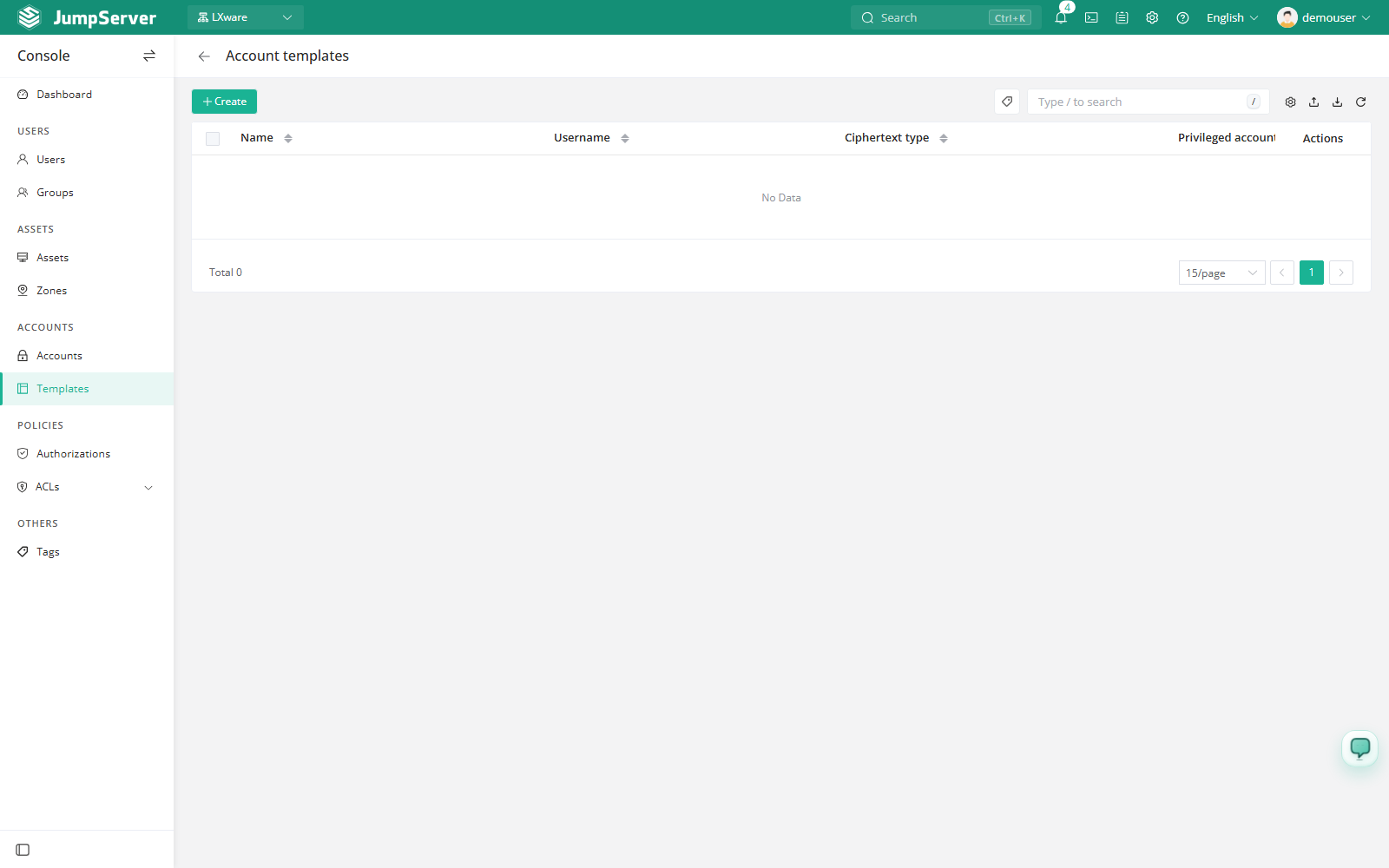
Open the page from Console > Templates.
Overview
The list columns are Name, Username, Secret type, Privileged account, and Actions. The toolbar provides search, column settings, import, export, and refresh. Templates are scoped to the current organization.
Before you begin
- Sign in with an account that can manage accounts.
- The assets that will receive template accounts must already exist. See Assets.
Create an account template
Click Create.
Click Submit, or Save and continue adding to create another template.
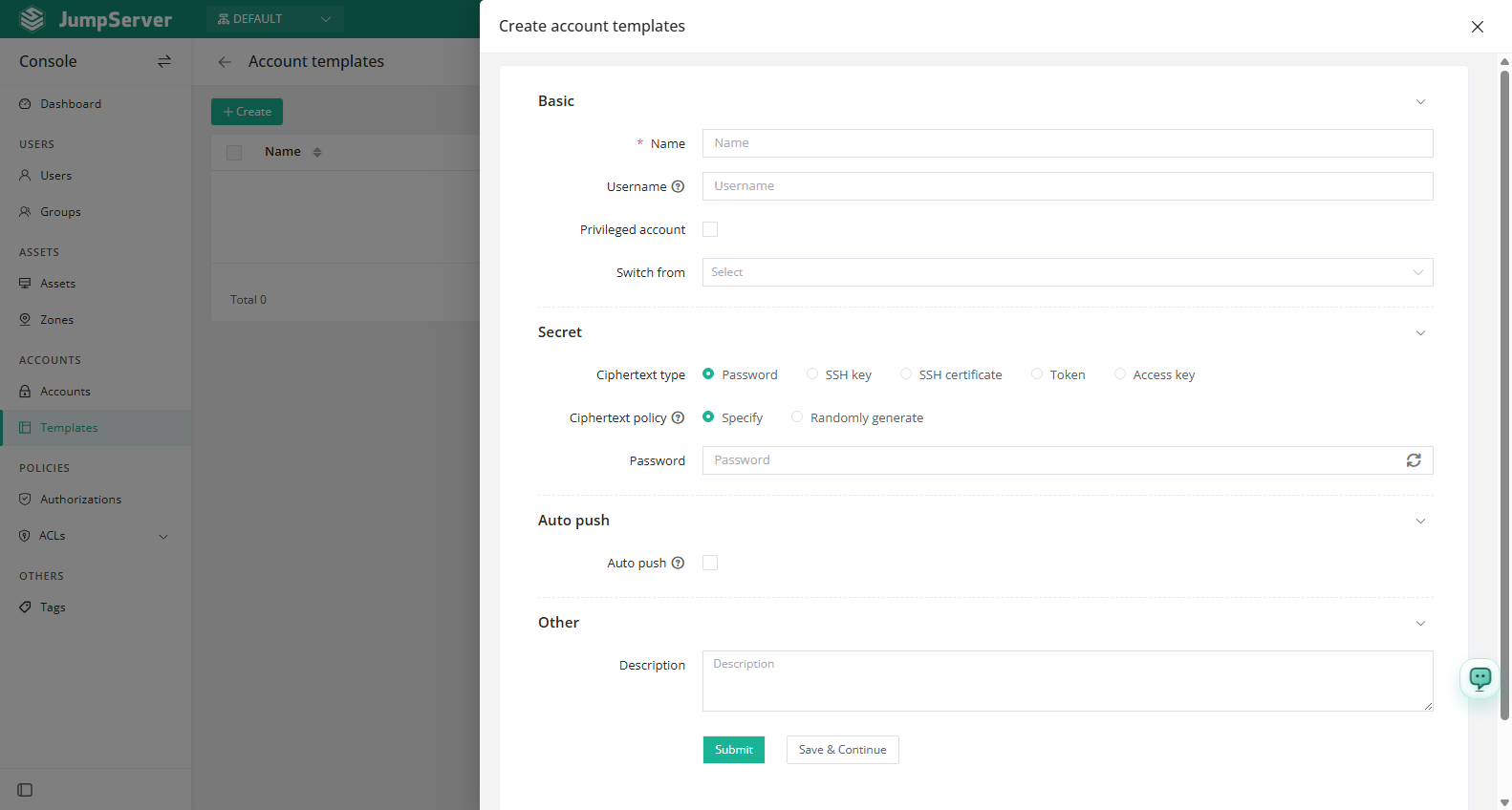
Field reference
Password rule
For Randomly generated, click Set to configure the password rule:
Template details
Click a template's Name to open the detail drawer. The title is
Account template: <name>, and tabs include Basic, Accounts, and
Activity.
- Basic shows the ID, name, username, secret type, auto push, secret policy, creator, comment, switch-from account, activation, and dates. Quick update toggles the Privileged flag.
- Accounts lists accounts created from this template, with name, asset, secret type, activation, creation date, and actions. When no account has been added yet, the list is empty. Use Sync in the quick update area to update account information.
- Activity shows the template's most recent 30 operations.
The Accounts tab only shows accounts created from this template. Updating the template's secret updates the secret of those accounts as well. Add new accounts with Add from template on the Accounts page.
Inherited and overridden fields
Changed in v5.1.0When you create an account or an authorization from a template, the form explicitly identifies the fields whose values inherit from the template. The distinction separates template values from values that apply to one account only.
- An inherited field takes its value from the template.
- Override an inherited field when a specific account needs a different value; the value you enter applies to that record instead of the template value.
- Changing the template's secret still updates the accounts created from it. See Template details.
Import, export, and maintenance
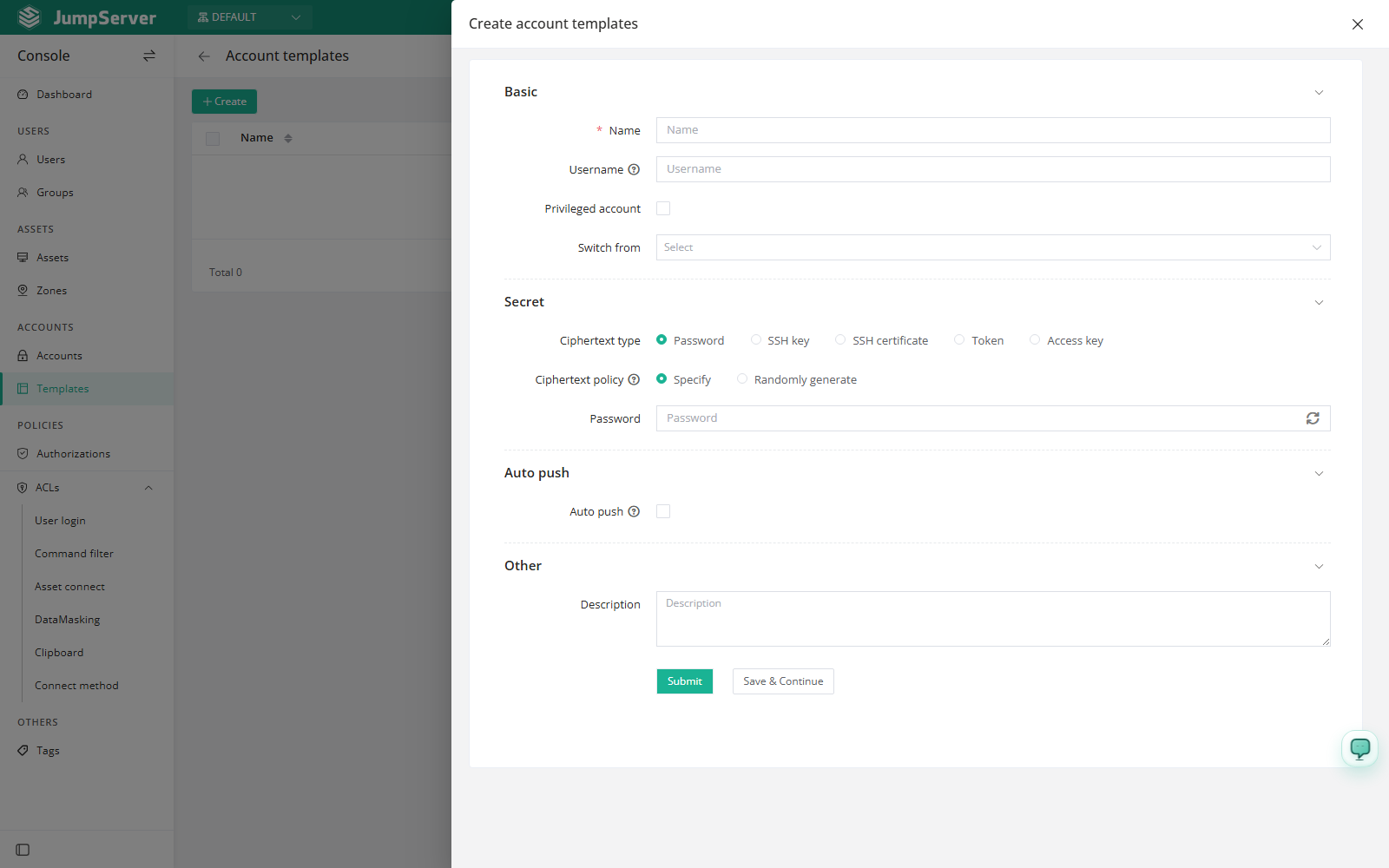
Use the toolbar to import or export templates. Import opens the Import & create dialog, where you choose Create or Update, download the CSV or XLSX template, and upload a file up to 10 MB.
The row menu (...) provides:
- Delete: remove the template. Irreversible.
- Duplicate: clone the template as a new one.
- View: open the detail drawer.
Use the edit icon in the Actions column to update the template.
Deleting a template does not delete the accounts that were created from it, but those accounts are no longer linked to a template. Deleting a template is irreversible.