

Announcements
Announcements display a platform-wide message on JumpServer pages. Administrators use them for maintenance windows, security reminders, and other information that should reach every user in the current deployment.
Enable an announcement
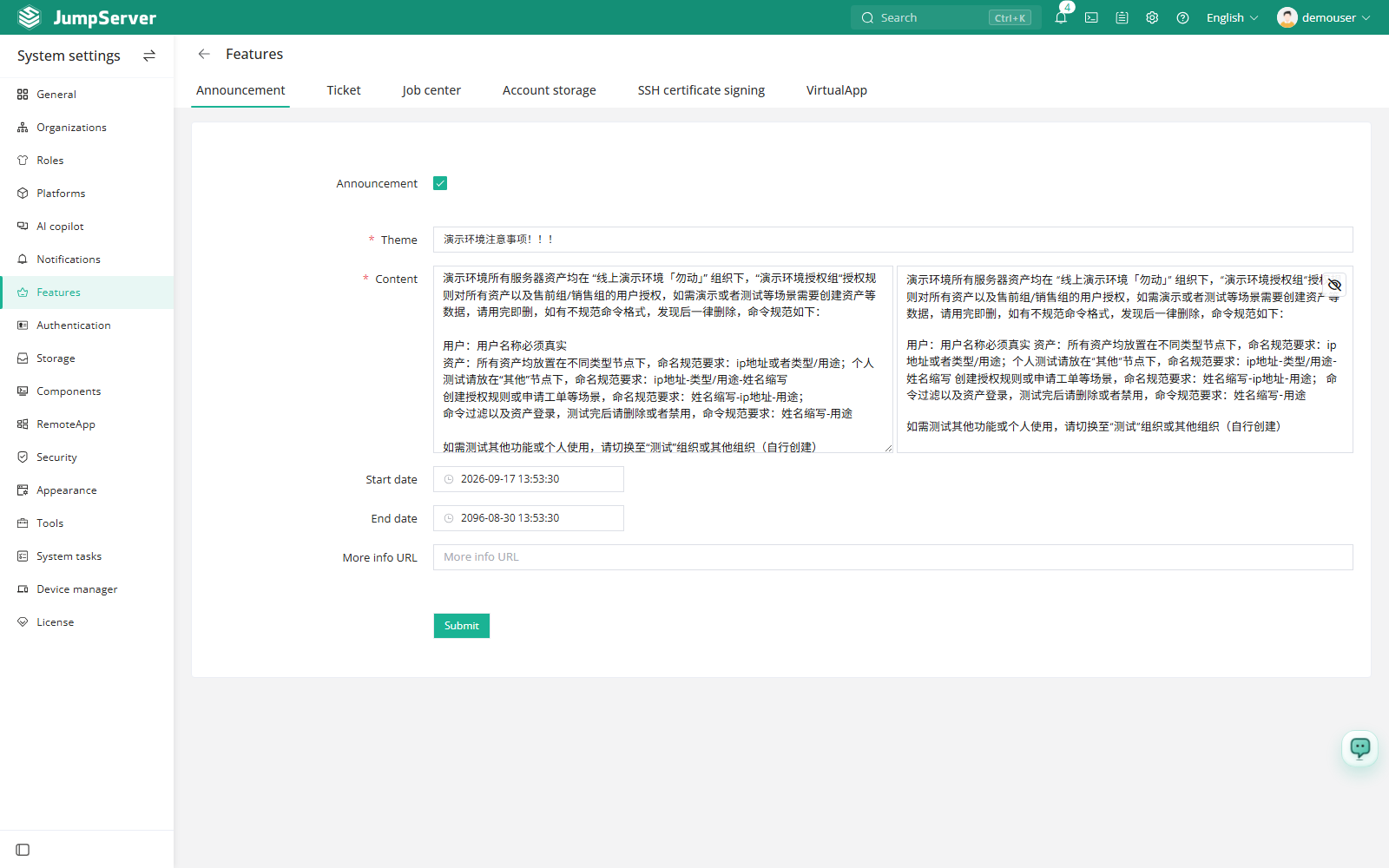
- Open System Settings > Features.
- Select the Announcement tab.
- Enable the announcement and enter the message content.
- Save the configuration.
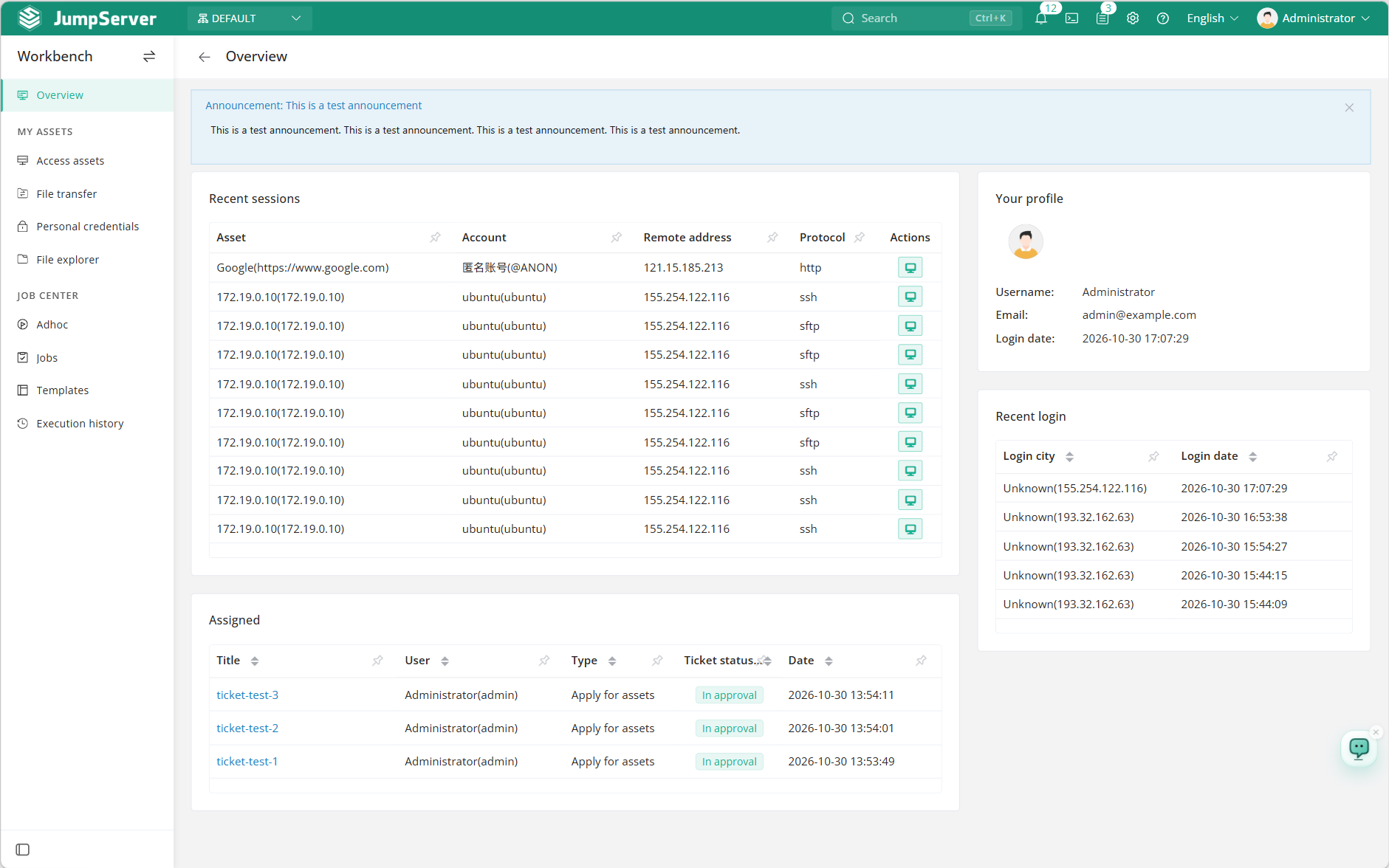
The announcement is shown in the web interface after it is enabled. Users do not need to subscribe to it.
Notes
- Announcements are global to the deployment, not scoped to a single user.
- Keep the text short and actionable; long notices are harder to scan in the announcement area.
- Disable the announcement when it is no longer relevant.
- The Announcement tab is part of Features. Related switches such as tickets, job center, and virtual apps are documented under System Settings > Features.