

Profile
Profile is the self-service area for your account. Open it from the account menu in the top-right corner. Changes apply only to your account and take effect immediately.
Profile information
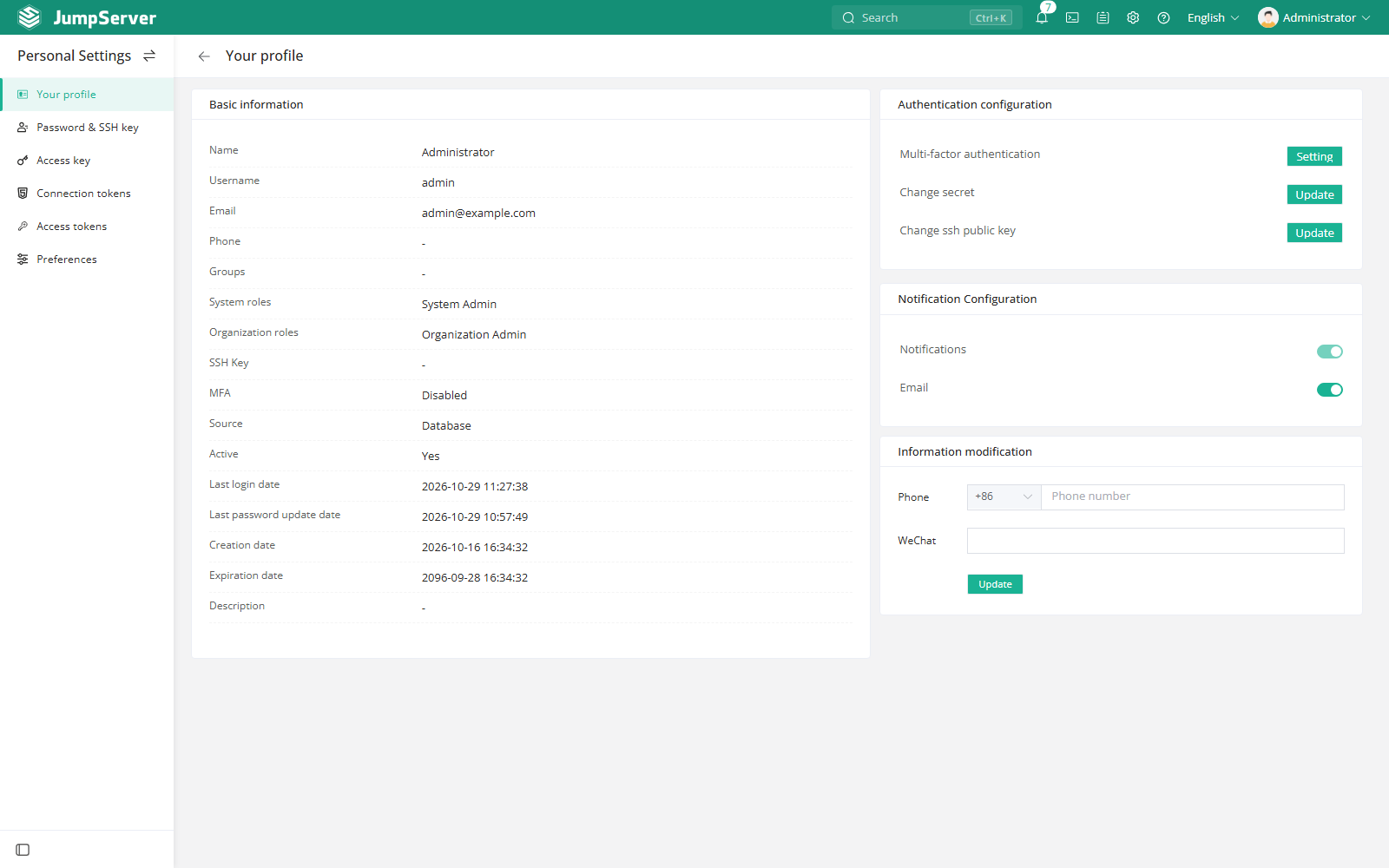
The Personal Information page is read-only for account data and provides shortcuts for credentials:
Authentication
Select Set up next to MFA authentication to enable or reset a second factor. Supported methods can include virtual MFA (OTP), SMS, email, face recognition, Radius, and Passkey, depending on what the administrator has enabled and what your account is allowed to use.
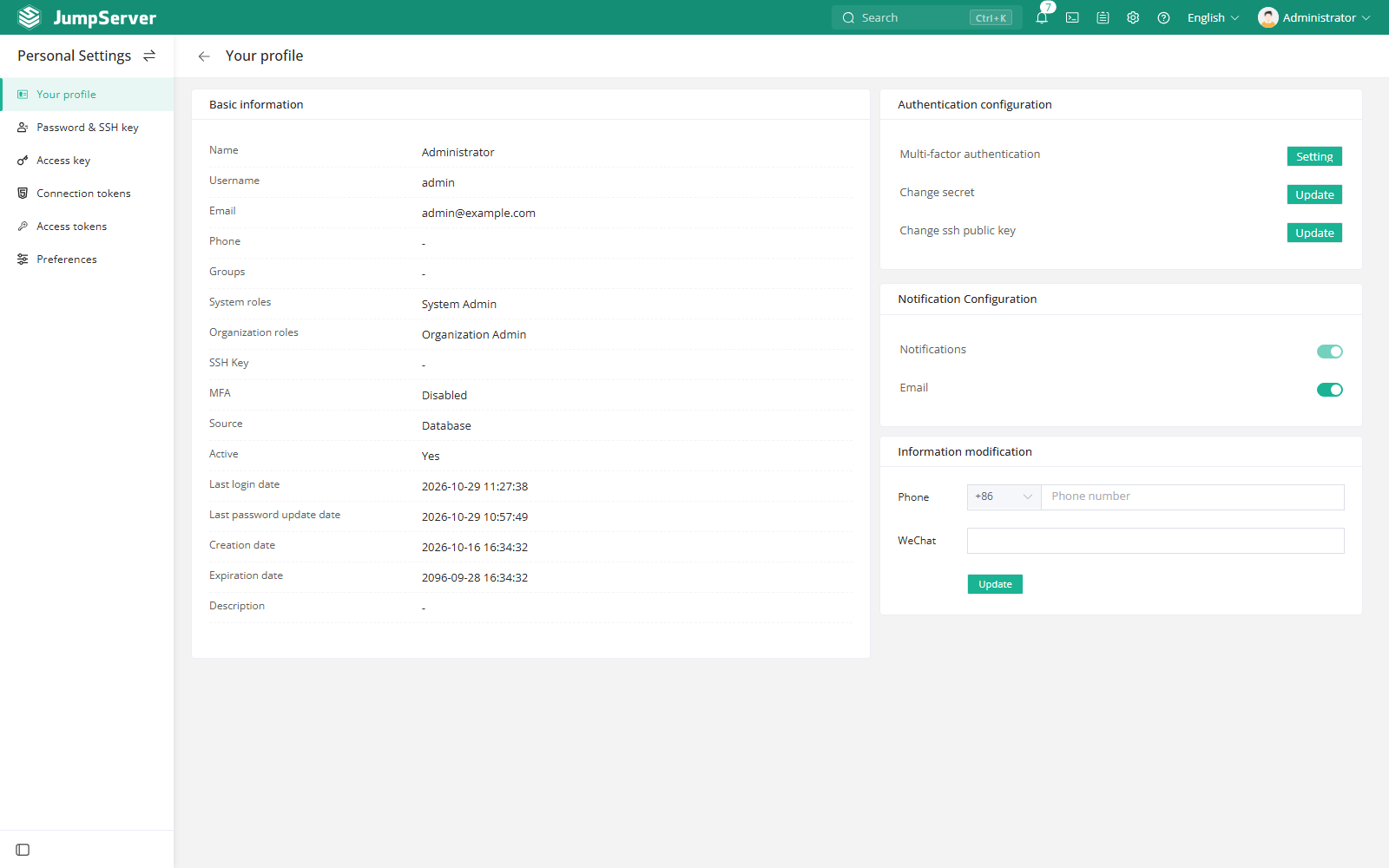
If an authentication method is missing from the list, it has not been enabled globally or is not allowed for your account. Contact an administrator if you need it enabled.
Notification settings
Choose which channels deliver system messages. In-site notifications are always available; email, SMS, and other external channels depend on the platform configuration in System Settings > Notifications.
Biometrics
Face recognition is an enterprise capability. When the server and your account are configured for it, bind your face from the MFA setup flow. Face can then be used as a login factor and, where access-control rules require it, as a connection verification or online monitoring factor.
Notes
- MFA changes can sign you out; keep access to your authenticator.
- Changing your password or SSH key takes effect immediately.
- Related pages: Password & SSH Key, Access Keys, Tokens, and Preferences.