

Notifications
Notifications are the in-app message channel for events related to your account: login reminders, ticket results, command alerts, and other system events. The bell icon in the top navigation shows the current unread count.
Read messages
Changed in v5.1.0- Select the Notifications bell icon.
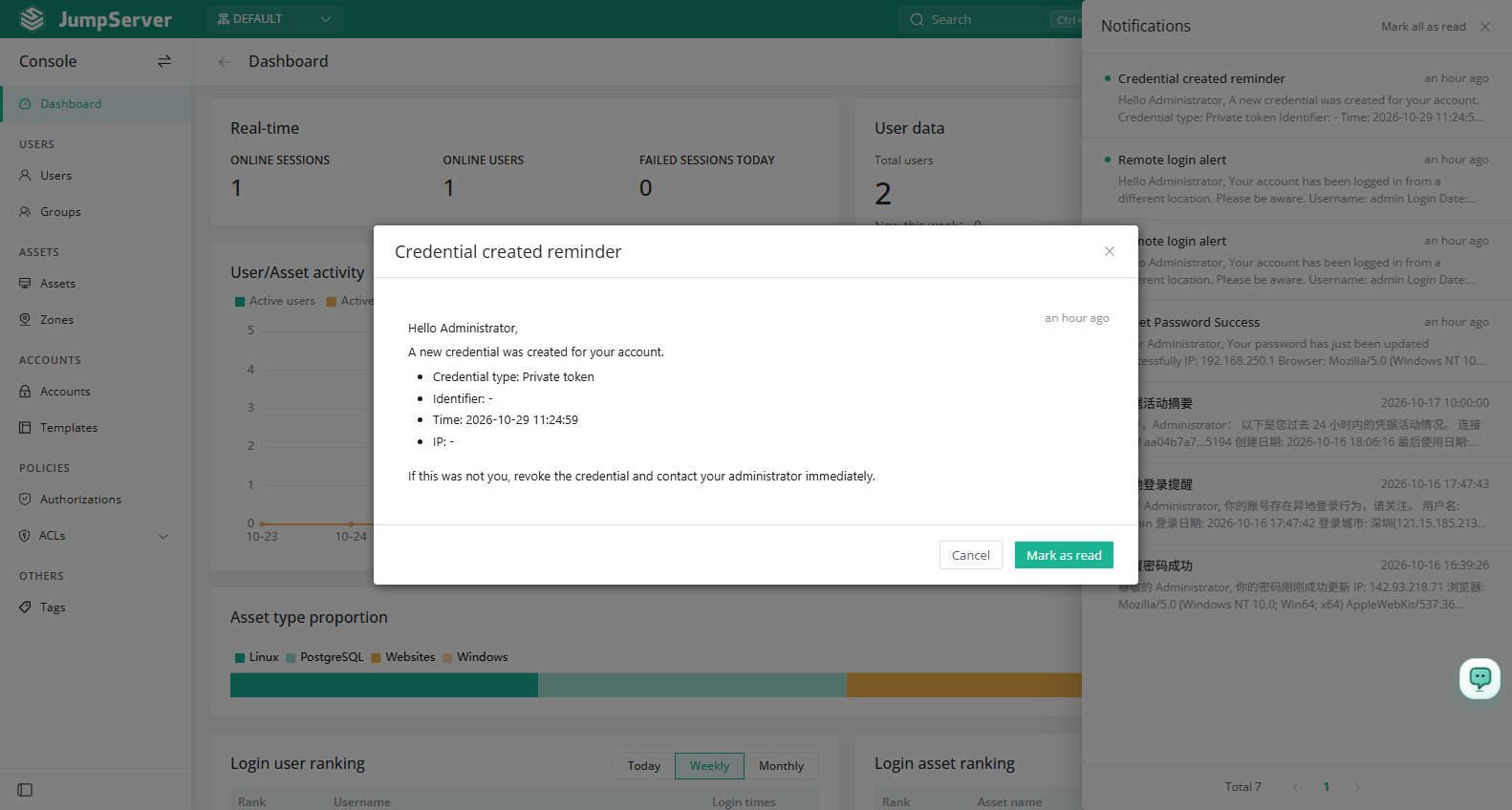
- Select a message to open its detail. When the message references a task, ticket, or session, the detail includes a link to that record.
- Select Mark all as read to clear the unread badge.
The unread message list is paginated, so you can page through all unread messages.
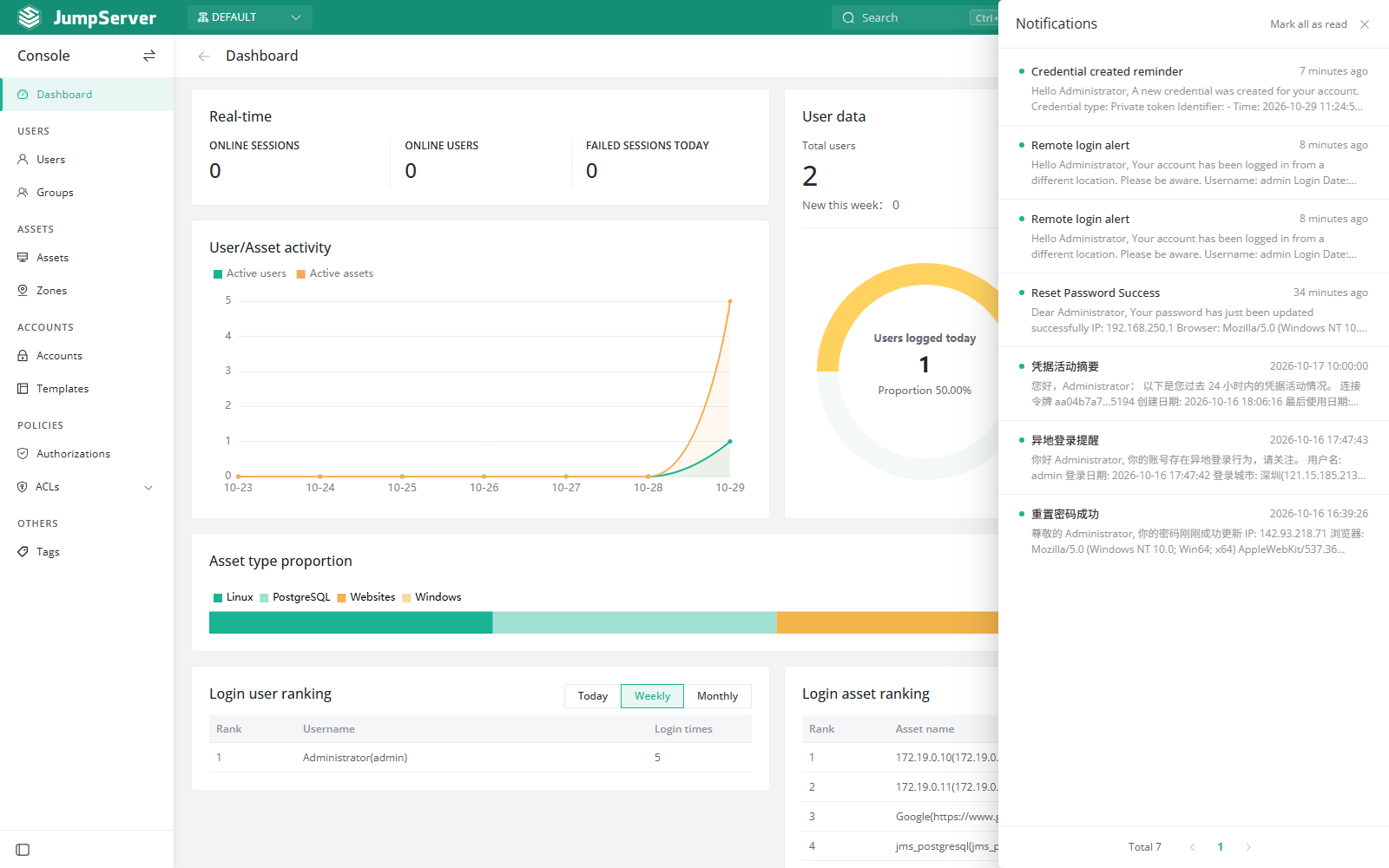
Messages are created by system events; you cannot create them manually. Your administrator controls which notification channels are available, and you choose which channels you subscribe to.
Choose channels
Open Profile > Notification Settings to enable or disable channels such as in-site messages and email. The available channels depend on what the administrator has configured under System Settings > Notifications.
Notes
- In-site notifications are not the same as System Settings > Notifications; the latter configures email, SMS, and subscription-based delivery for the whole platform.
- If messages are not delivered by email or another external channel, ask an administrator to verify the channel configuration and your subscription.