

Password Change Logs
Password Change Logs records changes to JumpServer platform user passwords. Use it to confirm that a password reset was expected and to identify which administrator or system action changed an account.
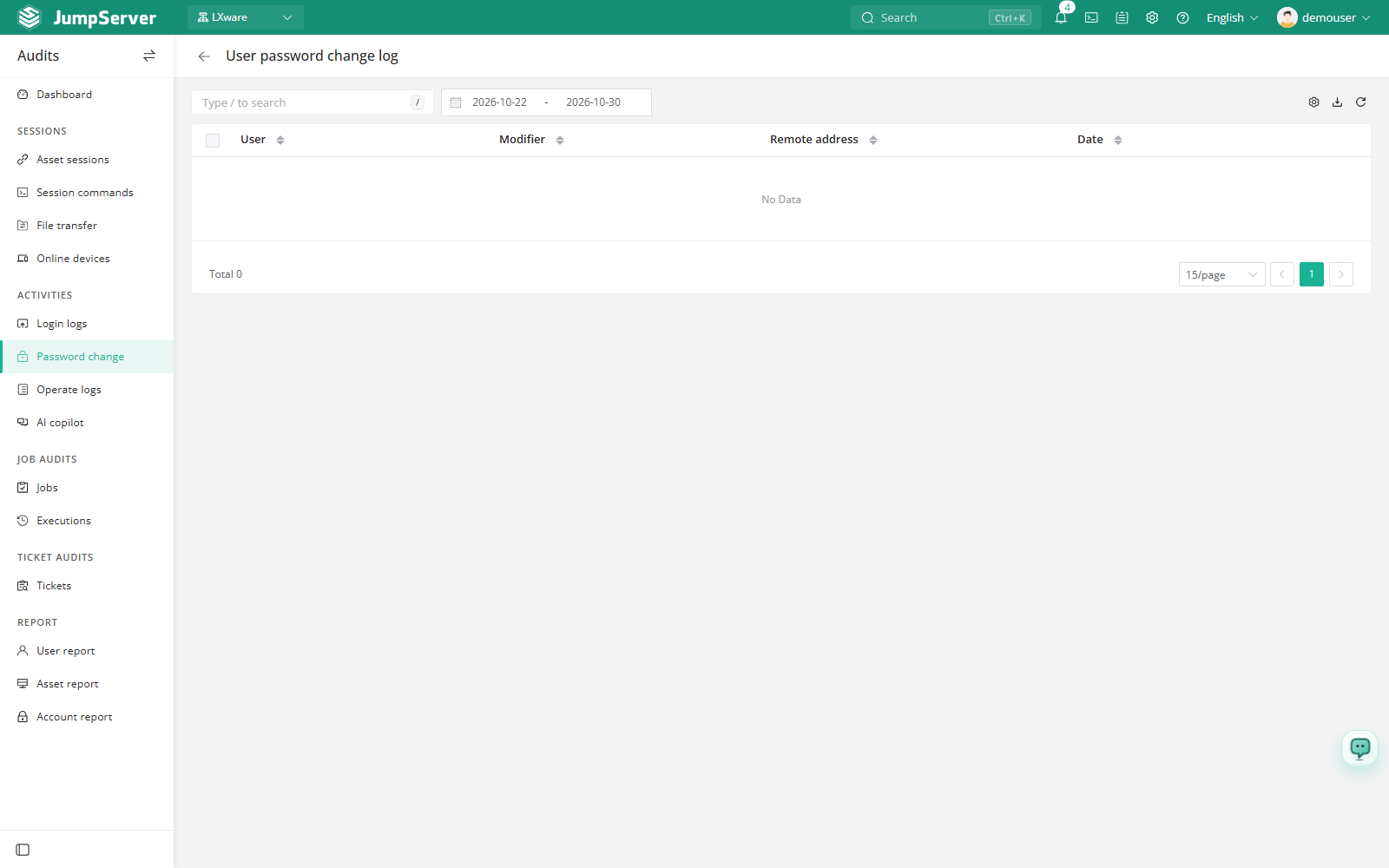
Open the page from Audits > Activities > Password Change Logs. The page header reads User password change log.
Overview
Each row shows the affected user, the modifier, the remote address, and the date. The modifier can be the user, another administrator, or System for changes made by an automated process.
The toolbar provides search, a date range, column settings, export, and refresh.
Prerequisites
- Sign in with an account that has the
audits.view_passwordchangelogpermission, such as a system administrator or auditor. - A platform user password must have been changed by the user or by an administrator.
Review password changes
Set the date range to the period you want to review.
Search for the affected user or the modifier.
Compare the User and Modifier columns to distinguish self-service changes from administrator resets.
Customize columns and export
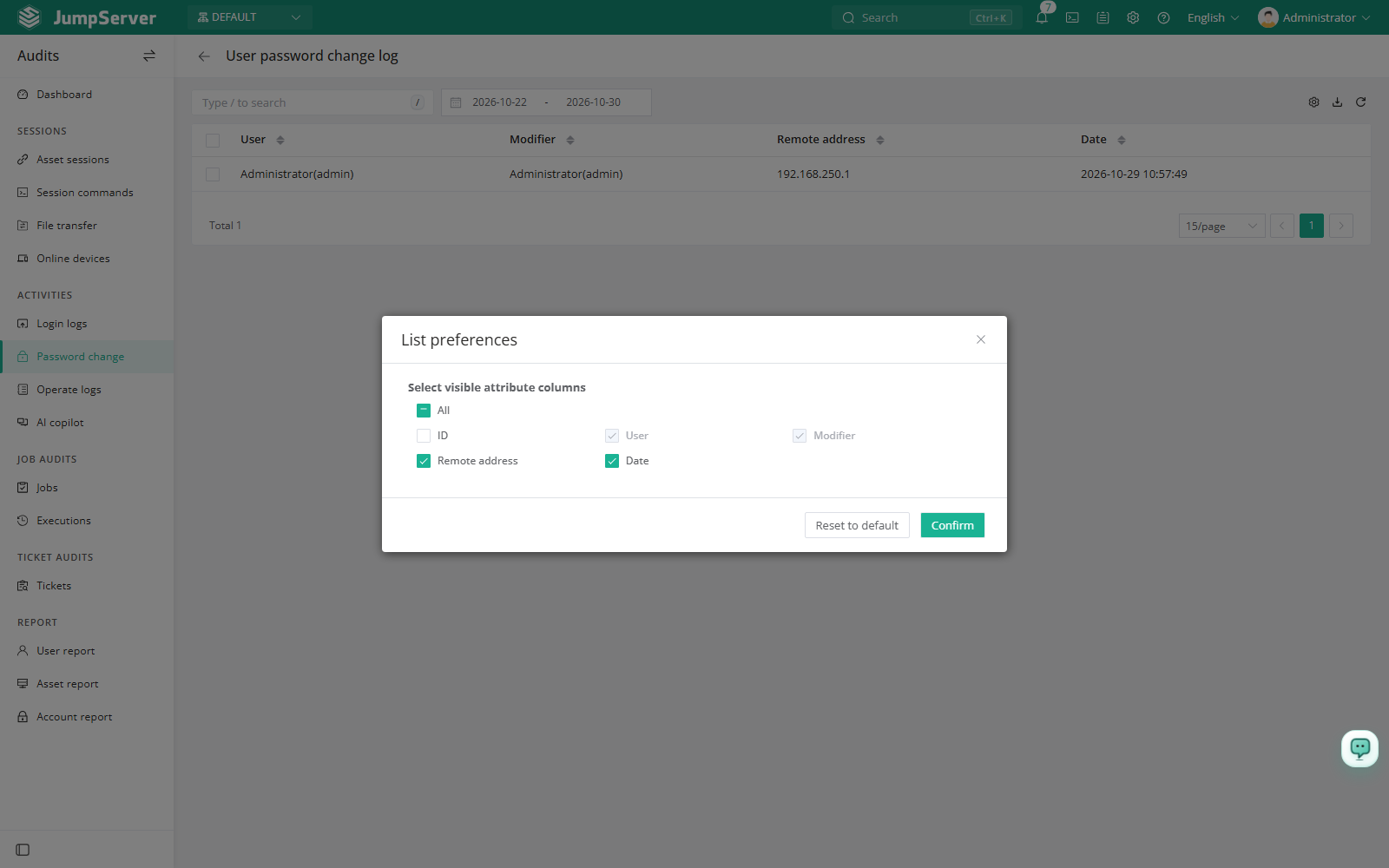
Open List preferences, select the columns to display, and click Confirm. Available columns are ID, user, modifier, remote address, and date. Restore defaults resets the list.
Click Export, choose CSV or Excel, select Export all, Export selected, or Export search results, and click Confirm.
Field reference
Notes
This page covers JumpServer login passwords only. Changes to asset account secrets are recorded in PAM under Account Activities and are managed through Change Secrets.