Online Devices
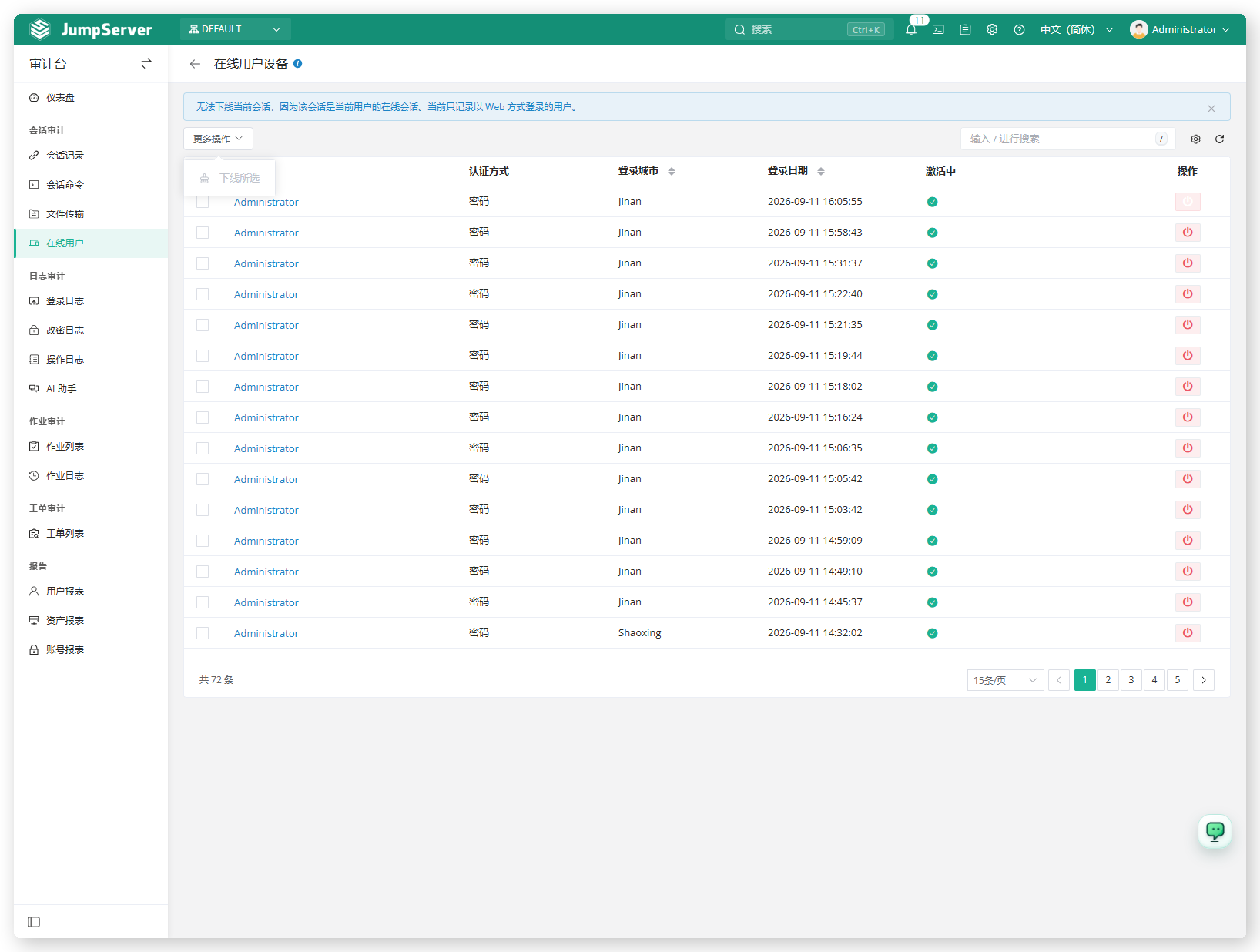
Online Devices lists the users who are currently signed in to JumpServer through the web interface. Auditors use it to spot stale or unexpected sessions and to force a logout when a device should no longer have access.
Open the page from Audits > Sessions > Online Devices. The page header reads Online user devices.
Overview
The list shows the user, authentication method, login city, login date, active state, and actions for each web login. Only web logins are recorded here; connections to assets are listed under Asset Sessions.
The page note explains two constraints: the current user's own session cannot be logged out, and only web logins are recorded.
Prerequisites
- Sign in with an account that has the
audits.view_usersessionpermission, such as a system administrator or auditor. - Force logout additionally requires the
audits.offline_usersessionpermission.
Log out a device
Find the session with search, or sort by Login date.
Select one or more rows.
Click More actions and choose Offline selected, or use the power icon in the row actions for a single session.
Confirm the operation.
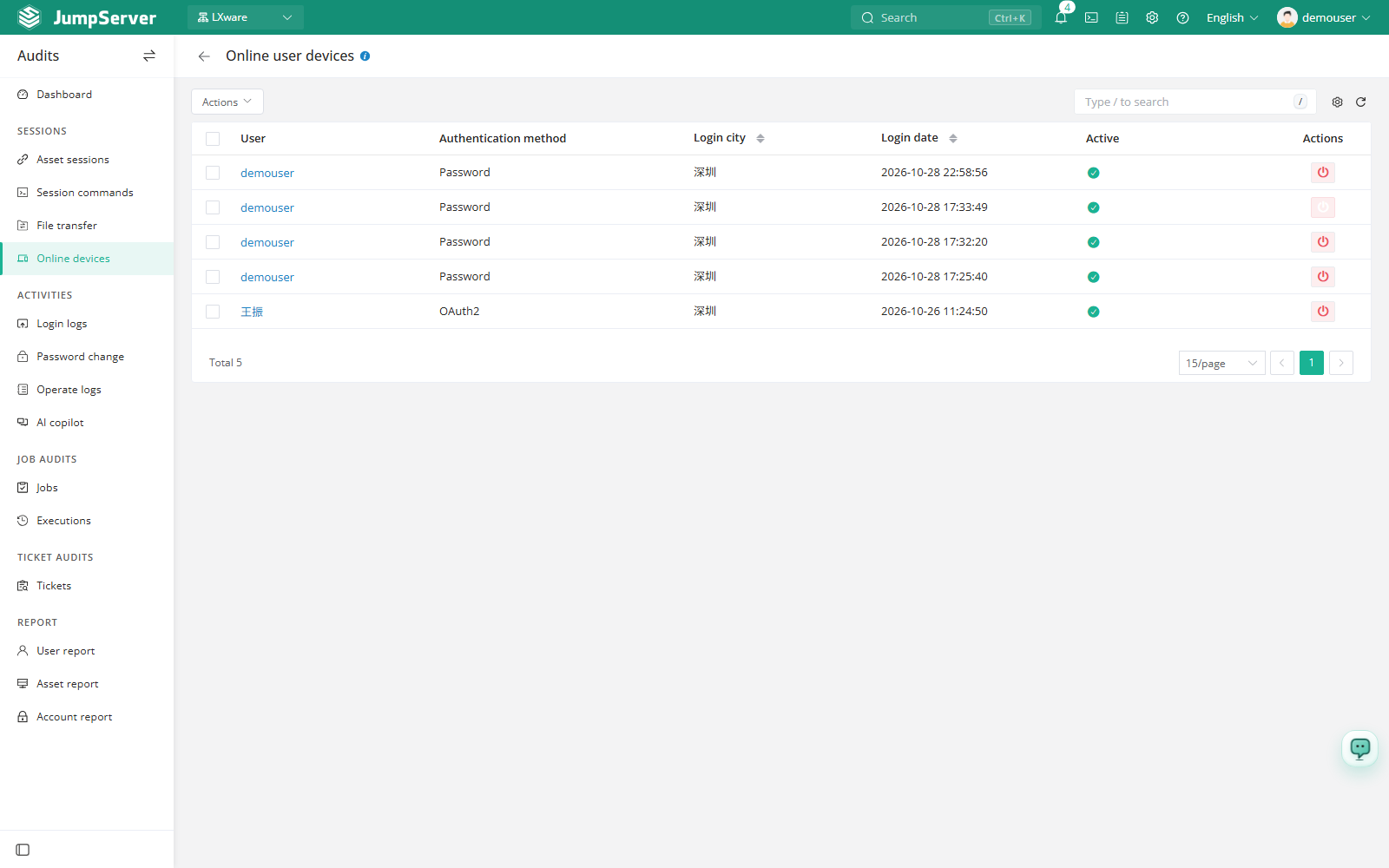
Logging out a device ends the user's web session immediately. The current user's own session is protected and cannot be logged out from this page.
Customize columns
Open List preferences, select the columns to display, and click Confirm. Extra columns include ID, expiration date, and user agent. Restore defaults resets the list.