For AI agents: the complete documentation index is available at https://www.jumpserver.com/docs/llms.txt, the full documentation bundle is available at https://www.jumpserver.com/docs/llms-full.txt, and this page is available as Markdown at https://www.jumpserver.com/docs/features/system-settings/security/authentication.md.
๐ŸŽ‰ JumpServer v5.1.1 is available. See what's new โ†’

Authentication

Enterprise Edition

LDAP HA, OIDC, SAML2, OAuth2, WeCom, DingTalk, Feishu, Lark, Slack, RADIUS, and UKey require JumpServer Enterprise Edition. AD/LDAP, CAS, and Passkey are included in Community Edition.

Request 14-day free trial

Authentication controls how users prove their identity before they reach JumpServer. The page starts with a Basic tab of global options, followed by an Integration tab where authentication methods are enabled, and a tab for each enabled method.

Basic settings
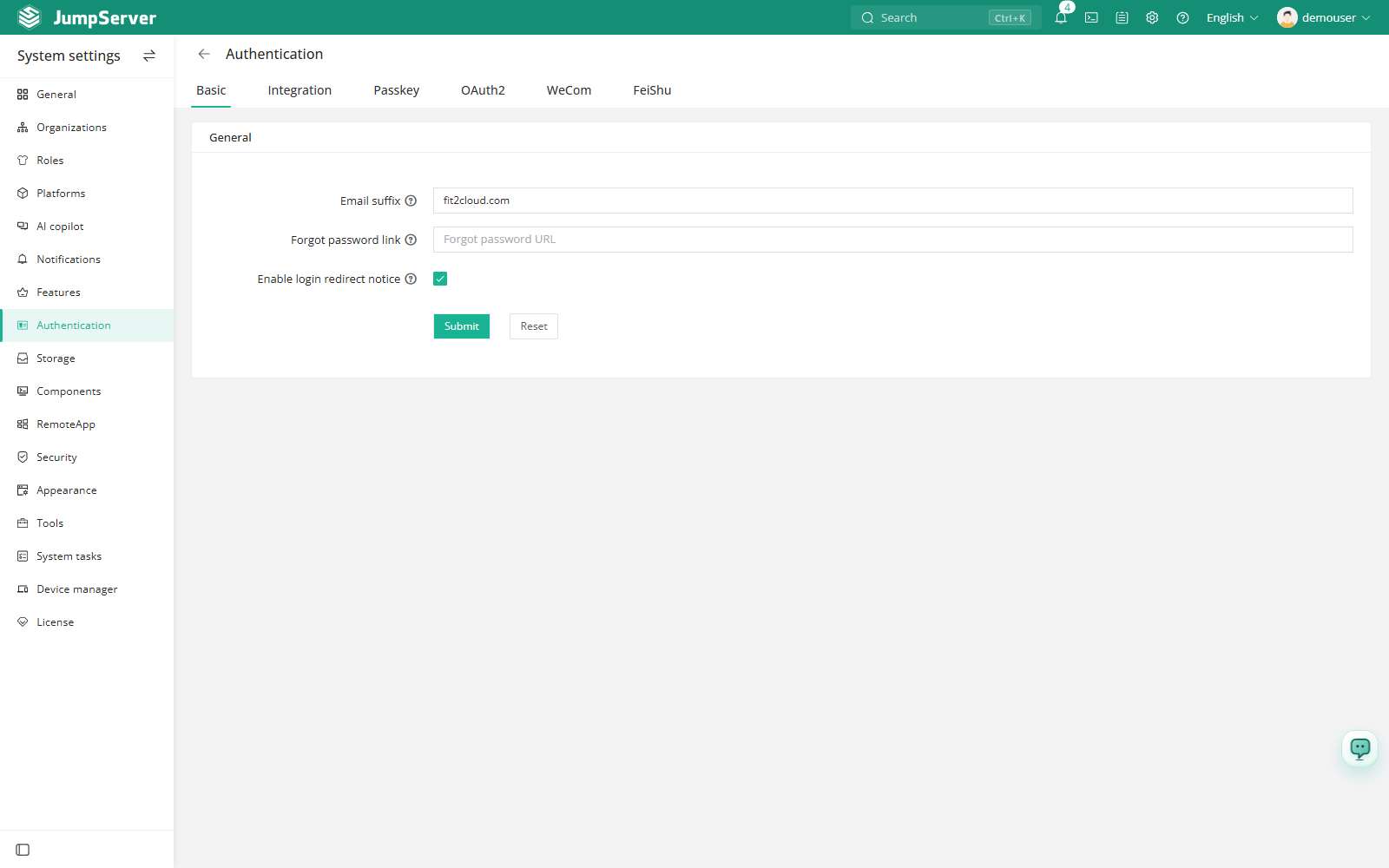
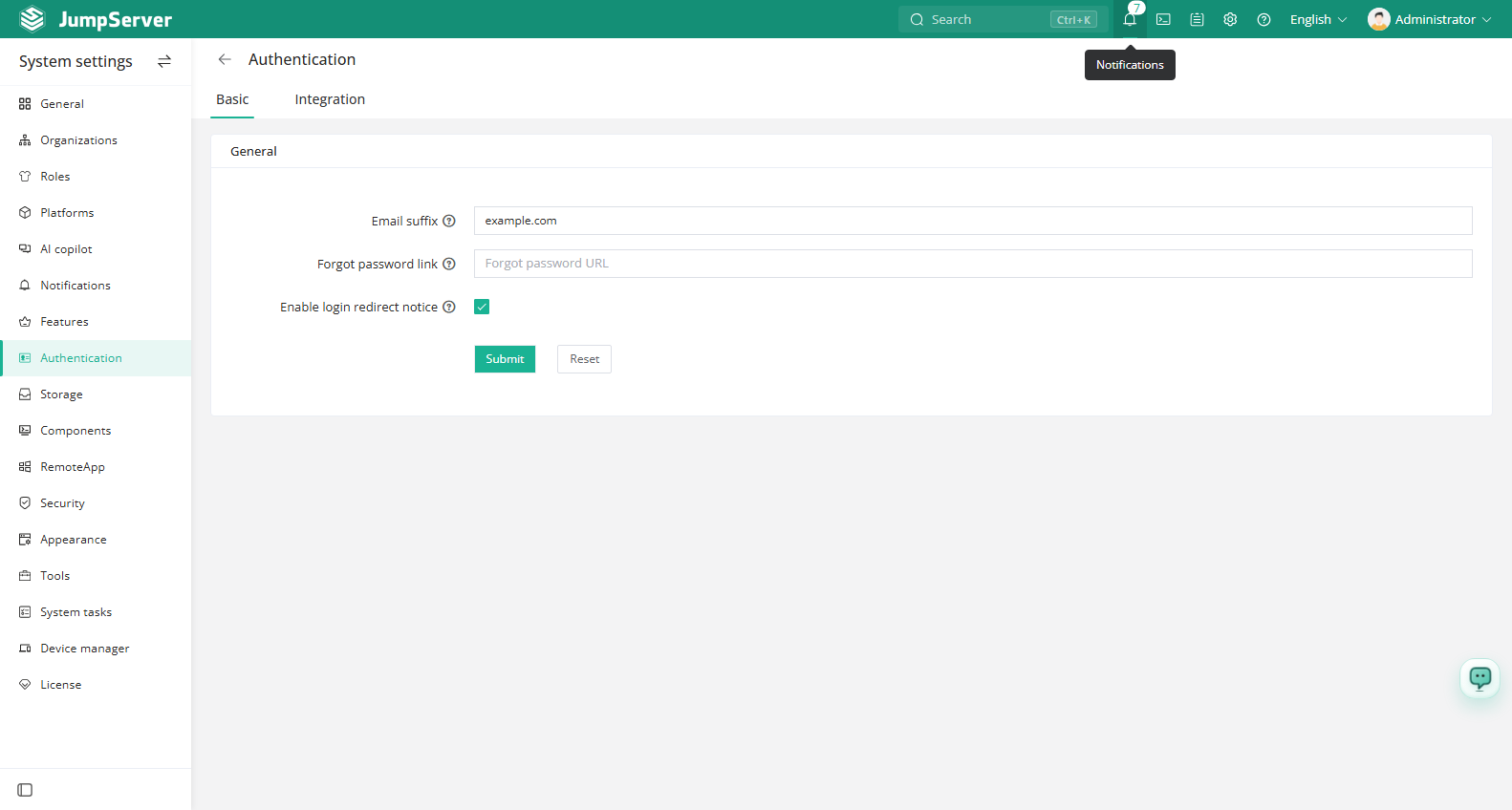
FieldDescription
Email suffixWhen a third-party identity provider does not return an email address, JumpServer builds one by combining the user name with this suffix, for example example.com.
Forgot password URLPage that users are redirected to when they click Forgot password on the login page. Use it to point to your own password self-service portal.
Login redirectionWhen enabled, visitors who are not signed in are prompted to confirm before being redirected to the third-party authentication page. When disabled, they are redirected directly.

Figure 1: Email suffix setting

Figure 2: Forgot password URL setting

Supported methods

MethodHow it authenticatesEdition
AD/LDAPAuthenticates against a directory service with a bind DN and user search filter. Supports user import and scheduled synchronization.Community
AD/LDAP HALDAP with failover between primary and backup directory servers.Enterprise
CASCentral Authentication Service single sign-on, versions 1, 2, 3, and CAS 2 with SAML 1.0.Community
OIDCOpenID Connect single sign-on. Supports Keycloak or a manually defined OpenID provider.Enterprise
SAML2SAML 2.0 service provider integration with an external identity provider.Enterprise
OAuth2Generic OAuth 2.0 authorization-code flow with configurable endpoints.Enterprise
RADIUSRADIUS authentication, optionally as an MFA backend.Enterprise
PasskeyFIDO2 passwordless authentication with biometrics, PIN, or a security key.Community
WeComWeCom QR-code sign-in and identity binding.Enterprise
DingTalkDingTalk QR-code sign-in and identity binding.Enterprise
FeishuFeishu QR-code sign-in and identity binding.Enterprise
LarkLark QR-code sign-in and identity binding.Enterprise
SlackSlack OAuth sign-in.Enterprise
UKeyHardware USB-key authentication.Enterprise

Multi-factor authentication

Changed in v5.1.0

MFA (Multi-Factor Authentication) user settings follow the system configuration by default. Authentication methods that are not enabled at the system level are clearly marked in the user's MFA settings. When MFA is enforced system-wide, it is enabled automatically for every user and cannot be disabled.

The system-wide MFA policy is configured in Security.

Enable an authentication method

1

In the right area of the top navigation bar, click .

image
2
In the left menu, click Authentication.
3

Open the Integration tab and select the method you want to enable.

4

Open the method's tab and complete the provider connection fields: server URL or issuer, client ID and client secret, and the protocol-specific settings.

5

Define the attribute mapping so that provider attributes are written to the JumpServer user name, name, and email fields.

6

Optionally choose the organization that authenticated users join, and whether JumpServer should create users that do not exist yet.

7

Click Submit, then test the sign-in flow from a private browser window.

Protocol details

Each method tab follows the same shape, with protocol-specific fields:

  • LDAP and LDAP HA require a bind DN, bind password, user OU, user filter, and attribute mapping. Use Test connection, Test login, User import, and Sync settings at the bottom of the tab. User groups can be mapped through distinguishedName.
  • CAS requires the CAS server address, service URL, version, and attribute mapping. Add the login, callback, and logout URLs to the CAS client.
  • OIDC requires the client ID and secret, either a Keycloak server and realm or explicit authorization, token, JWKS, userinfo, and logout endpoints.
  • SAML2 requires the SP key and certificate, and either the IdP metadata URL or metadata XML. Download the SP metadata to configure the identity provider.
  • OAuth2 requires the authorization, token, userinfo, and logout endpoints, plus scopes and a client authentication method.
  • RADIUS requires host, port, and shared secret. Enable the RADIUS OTP option to use it as an MFA backend.
  • Passkey requires HTTPS access and a valid domain list for the relying party.

Version history

VersionChange
v5.1.0MFA user settings follow the system configuration, and system-wide MFA enforcement cannot be disabled.
v5.1.0OAuth2 login added user group synchronization, user group attribute mapping, and certificate verification modes.
v5.1.0SAML2 remote metadata added configurable certificate verification modes.
v5.1.0LDAP added user group mapping through distinguishedName.