

Ticket Flow
Tickets & Approvals requires JumpServer Enterprise Edition. Ticket entries, approval cards, and flow settings are hidden without a license.
Flow Setup is the administrative configuration view for ticket approval. It defines who approves a request, how many approval levels a request passes through, and who is copied on the ticket. It is not where access is requested: applicants create requests from Submitted, and approvers act on them from Assigned.
Prerequisites
- The Tickets feature is enabled and licensed. The Tickets & Approvals area requires an enterprise license.
- Your role grants the ticket flow permissions needed to view, create, update, or delete flows. Managing flows is an administrative or operator task, not part of the normal applicant workflow.
Review existing flows
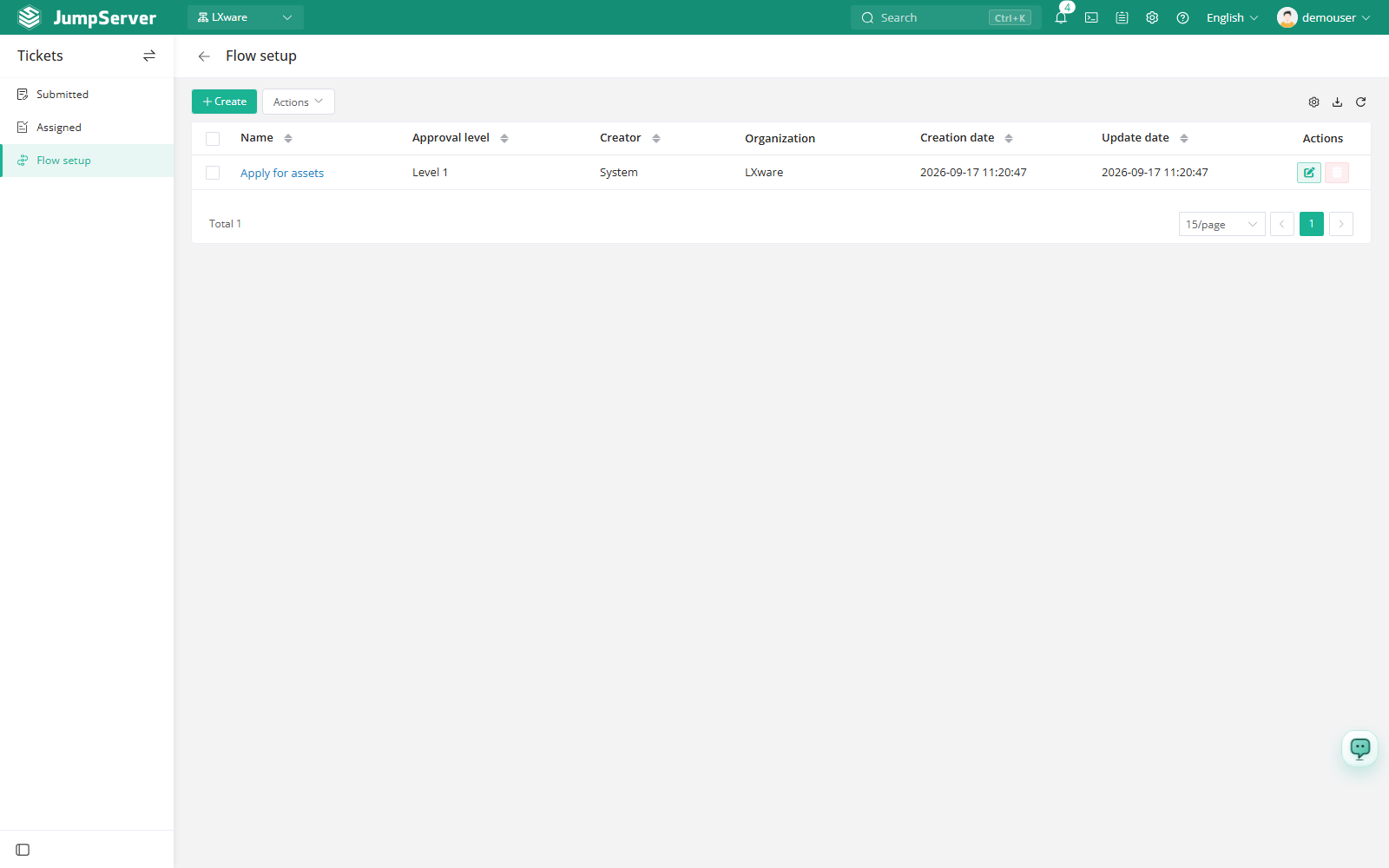
The list shows the flows available in the current organization, including flows inherited from the global organization.
Create a flow
Open Flow Setup and click Create.
In Basic, enter a name and optionally select CC users who should be copied on every ticket that uses the flow.
In Approval level, choose how many levels the request must pass, from one to five.
For each level, define the handlers. You can include all users, select specific users, or use an attribute filter such as a system role equal to System administrator.
Click Submit. The flow becomes selectable when applicants create a ticket for the matching organization and ticket type.
How a flow is selected
When an applicant creates a ticket, JumpServer chooses an approval flow from the selected organization and the ticket type. If only one flow matches, it is filled in automatically; when several match, the applicant can choose from the available flows. The chosen flow determines the number of approval steps, the handlers at each step, and the CC list shown on the ticket.
Flows defined in the global (root) organization act as defaults for all organizations. A flow with the same ticket type and name defined in a specific organization overrides the global flow, while differently named flows remain available.
Every approval level must resolve to at least one handler. If an attribute rule matches nobody, saving the flow fails with an error asking you to update the approval rule. Check role and attribute values before changing a flow that is already in use.
Changing a flow affects tickets created afterwards. Tickets already in progress keep the approval steps that were created with them. Auditors can review ticket history from Ticket Audits.