

Asset Connect
Asset connection control requires JumpServer Enterprise Edition.
Asset Connect audits connections to assets against the source IP address and time of day. An authorization decides whether a user may reach an asset at all; an asset connect control adds a second gate that can reject the connection when the request comes from an unexpected network or outside an allowed window.
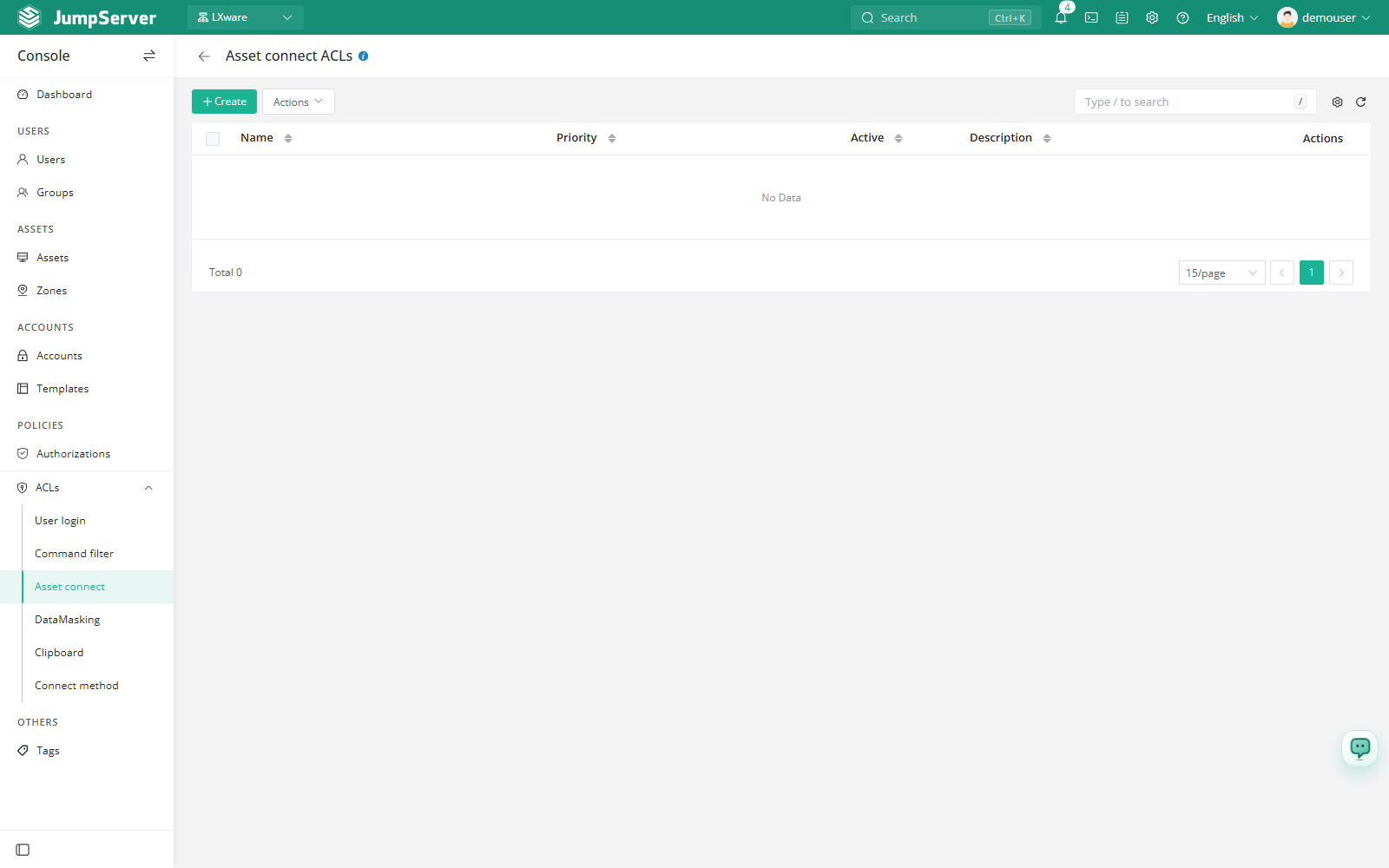
Open the page from Console > ACLs > Asset Connect.
Overview
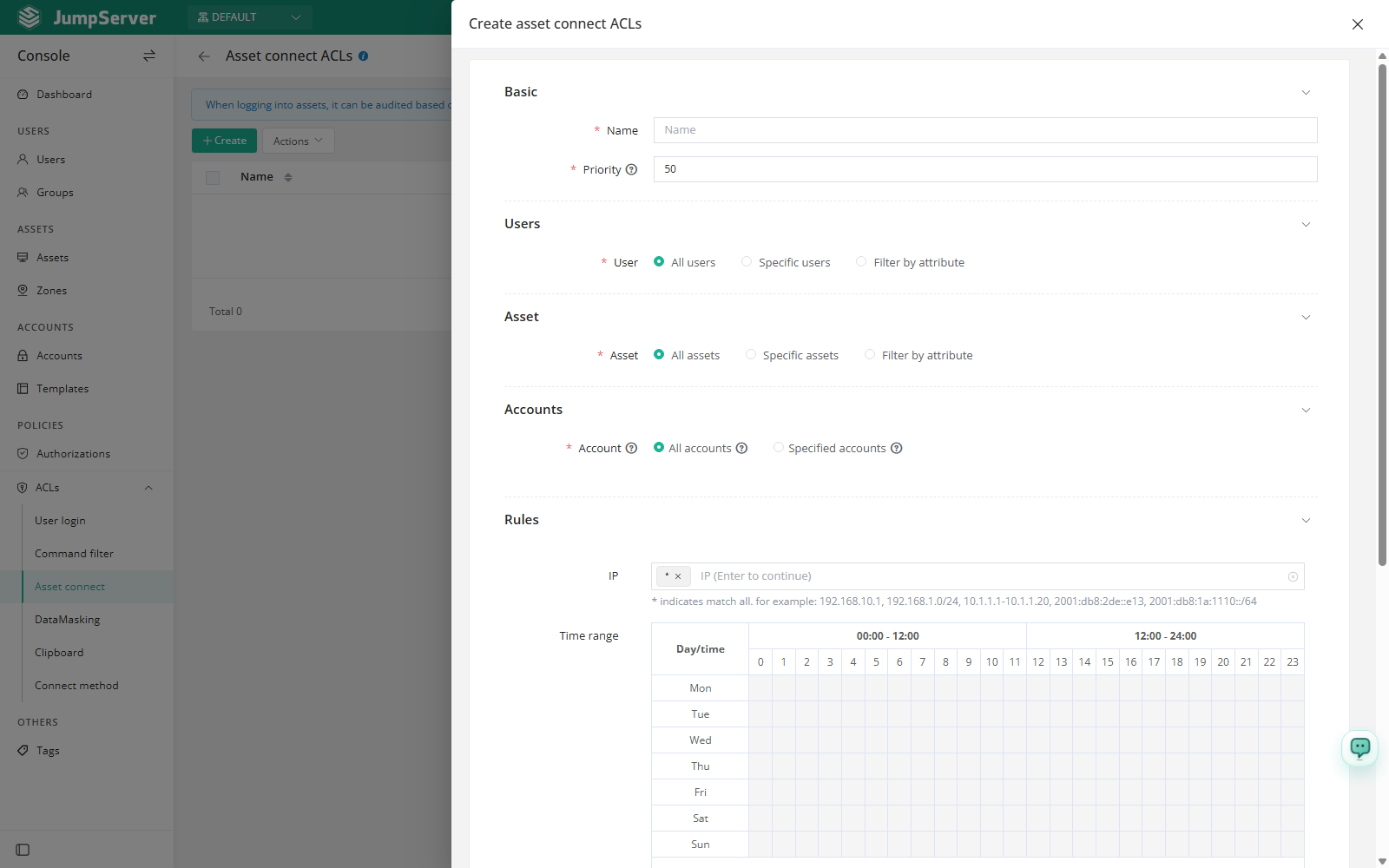
Each rule matches a user, an asset, an account, and a time/IP condition. Rules are evaluated by priority: the lower the number, the earlier the rule is matched, and the first matching rule supplies the action. Rules are scoped to the current organization.
Before you begin
- Sign in with an account that can manage ACLs.
- Review existing Authorizations so the new control does not duplicate or contradict them.
- Plan the allowed source networks and time windows before enabling a reject rule.
Create an asset connect control
Click Create.
Click Submit.
Field reference
Approval exemption period
New in v5.1.0Approval exemption periods require JumpServer Enterprise Edition.
When a control uses an action that requires approval, configure an approval exemption period so the same user can reconnect to the same asset with the same account without another approval during that period.
The exemption is tied to the specific user, asset, and account combination. A different asset, account, or user still goes through approval, and when the period ends the next matching connection goes through approval again.
Test before enabling
- Create the rule with a narrow scope: one user or one asset, and a test IP.
- Keep Active selected and attempt a connection from an allowed and from a blocked address.
- Confirm the expected result in the user's session and in Login Logs.
- Widen the user or asset scope only after the behavior is confirmed.
When an active rule returns Reject, matching users cannot connect to the assets even when an authorization exists. Make sure the rule's users, assets, and IP scope are as narrow as the scenario requires.
The action list depends on the edition and enabled features. Reject and Accept are always available; additional actions such as review require an Enterprise license and the related configuration.