

Data Masking
Data Masking hides sensitive values in the result sets returned when users connect to database assets. A rule selects the columns to mask and the masking method, so users can run queries without seeing full values such as passwords, secrets, or personal identifiers.
Open the page from Console > ACLs > Data Masking.
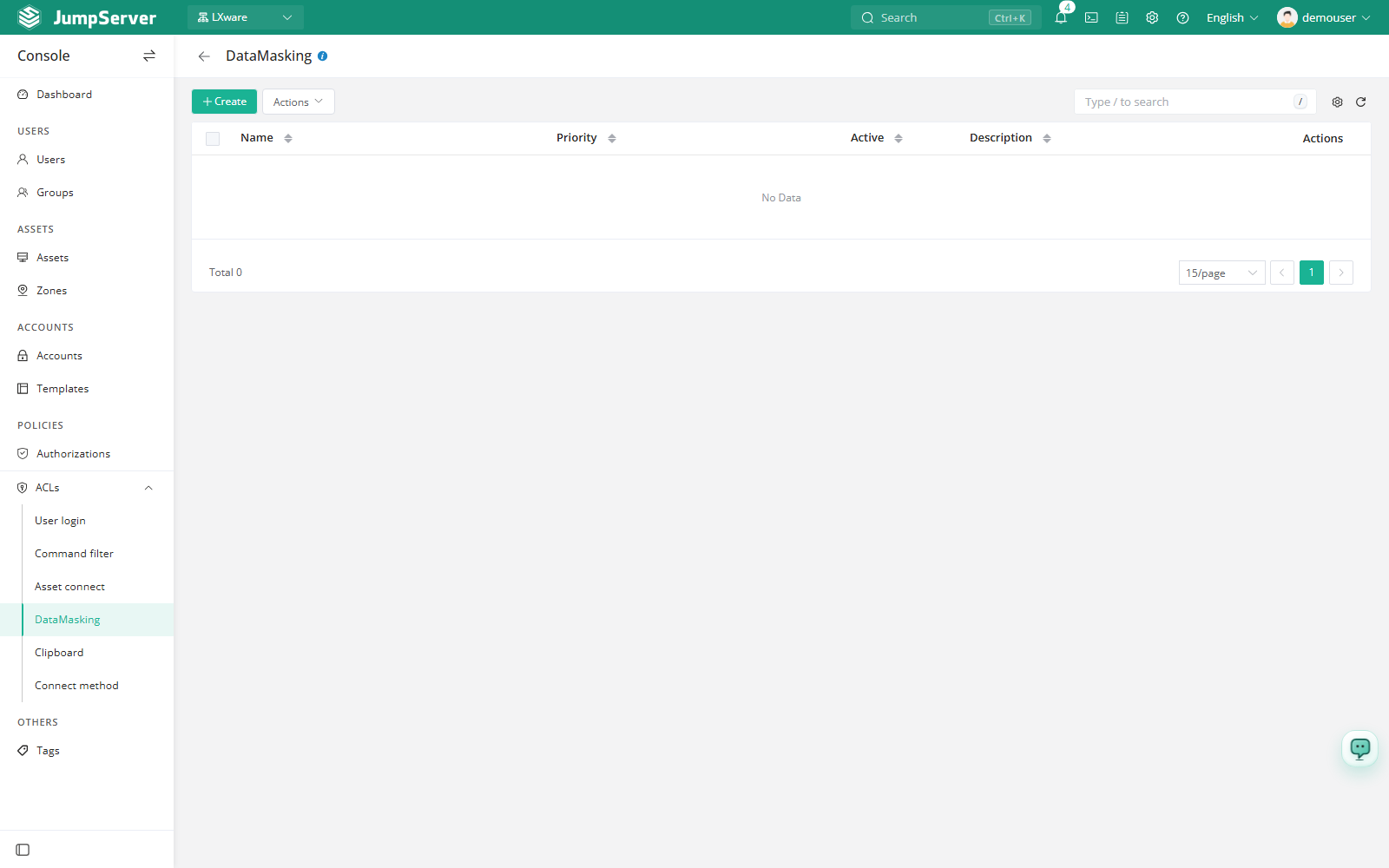
Overview
A masking rule combines a scope (users, assets, and accounts) with a field pattern and a masking method. It applies only to database connections; other asset types are not affected. The rules are scoped to the current organization and are matched by priority, where a lower number is evaluated earlier.
Before you begin
- Sign in with an account that can manage ACLs.
- Have at least one database asset and its accounts in the current organization.
- Know which column names should be masked. Check the actual schema first, since the rule matches column names, not column positions.
Create a data masking rule
Click Create.
In the Create data masking drawer, fill in the fields below.
Click Submit.
Field reference
Fields pattern examples
Masking changes only the result that the user sees. The data stored in the database is not modified, and applications that connect outside JumpServer are not affected. Combine this rule with Authorizations that limit which accounts and protocols can reach the database.