

Session Commands
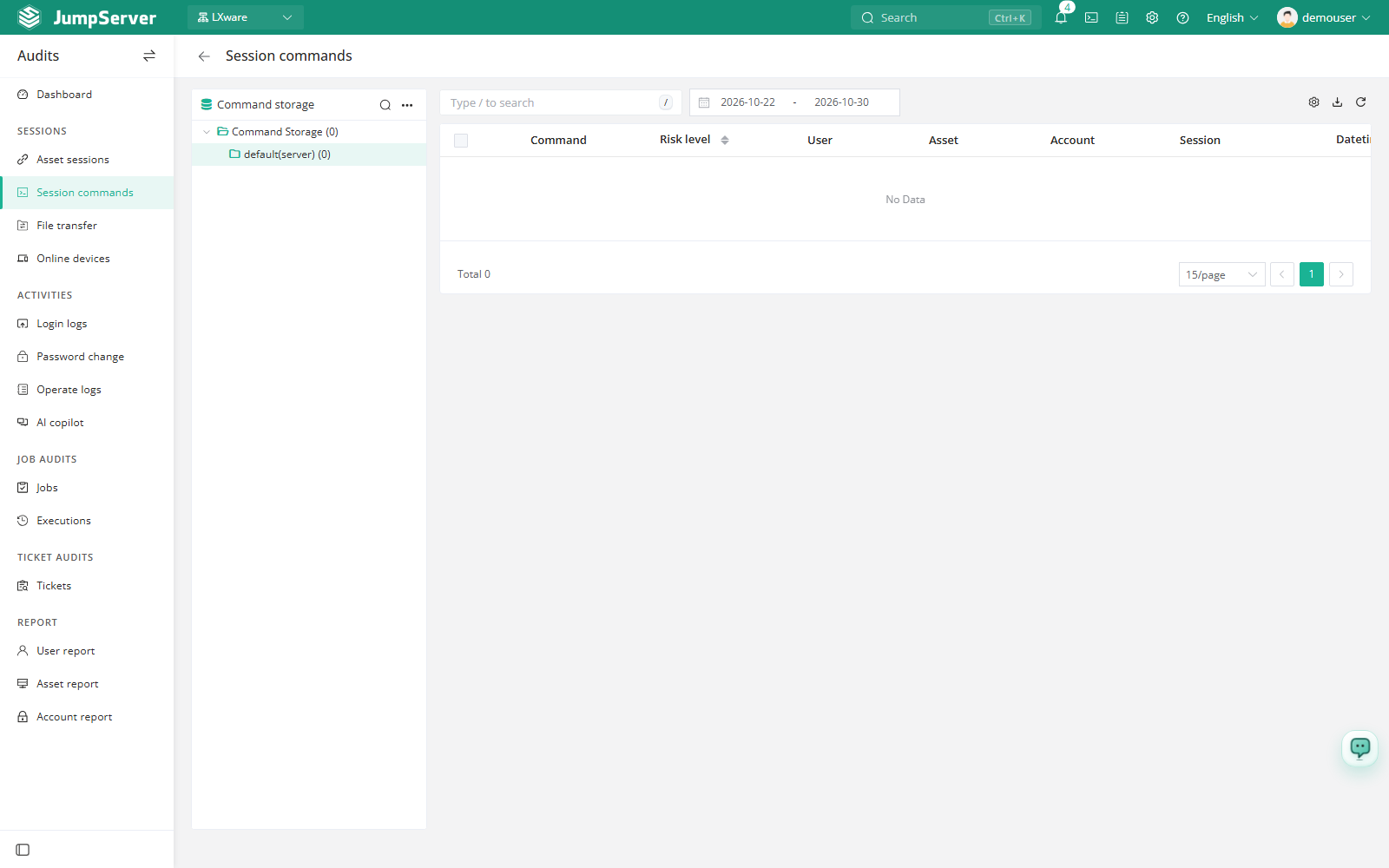
Session Commands shows the commands that were captured while users worked in asset sessions. Use it to reconstruct what happened during a session, check whether a command matched a risky command rule, and jump back to the full session record.
Open the page from Audits > Sessions > Session Commands.
Overview
The left panel is the Command storage tree. Each storage represents a command storage backend configured for the platform, such as the default server storage. Selecting a storage filters the list on the right. The list includes the command text, risk level, user, asset, account, session, and timestamp.
Rows are expandable: open a row to read the stored command output without leaving the list.
Prerequisites
- Sign in with an account that has the
terminal.view_commandpermission, such as a system administrator or auditor. - Command recording and command storage must be configured in Storage. Without a command storage, the page has nothing to list.
- Asset sessions must have produced command records.
Review commands
Select a command storage in the left tree.
Set the date range or enter a search term.
Expand a row to read the command output.
Click the value in the Session column to open the related session record.
Risk level
The Risk level column shows how command filter rules classified or handled the command, for example Accept, Warning, or Reject. Commands with a non-zero risk level, including warnings and rejected commands, are highlighted in red so they stand out in the list.
Customize columns and export
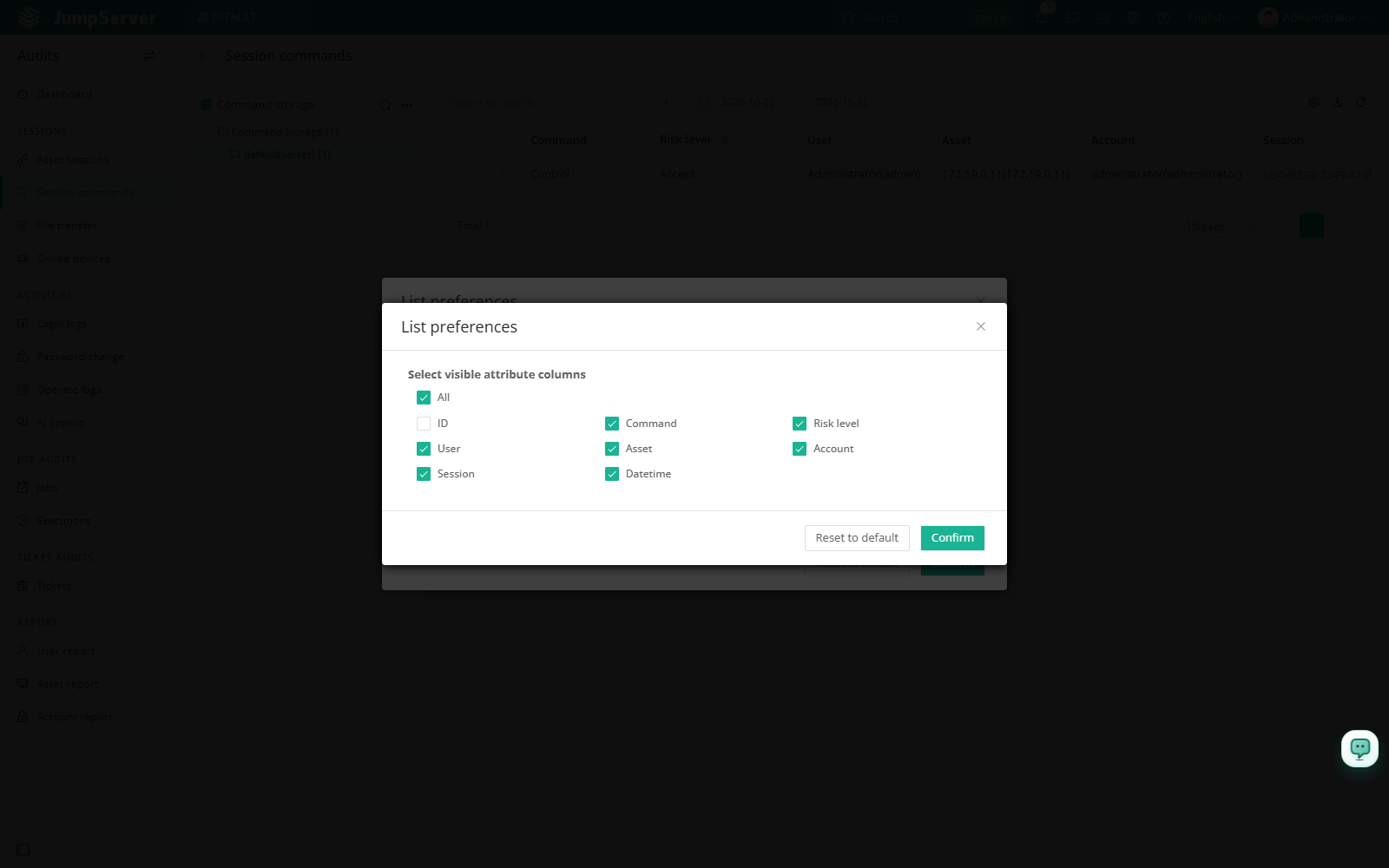
Open List preferences from the column settings icon, select the columns to display, and click Confirm. Available columns include ID, command, risk level, user, asset, account, session, and datetime. Restore defaults returns to the standard set.
Click Export, choose CSV or Excel, select Export all, Export selected, or Export search results, and click Confirm.
Field reference
Notes
Command records are read-only. If command storage is backed by Elasticsearch, search and retention follow that storage configuration, and older records may no longer be available.