

Features
Ticket, Account storage, and VirtualApp require JumpServer Enterprise Edition. Announcement, Job center, OpenBao SSH CA, and Chat AI are included in Community Edition, subject to their deployment requirements.
Features is a collection of switches and settings for optional capabilities. Each tab turns one capability on or off and exposes the parameters it needs. Some tabs are hidden when the required license or permission is missing.
Overview
Announcement
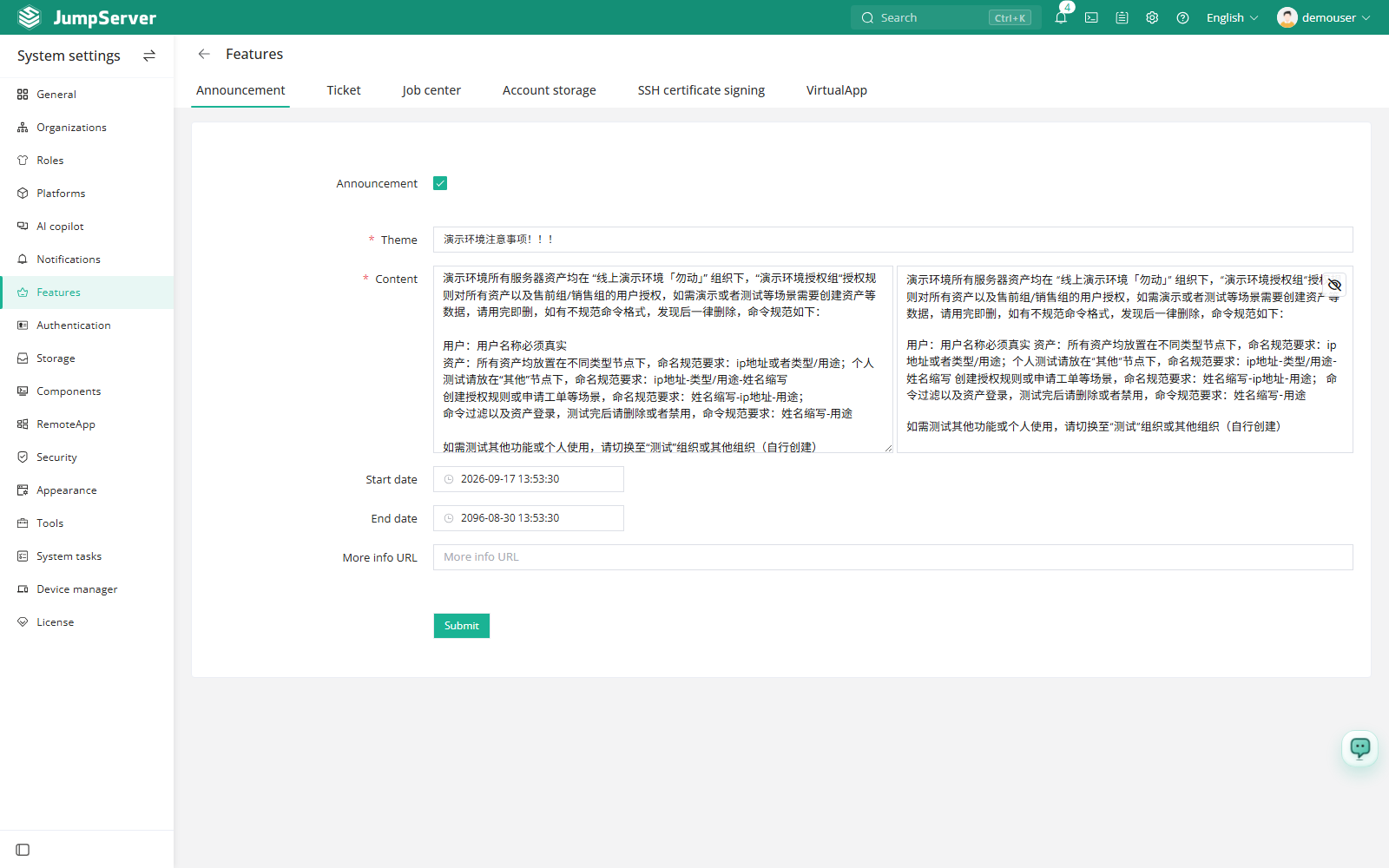
Open the Announcement tab and select Enable announcement.
Click Submit.
The announcement is displayed to all users while it is within its date window. The content and display behavior are also described in Announcements.
Ticket
Enable the Ticket tab to let users request asset authorization through a workflow. Configurable fields include approval without login and the default authorization period and unit. Approval rules themselves are maintained in the ticket module under Flow settings; see Approval workflows.
Job center
The Job center tab has two settings:
- Batch command execution enables bulk command execution from the job center and from the web terminal.
- Command blacklist lists commands that users may not run through the job center. Add commands one at a time and press Enter after each entry.
The blacklist applies to Adhoc commands in Job center.
Account storage
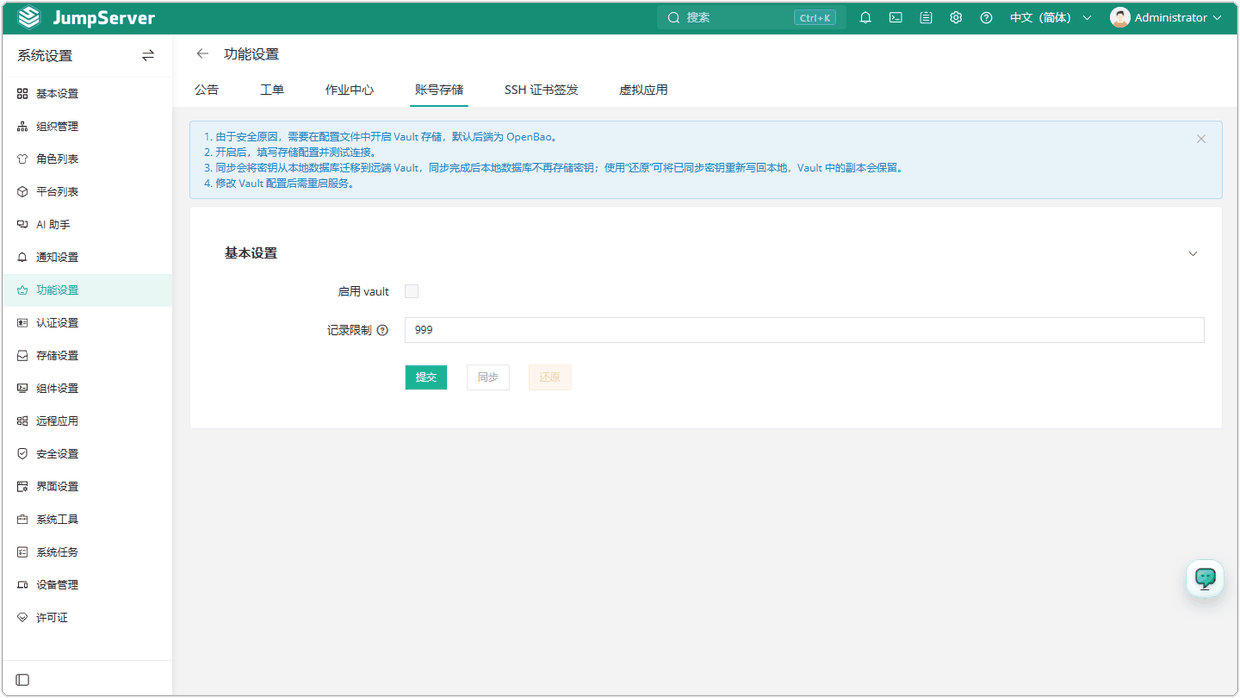
Account storage moves asset account secrets out of the local database and into an external vault. OpenBao, HashiCorp Vault, Azure Key Vault, and AWS Secrets Manager are supported.
In config.txt, set VAULT_ENABLED = true and set VAULT_BACKEND to the
storage engine you use, then restart JumpServer.
Open the Account storage tab, enter the provider connection details, and click Submit.
Click Sync to push local secrets to the vault. The sync is one-way; make a backup before you run it. A Restore action is available to write vault secrets back into the local database when you need to roll back.
After secrets are synchronized, the local database no longer stores the passwords. Back up the database first, and note that changing the vault configuration again requires a service restart.
OpenBao SSH CA
The OpenBao SSH CA tab lets JumpServer issue short-lived SSH user
certificates. Configure the OpenBao address, a least-privilege service token,
the SSH secrets mount, signing role, certificate validity, and optional source
address restriction. Save the configuration, click Test to verify the
connection, then load the CA public key and deploy it as TrustedUserCAKeys on
each Linux target server. Set the asset account credential type to SSH
certificate afterward.
Chat AI
The Chat AI tab configures the assistant's model provider, model name, and integration mode. See AI Assistant for the capability overview and configuration guidance.
VirtualApp
Enable VirtualApp to allow Linux systems to serve as application providers.
After enabling it, set PANDA_HOST_IP in config.txt and restart the service.
For the full procedure, see RemoteApp.